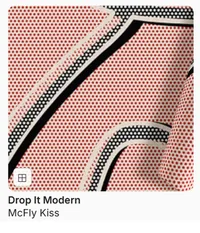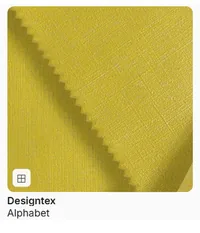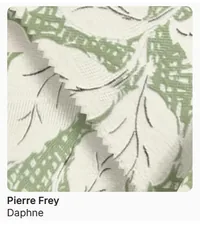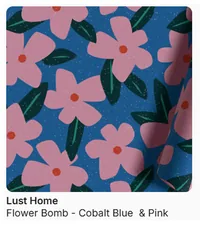










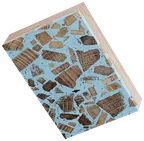

Start from a template or a blank canvas
Pick a curated template to get a composition going, or start from a blank canvas. You can also begin from products in the library, a generated concept, an FF&E schedule or a SketchUp model.

3D Material Boards
Explore real materials as Virtual Samples, develop your palette in 3D and move from visual experimentation to specification, with photorealistic sample boards and auto-populated material sheets.
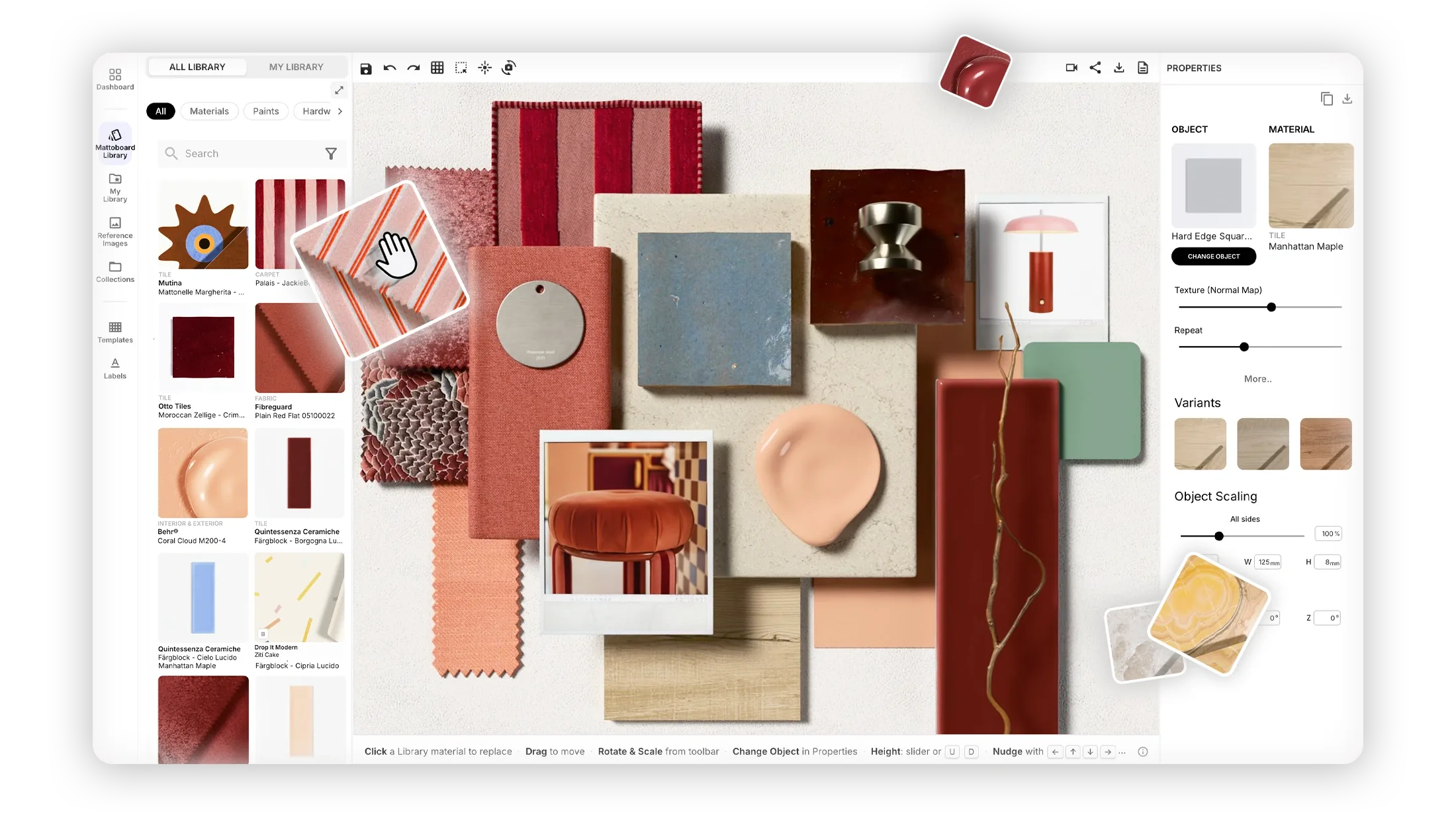
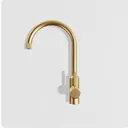
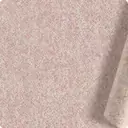
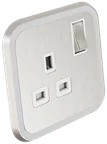
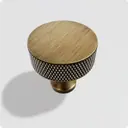
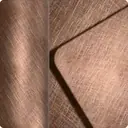
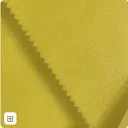
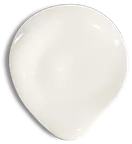
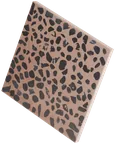
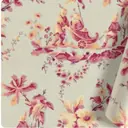
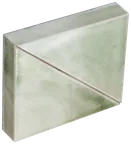
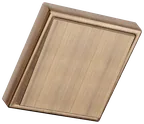
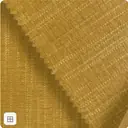
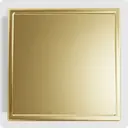
A flat image can’t show how honed marble sits beside brushed brass. On a 3D material board, Virtual Samples of real products simulate light, gloss, transparency and texture, so you can judge a palette as it really looks before you specify it.
“As CEO of I/O Atelier, this is a ground breaking addition to our toolkit & indispensable for staying ahead in a dynamic industry.”
 Steven CharltonCEO at I/O Atelier · Architecture & Interior Design · London, UK
From a first idea to a board you can present, share and specify.
Pick a curated template to get a composition going, or start from a blank canvas. You can also begin from products in the library, a generated concept, an FF&E schedule or a SketchUp model.
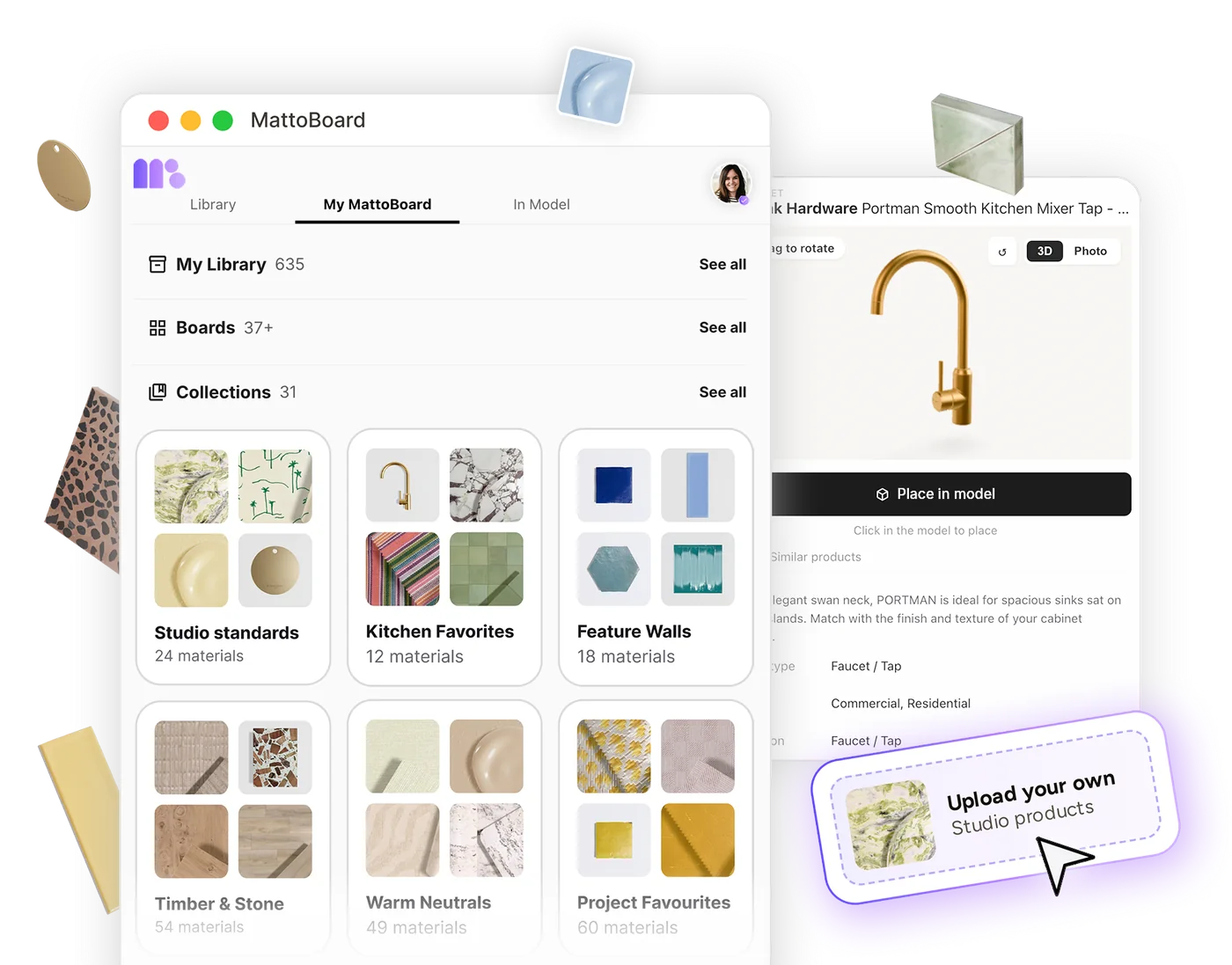
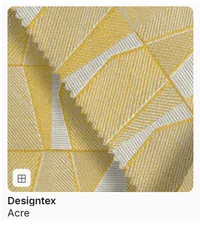
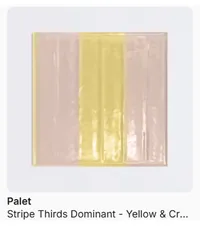
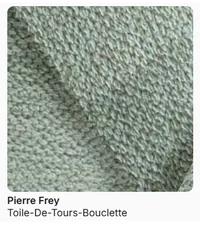
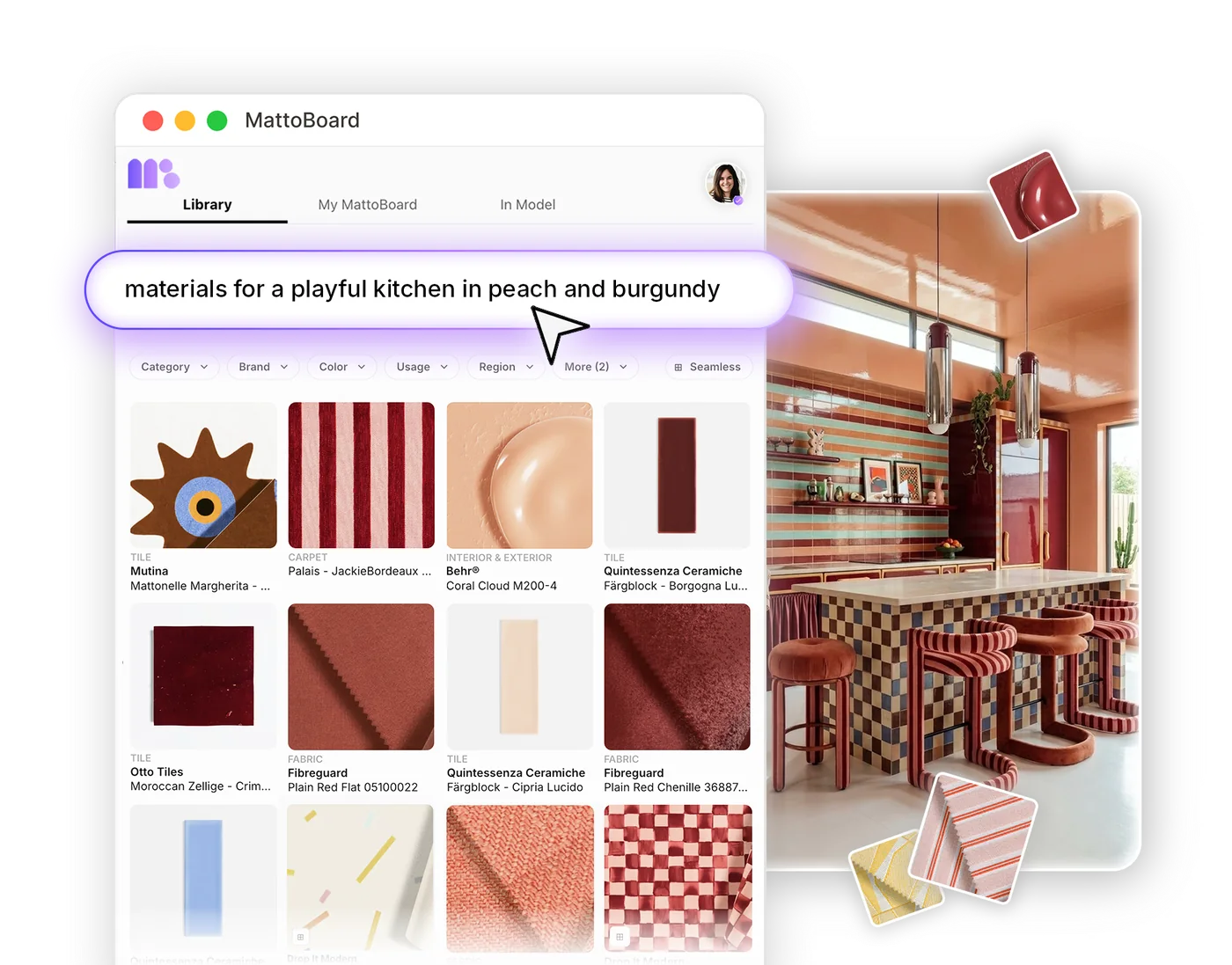
Search real materials and products from hundreds of A&D brands and compose them as Virtual Samples, so you can see how real stone, timber, fabric and hardware work together before you commit.
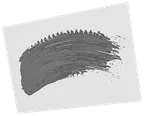
Bring in your own imagery too: uploaded photos, materials and the paints you’ve mixed, all from My Library.
Bring together 50,000+ materials, finishes and products from real brands, then adjust the board’s lighting to see how their textures, sheen and shadows work together, so you can judge a palette in the conditions it will be seen.
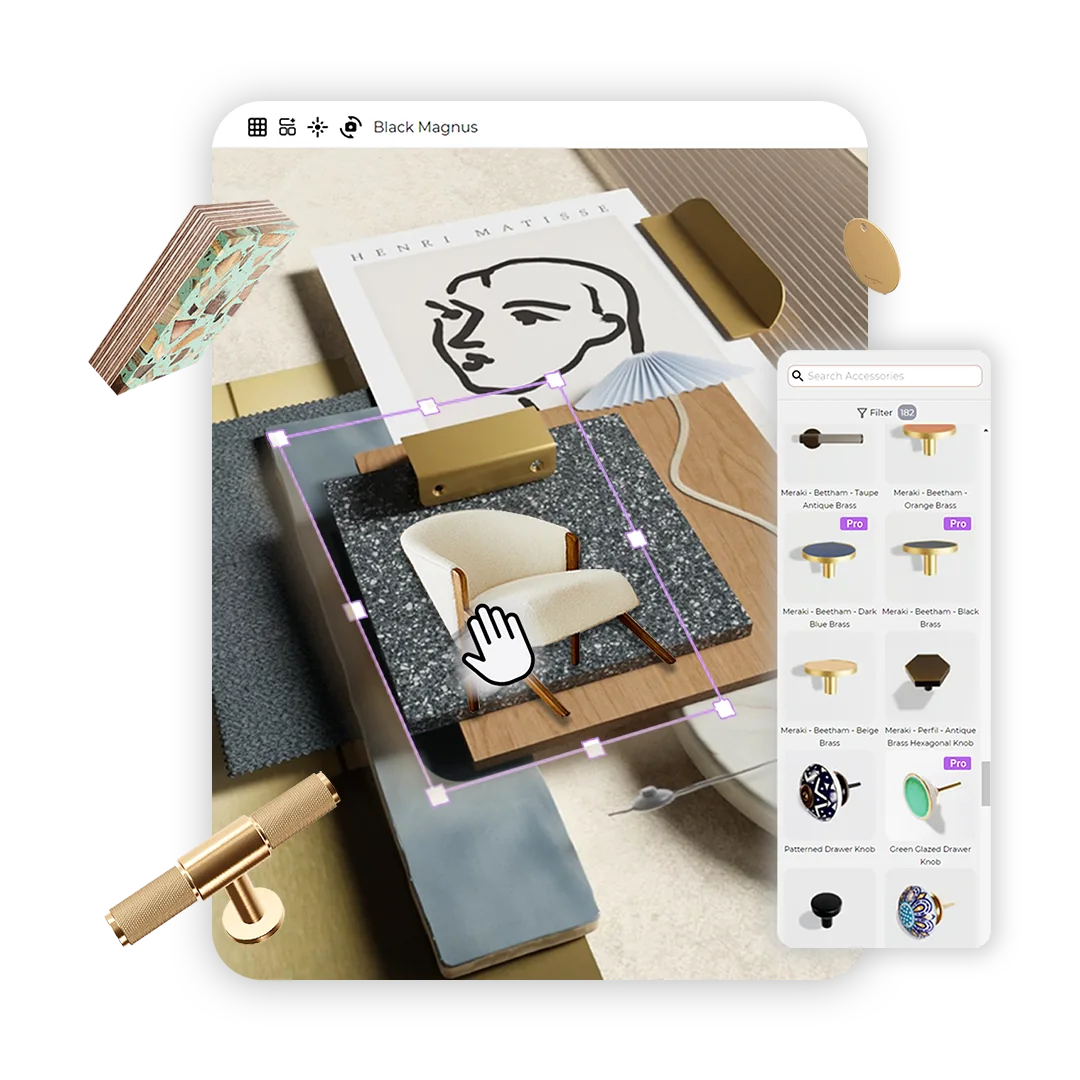
Bring reference images, furniture photos and inspiration into your 3D material board alongside real material samples. Remove image backgrounds to isolate furniture and products for a cleaner composition.
Turn your board into a photorealistic image in one click with DeepRender. It’s a polished way to present a material scheme in client decks, proposals and social posts, with every finish shown as the real product it is.

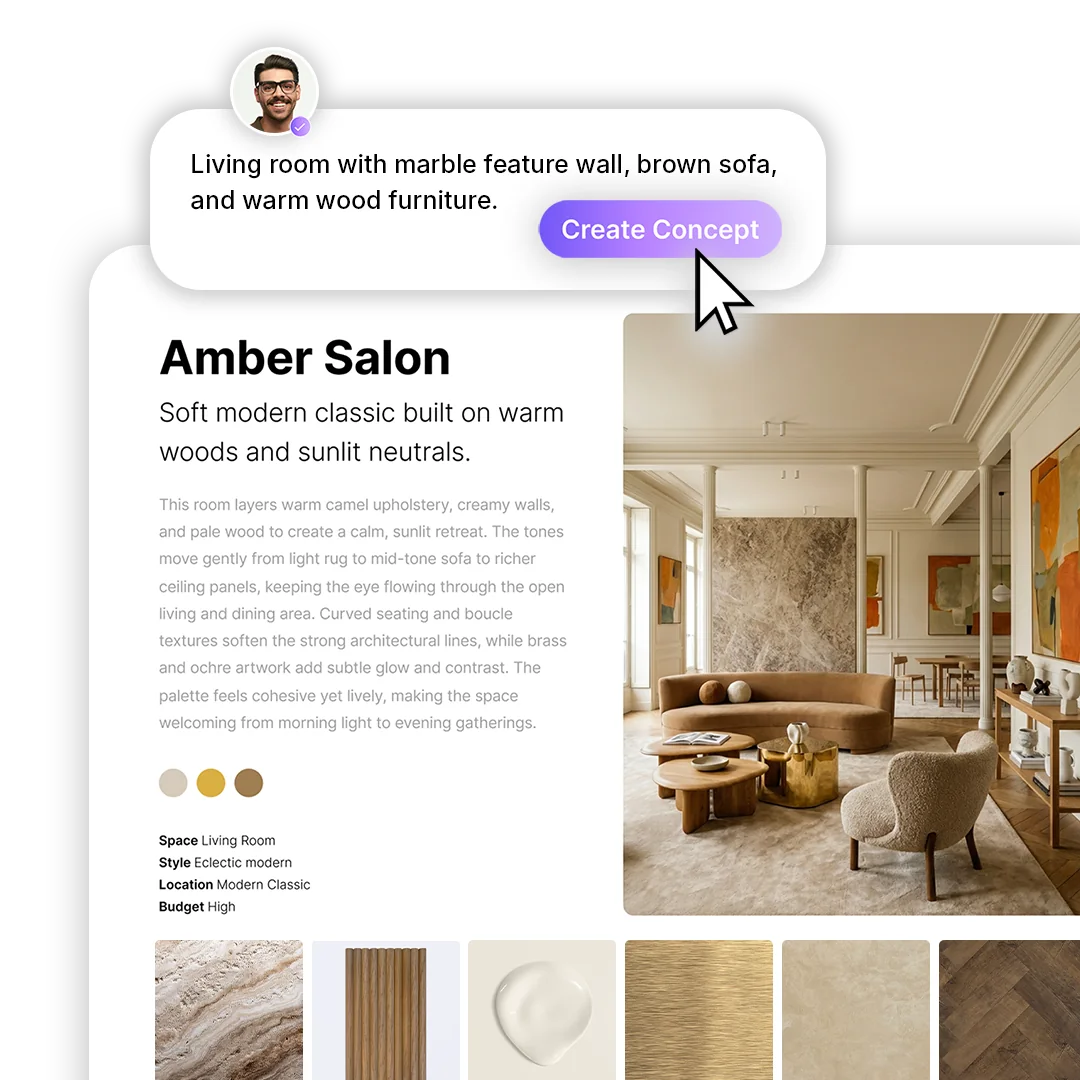
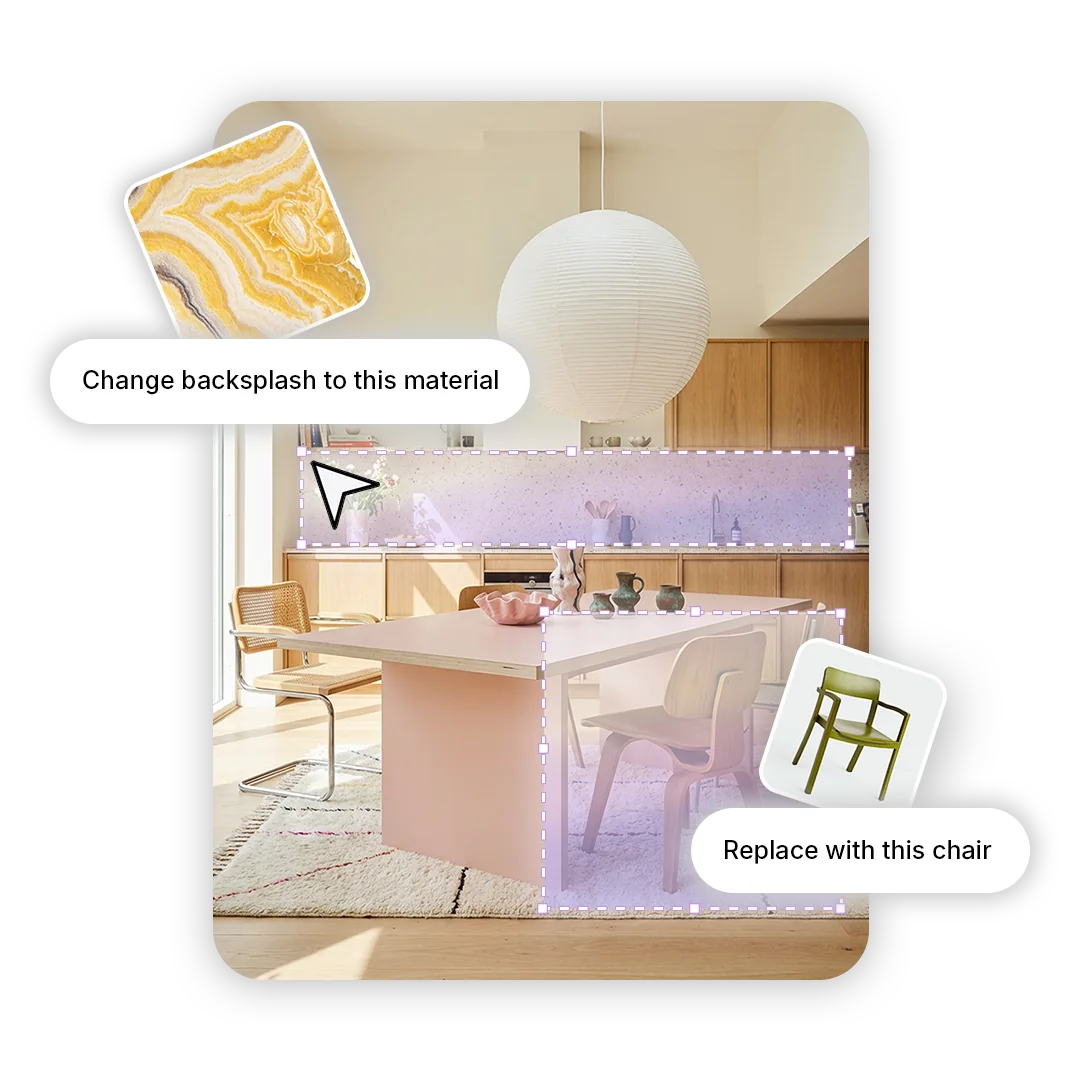
Turn a generated concept or an edited interior image into a 3D material board. Its matched real products arrive on the board as Virtual Samples, ready to arrange, test under different lighting and present.
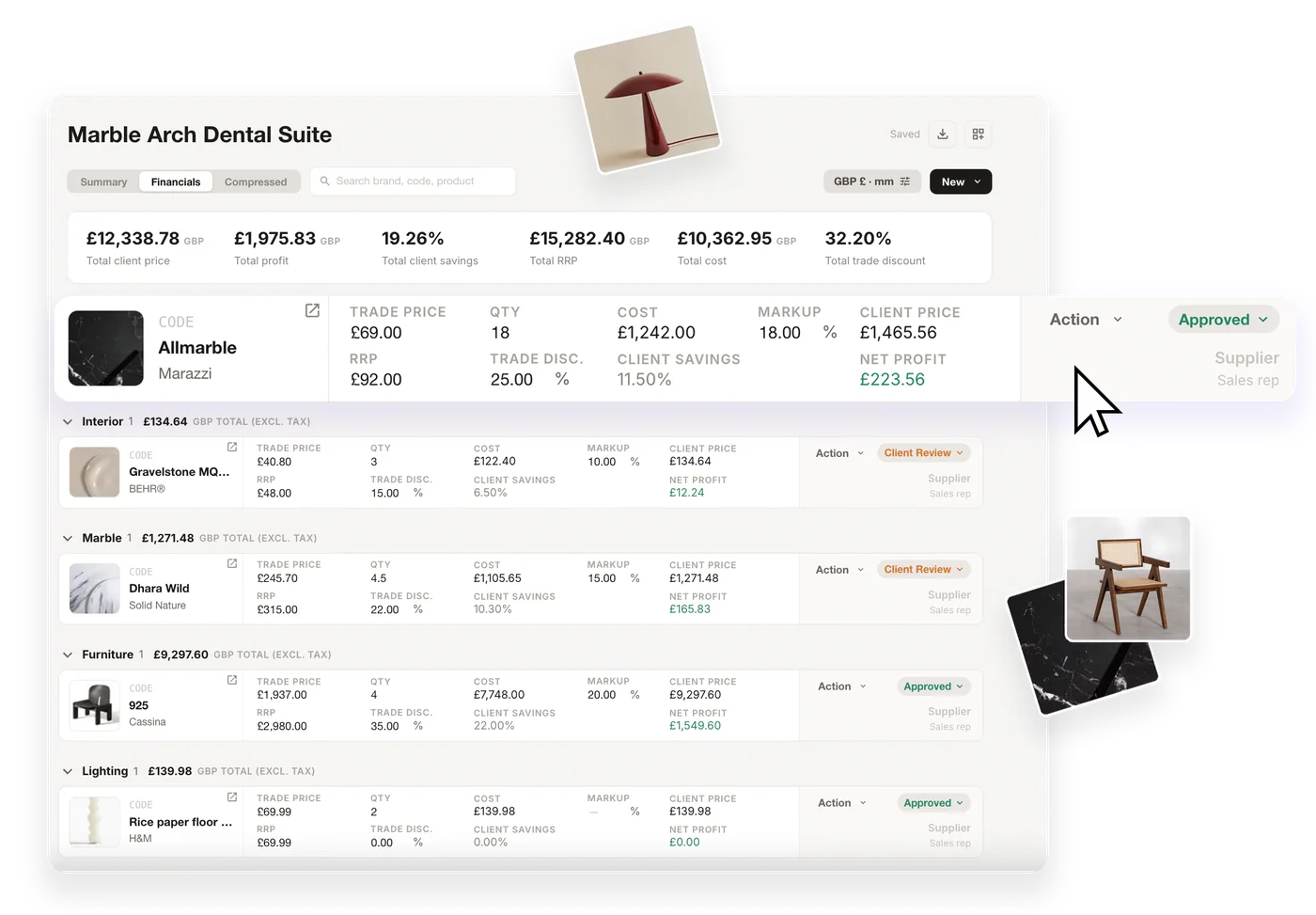
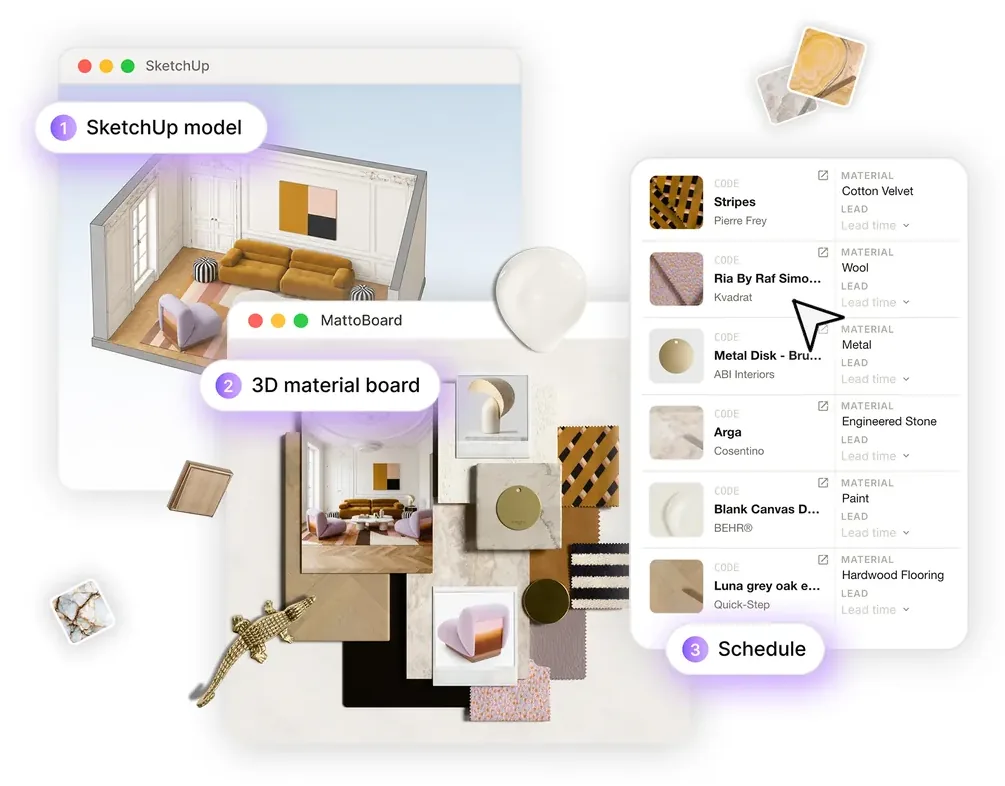
Every board generates an auto-populated material sheet of its real products, with their details and links.
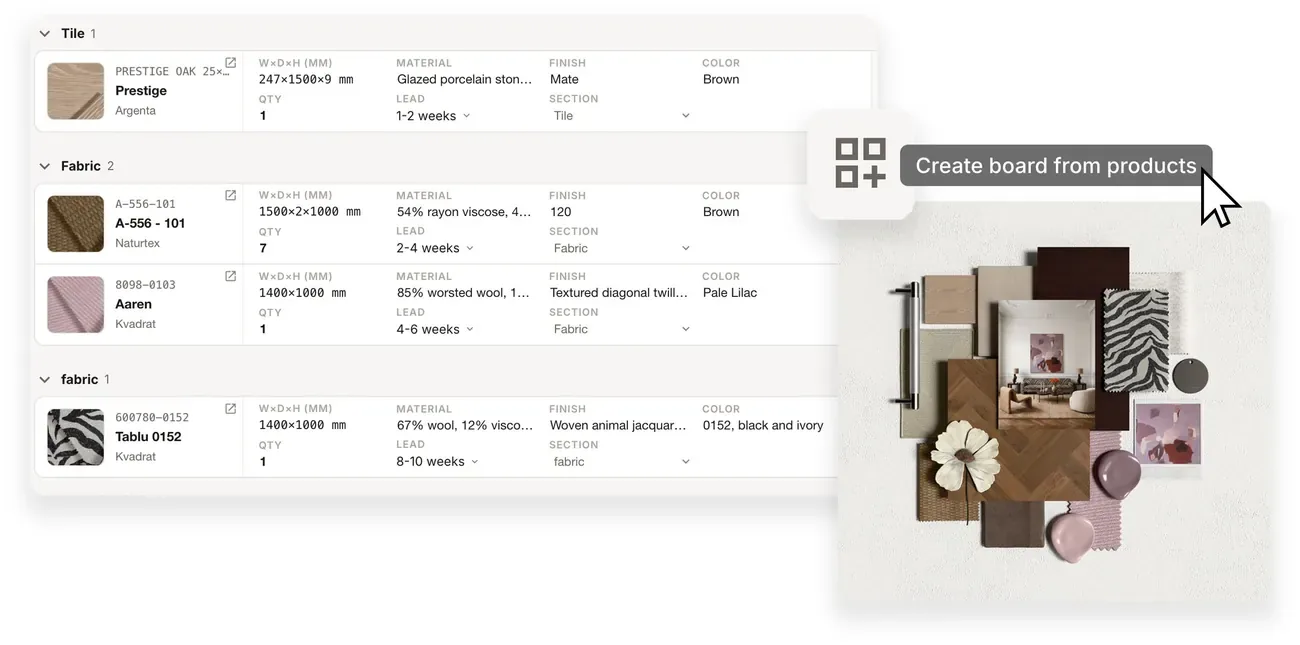
Carry board selections into an FF&E schedule when you’re ready to specify, or work the other way and create a 3D material board straight from the products in a schedule.
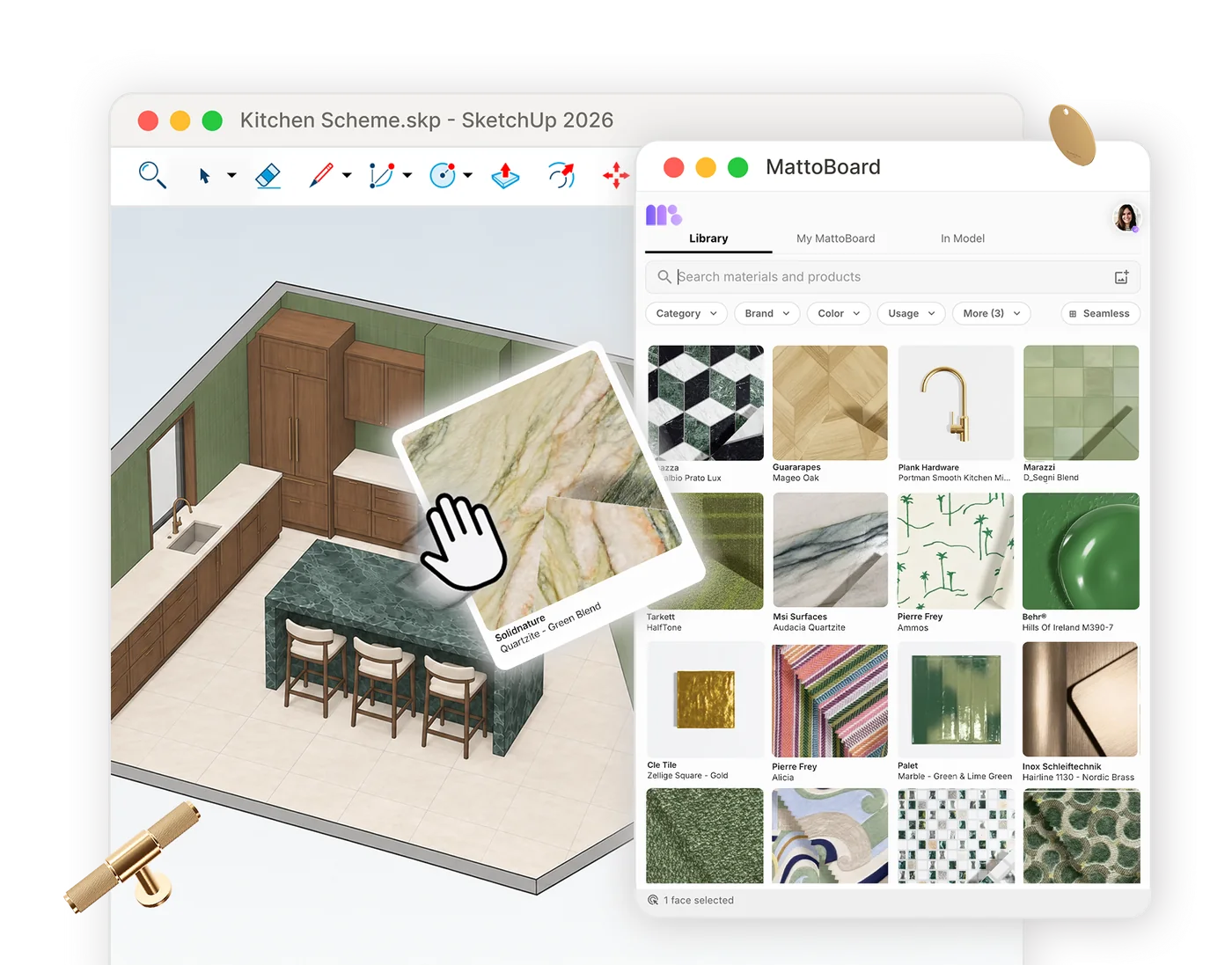
Open your boards in the MattoBoard extension for SketchUp and apply their real materials to your model at real-world scale, so the palette you tested on the board carries straight into the design.
Coming soon with Teams & Shared Studio Library: share boards, collections and projects across your studio, and build one Studio Library of the materials and products your team trusts, so every board starts from the same palette.

Search 50,000+ real materials and products, then add them to a board as Virtual Samples.
Build realistic 3D material boards with real products, templates and accessories.
Turn a generated concept into a 3D board, or render the board as a photorealistic image.
Swap materials and products in any image with real, specifiable products.
Generate a 3D material board straight from the materials in your SketchUp model.
Get started
Explore real products as Virtual Samples and build a board you can present, share and specify.