


















Shared Studio Library
Give your studio a material and product library that belongs to the firm. Team members contribute to it and keep it up to date, so everyone works from a common source and the studio reuses its selections across projects.
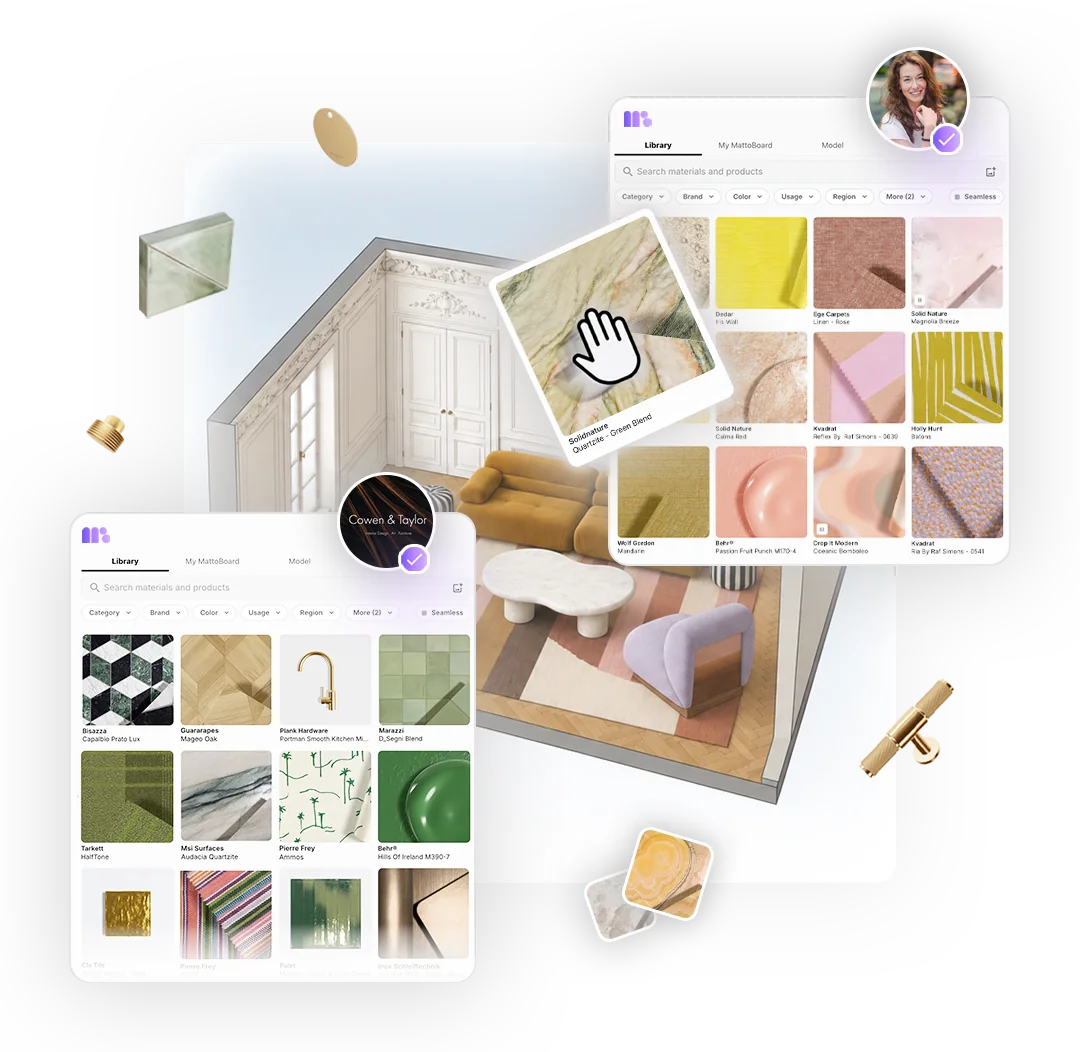
Teams & Shared Studio Library
Bring your studio’s materials, boards, collections and projects together in a team workspace, with a shared library your team can build and reuse.
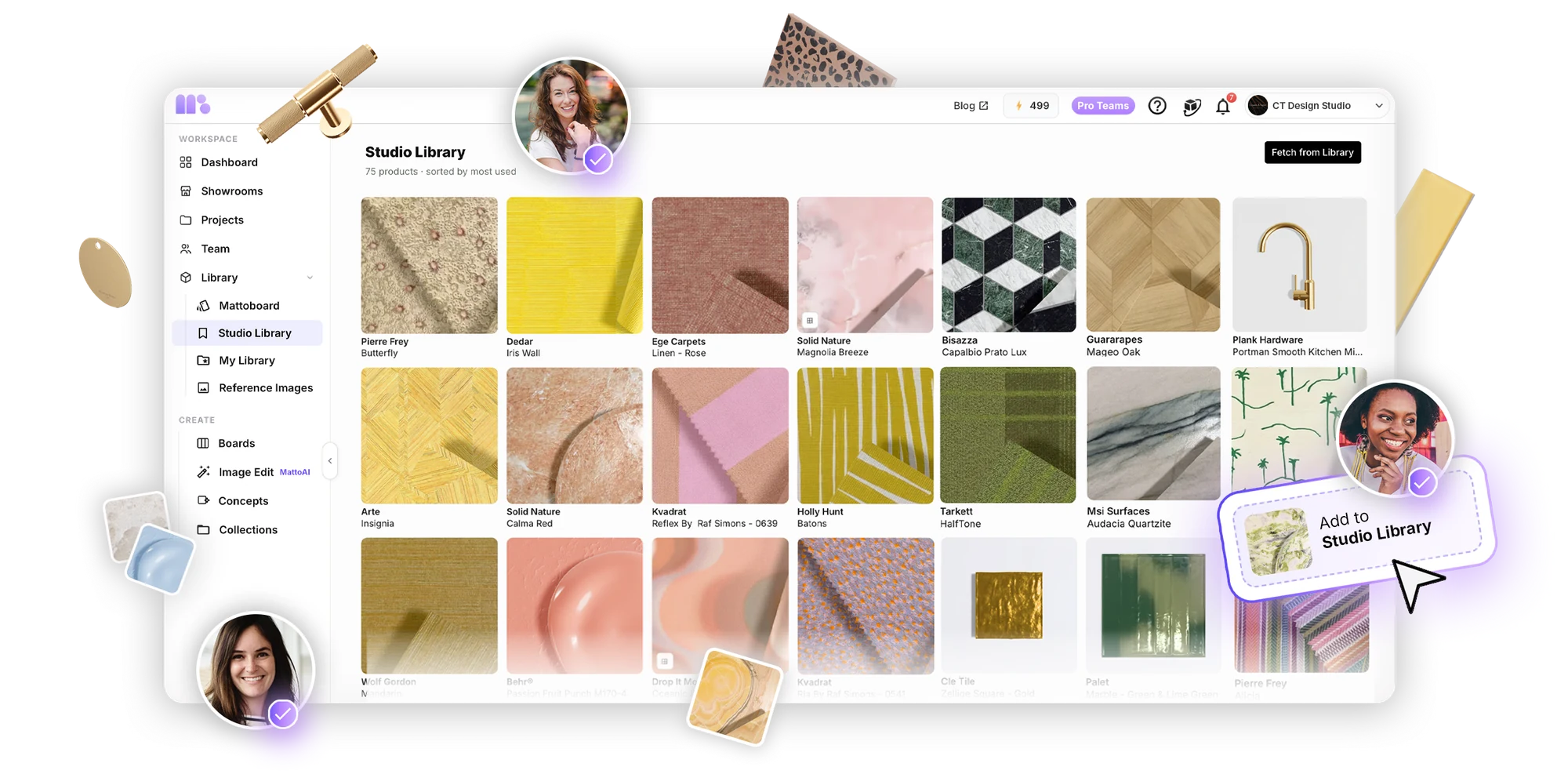
Bring your team’s materials, boards, collections and projects together in one workspace, with a shared Studio Library and tools to support your design process.
Give your studio a material and product library that belongs to the firm. Team members contribute to it and keep it up to date, so everyone works from a common source and the studio reuses its selections across projects.
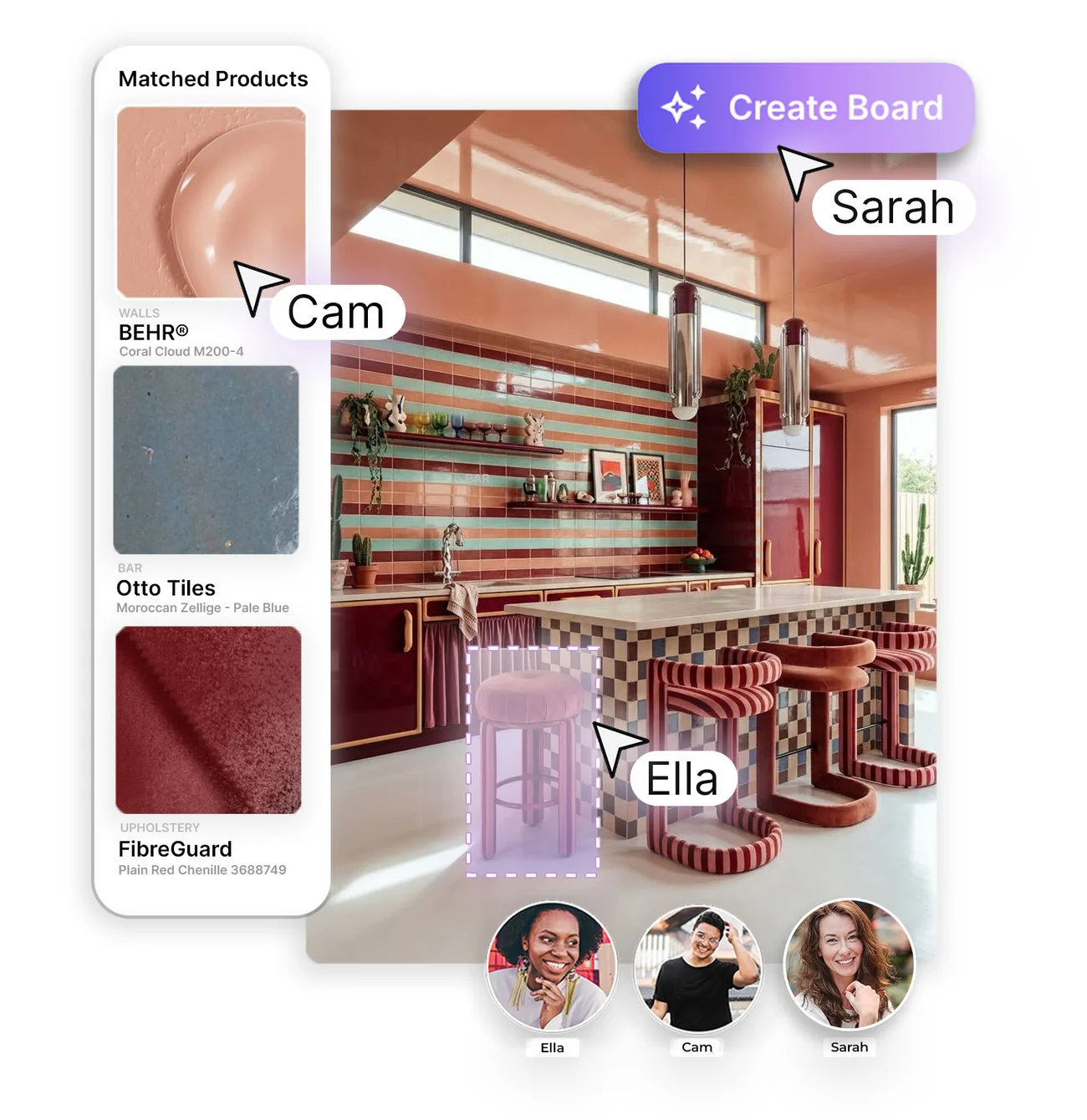
Share boards and collections with team members and choose view or edit permissions for each one, so the studio’s selections stay organised and easy to find.

Create concepts and edit images from inside the team workspace, drawing on the team’s shared credit balance.
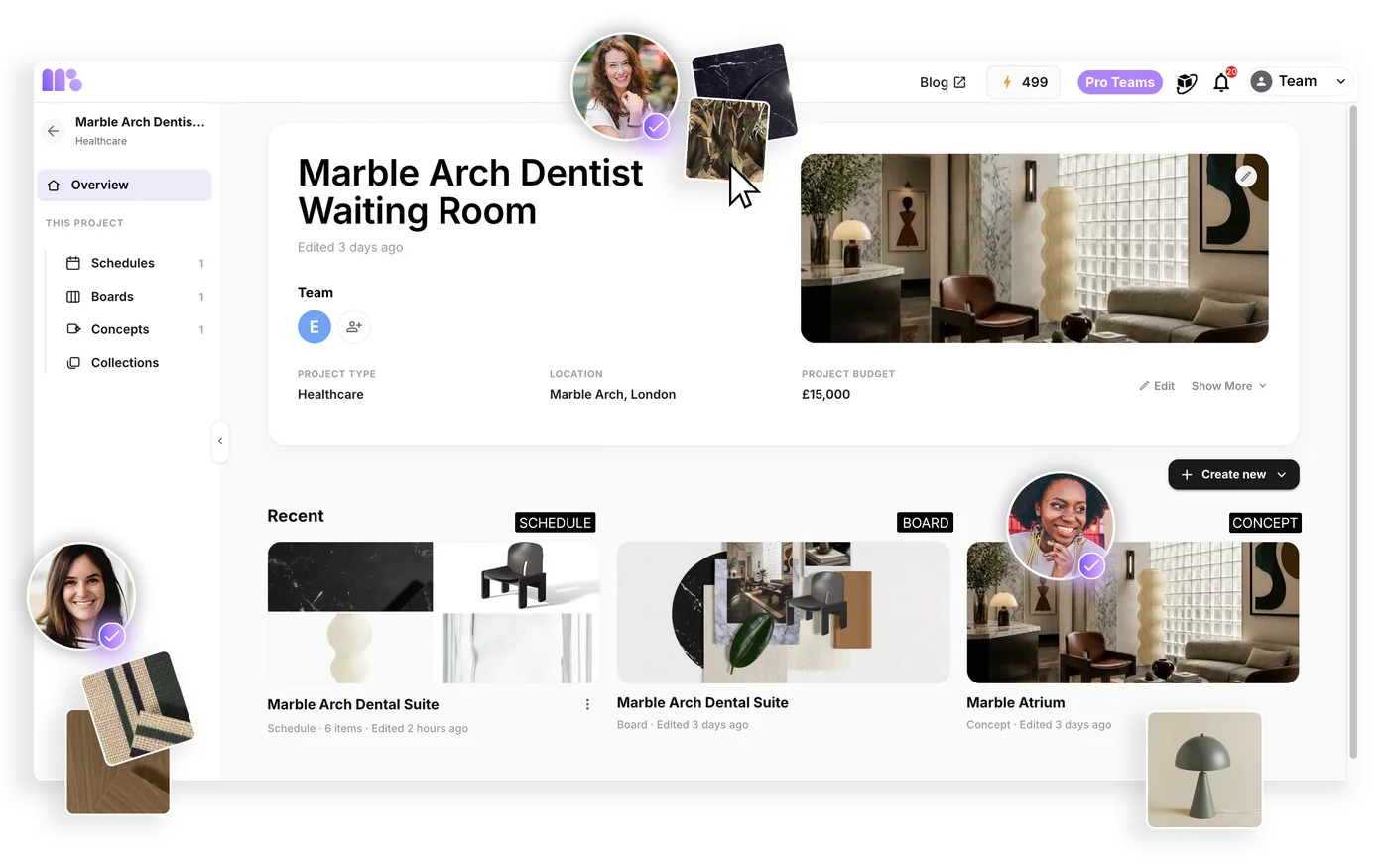
Keep the studio’s projects together in the team workspace, so every client job has one shared home that the whole team can find and work in.
Clear controls for the people who run the studio’s account.
Invite colleagues to join the studio’s team workspace.
Set each member’s role in the team.
Add or reassign seats as the studio changes.
Purchase additional credits for the team when you need them.
Manage team settings, including an option to restrict invitations to your studio’s email domain.
Get started
Share one material library, boards and collections, and keep your projects organised in a team workspace.