













My Library & Collections

Build your own material library and collections

Keep every product you love in My Library. Clip it from a supplier website, upload your own materials and products or mix a custom paint, then organise favourites into collections you can reuse on every project.

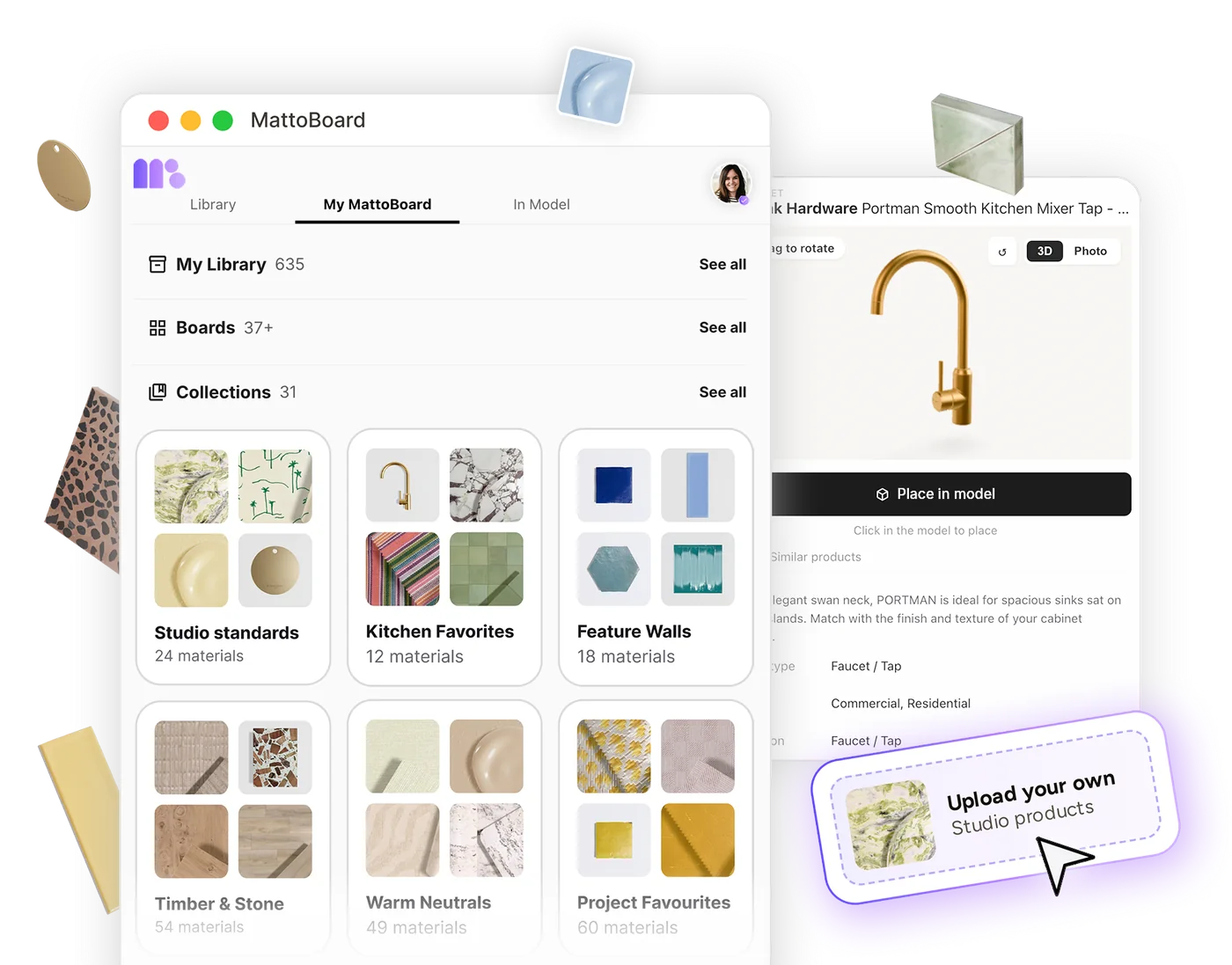
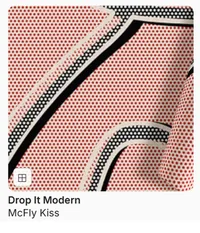
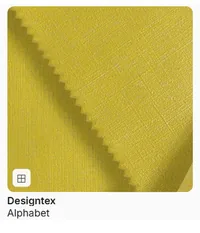
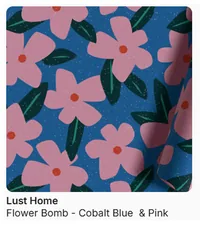
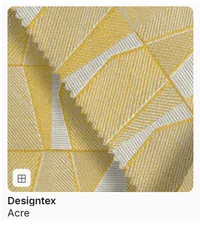
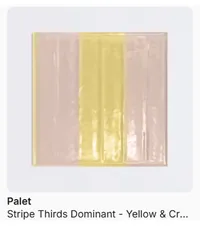
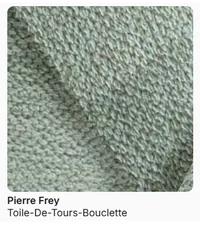
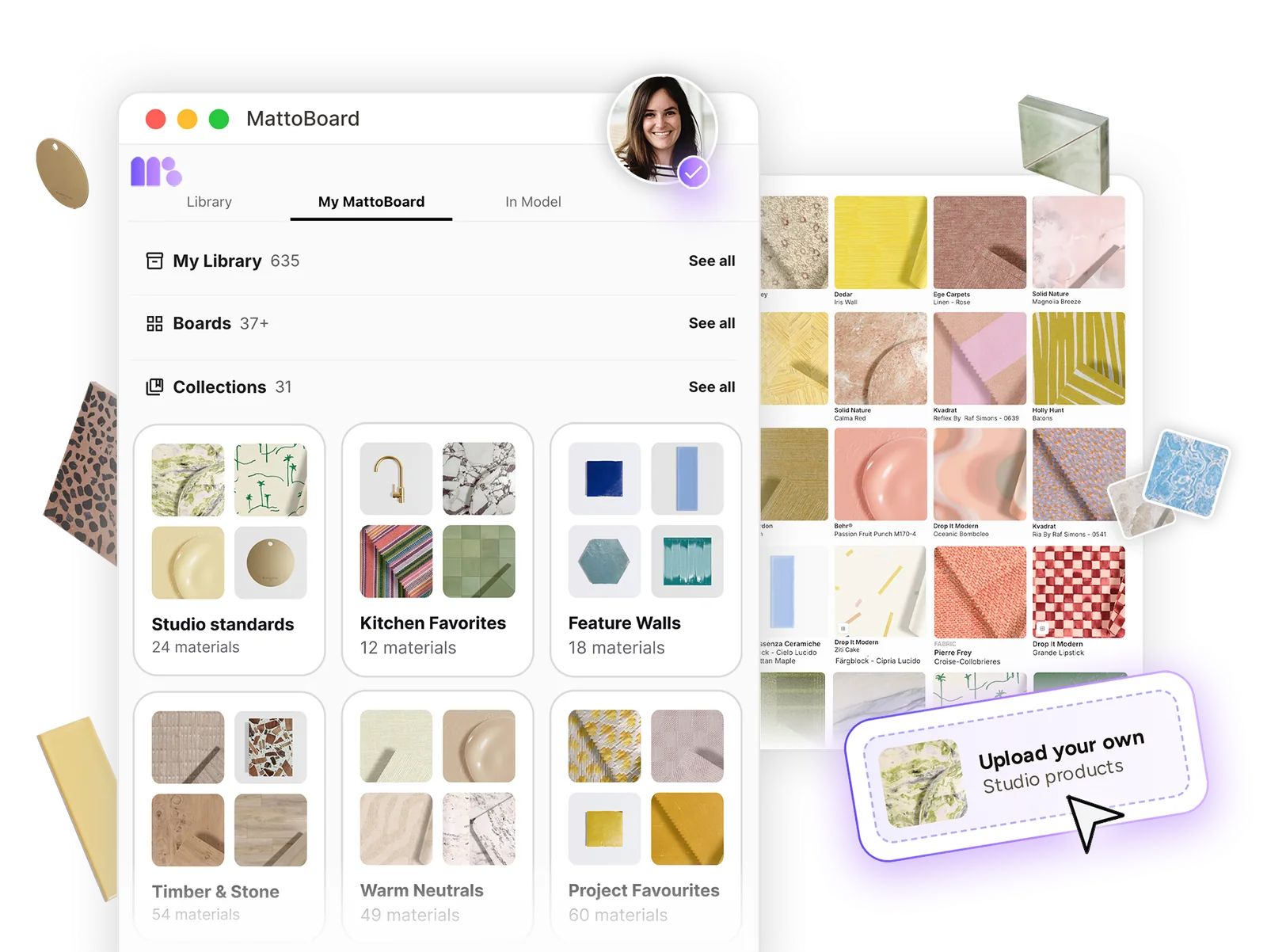
My Library in MattoBoard with saved boards and named material collections, alongside a grid of real branded materials and an option to upload your own studio products

Four ways to build your personal material library

Add your materials and products in the way that works best for you, and build your own material library.

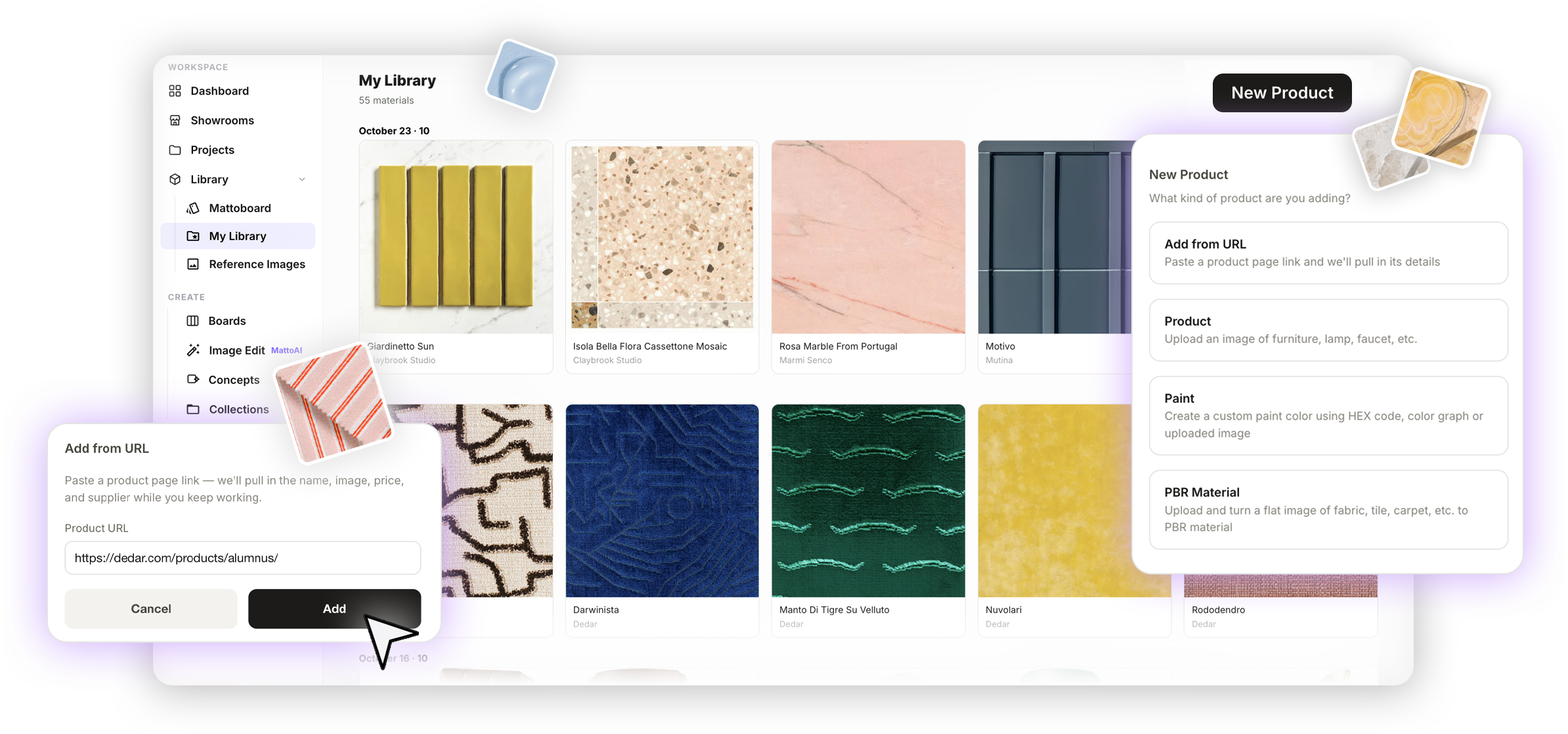
My Library in MattoBoard with the New Product menu, showing Add from URL, Product, Paint and PBR Material, and a product link being added from a supplier website
  • Add from URL

    Paste a product page link to bring in its name, image, price and supplier where available, so products from any website sit alongside your other selections.

  • Upload a product

    Add an image of furniture, lighting, hardware or any other product with its details, ready to use on boards and in schedules.

  • Create a paint colour

    Mix a custom paint from a HEX code or with the colour picker, and keep it ready for boards and models.

  • Upload a PBR material

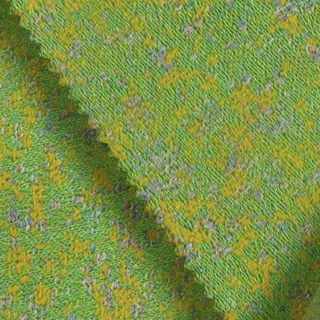
    Turn a flat image of a fabric, tile or carpet into a material with realistic texture and finish that responds to changing light.
Put your library to work

Move saved selections into projects, keep favourites organised and start from curated ideas.

Add materials from My Library to boards, collections and schedules

Select materials and products in My Library and add them to an existing board, collection or FF&E schedule—or create a new one from your selection.

Selecting items in the MattoBoard library and adding them to a board, collection or schedule

Organise your materials and products into collections

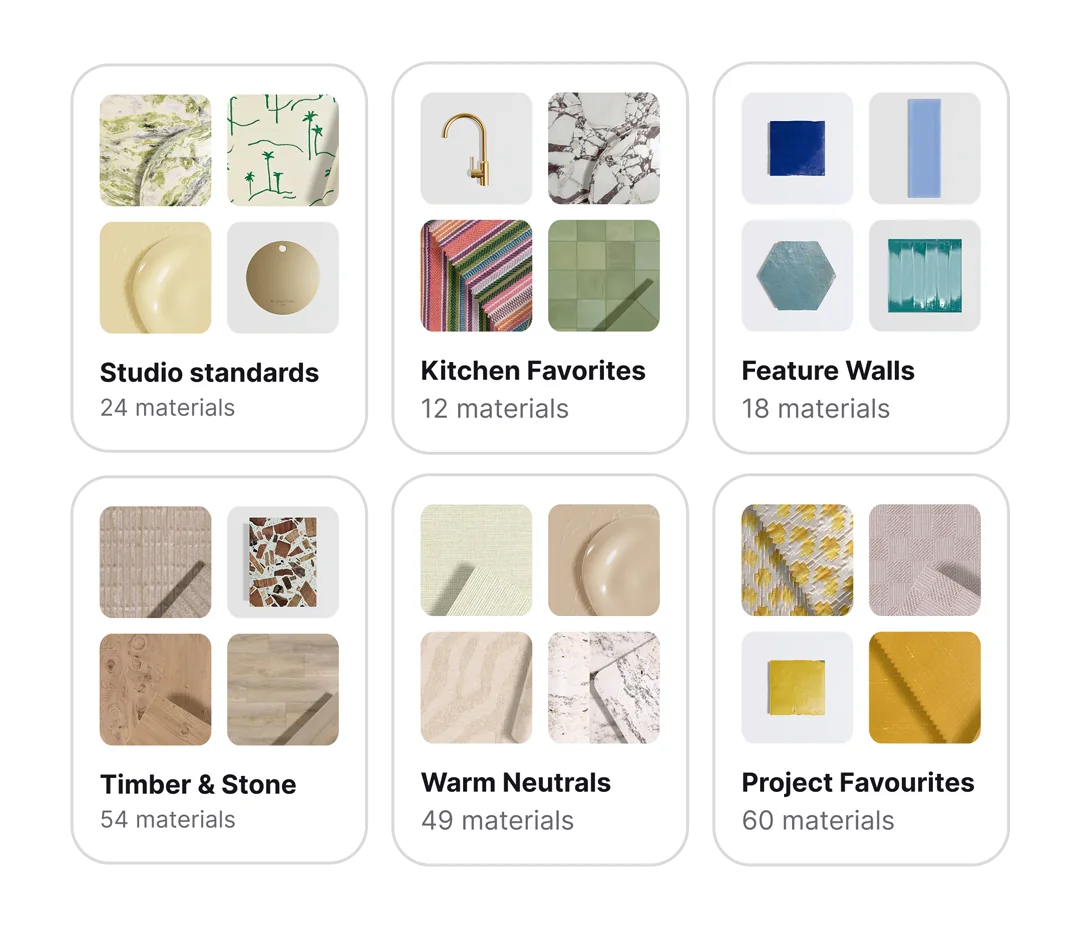
Create named collections to organise your material library by project, room, material type or colour palette. Keep fabrics, finishes, furniture and other products together in a way that suits your design process.

Keep your most-used materials, favourite finds and project selections organised and easy to reuse.

Share collections with colleagues or clients, and find collections others have shared with you under Shared with Me.

Named material collections in MattoBoard, such as Kitchen Favourites, Feature Walls and Timber & Stone, each showing its materials

Explore curated collections

Discover MattoBoard’s curated collections, with coordinated materials, products, a design concept and a ready-made 3D material board. Explore the complete look for inspiration, then customise the board to make it your own.

Where My Library & Collections fits in the workflow

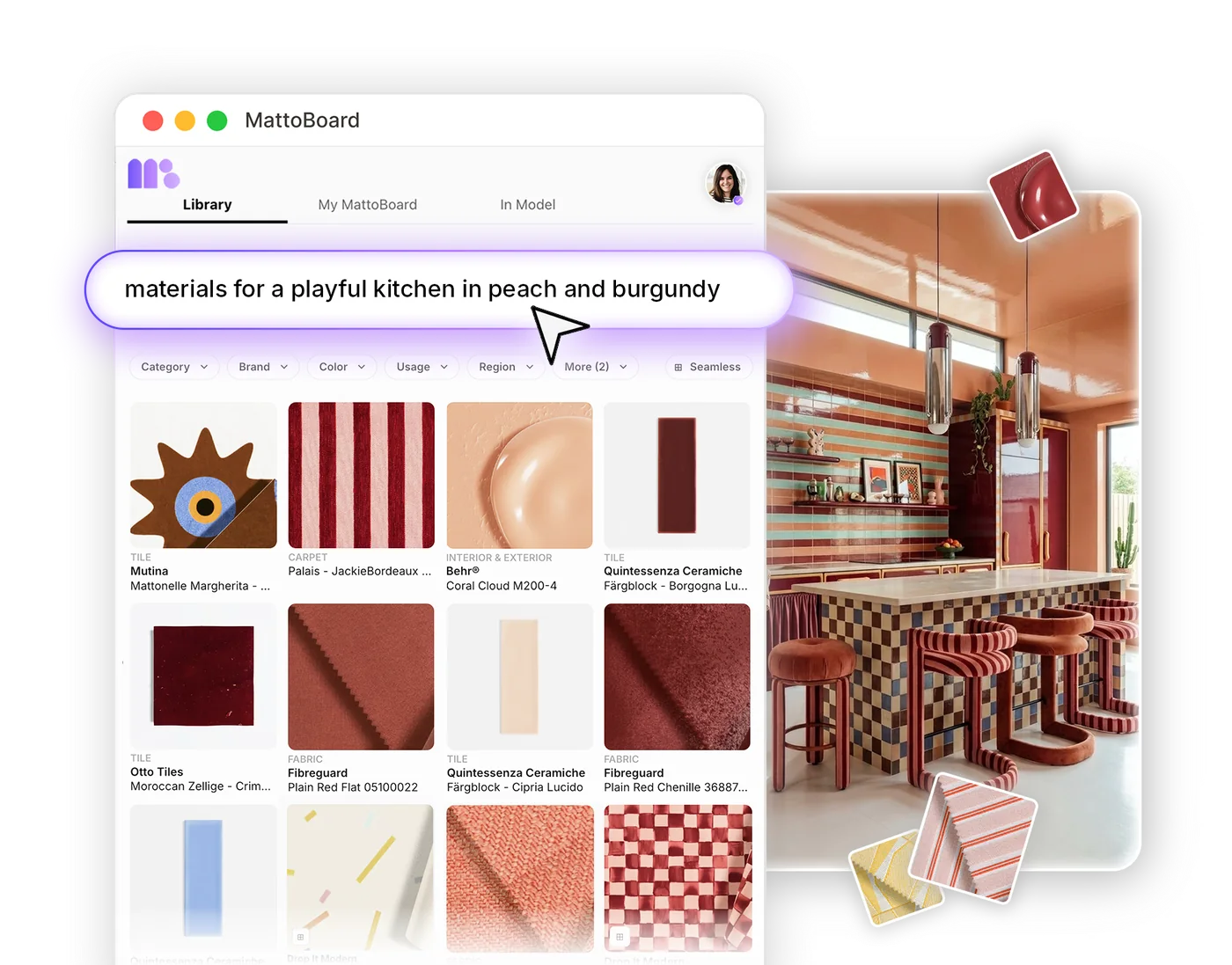
Search 50,000+ real materials and products, then save the ones you like to My Library.


Searching real materials in MattoBoard

Build My Library with uploads, clipped products and custom paints, and organise favourites into collections.

Collections and My Library in MattoBoard

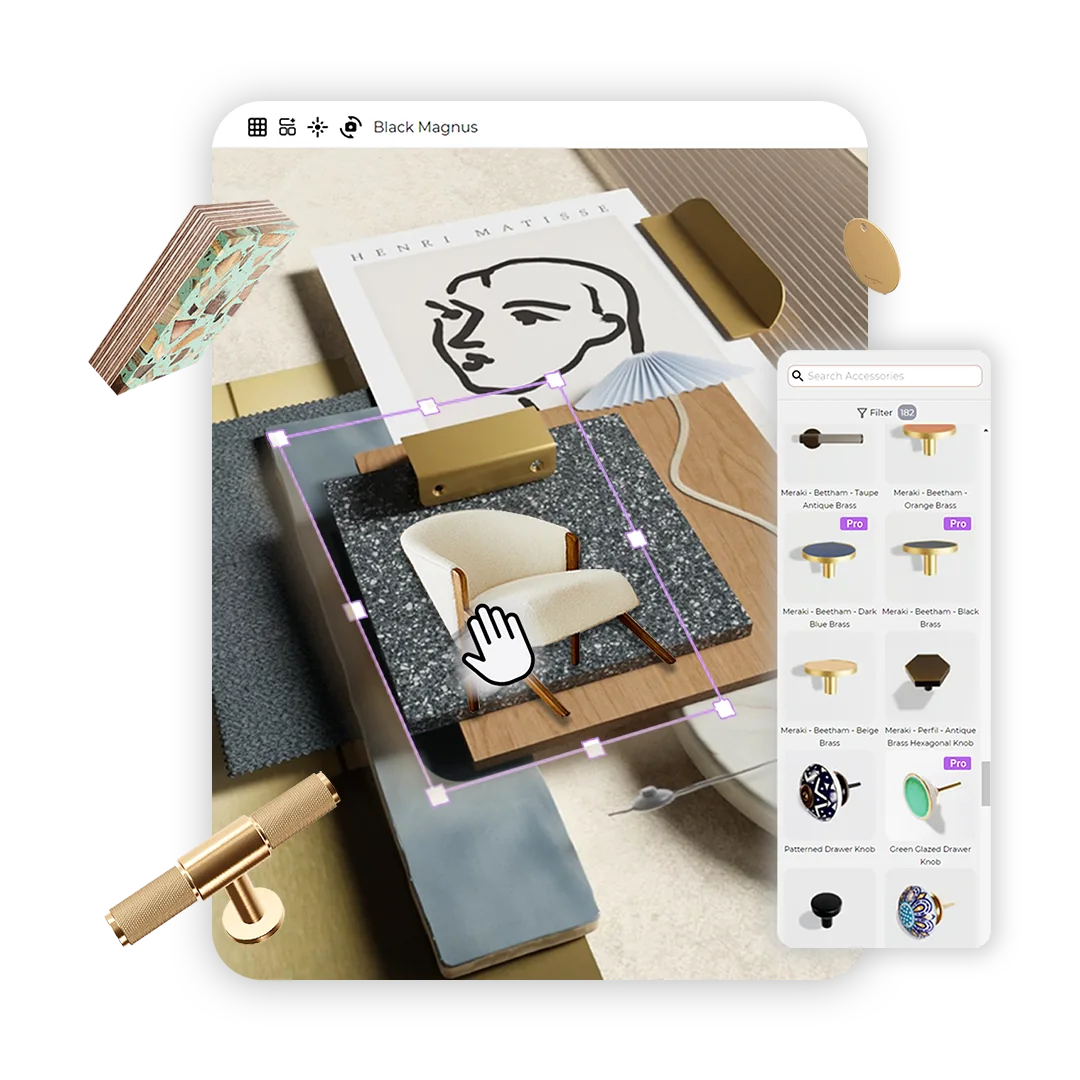
Add saved materials and products to a 3D material board.

Arranging a 3D material board in MattoBoard

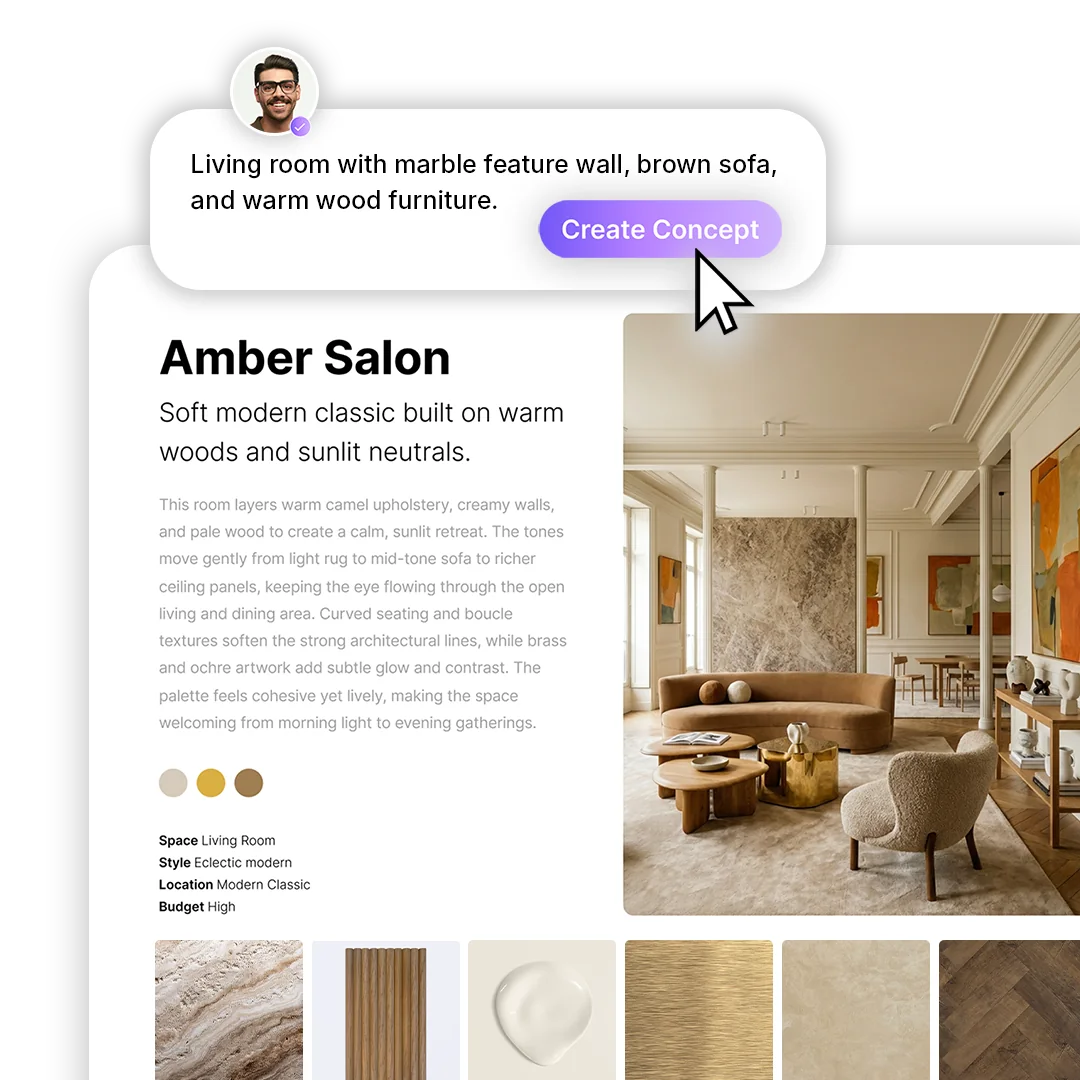
Use your own materials and products in concept imagery.

Generating an interior concept in MattoBoard

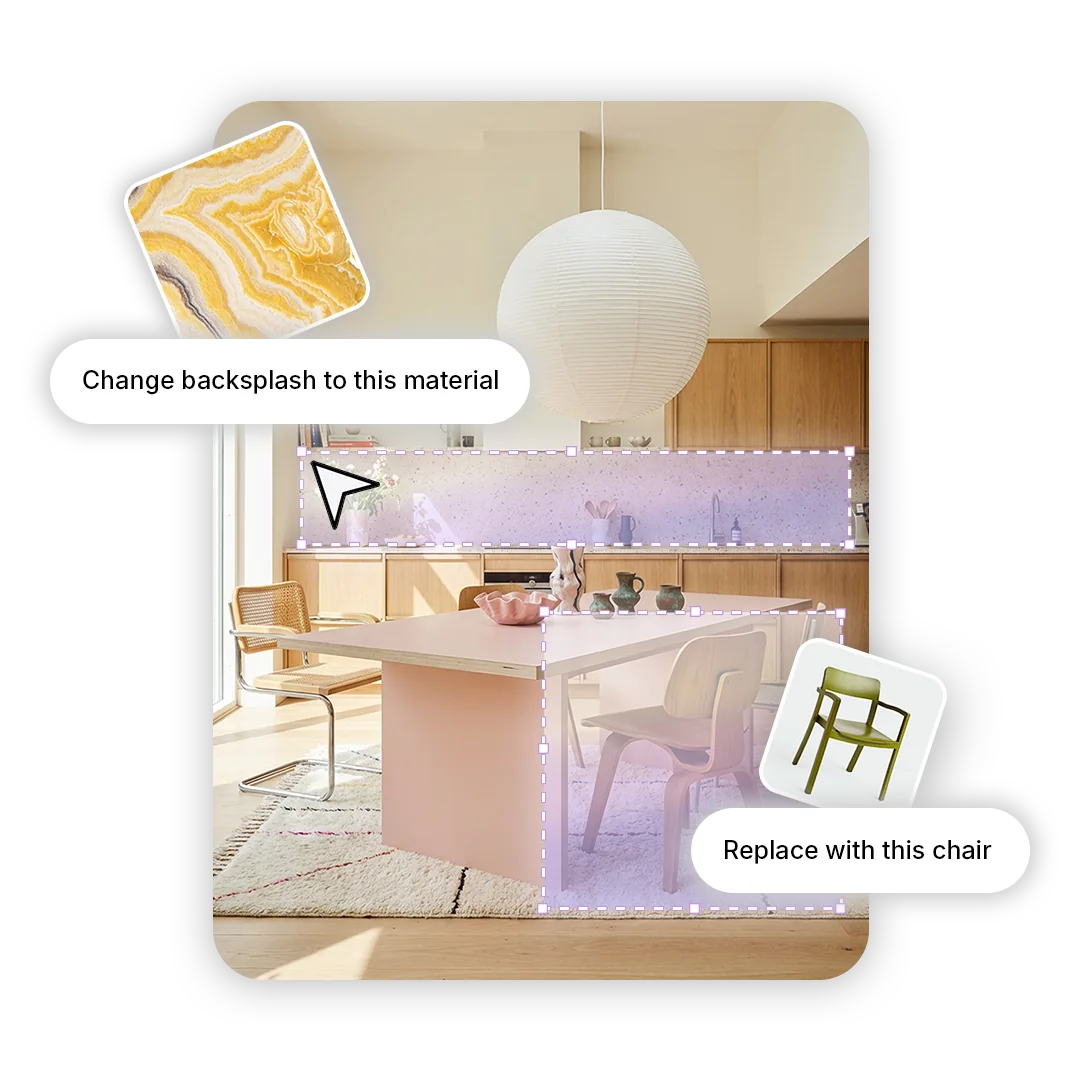
Swap materials from My Library into any interior image.

Swapping a material in an interior image in MattoBoard

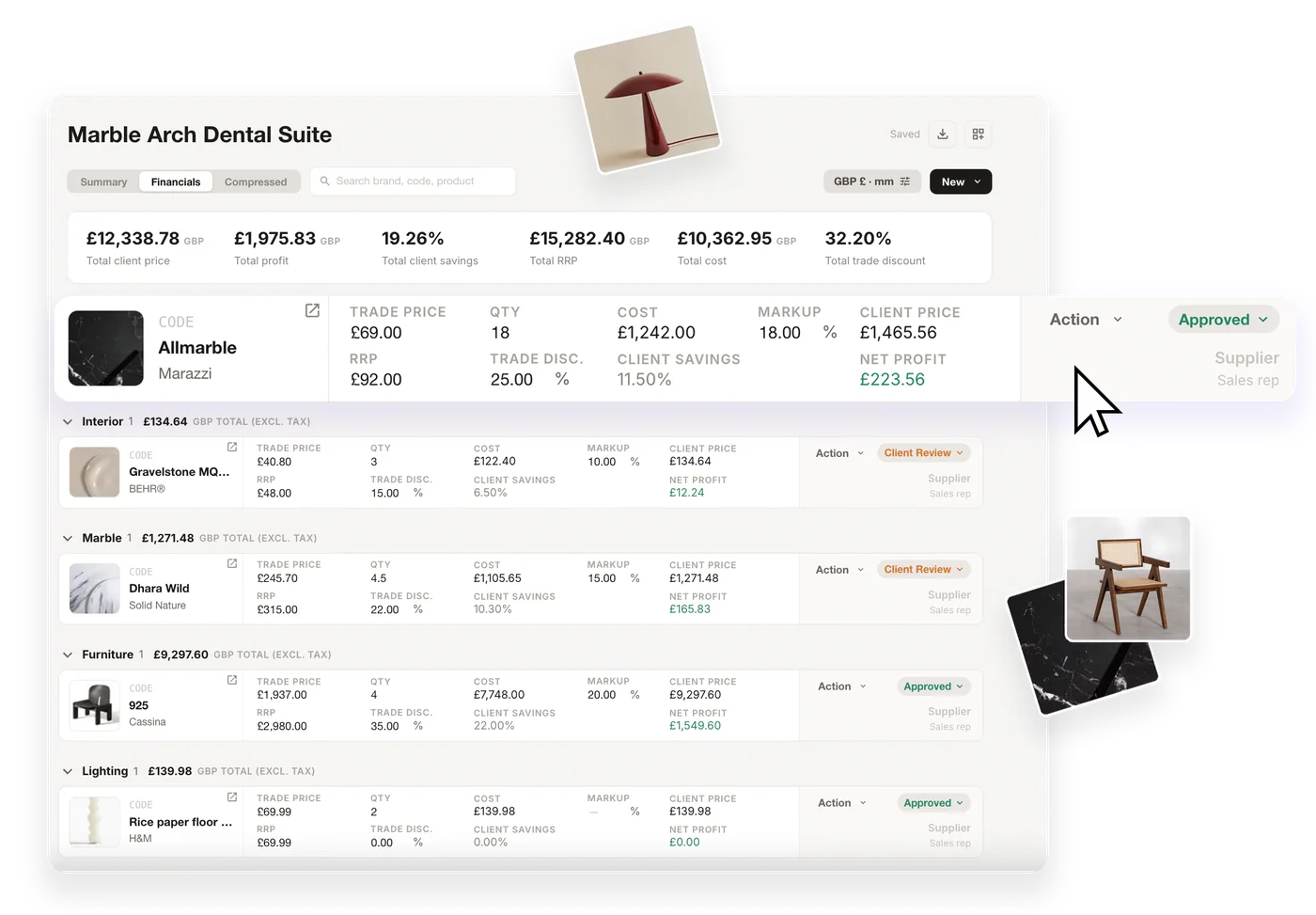
Add saved products straight into an FF&E schedule.

An FF&E schedule in MattoBoard

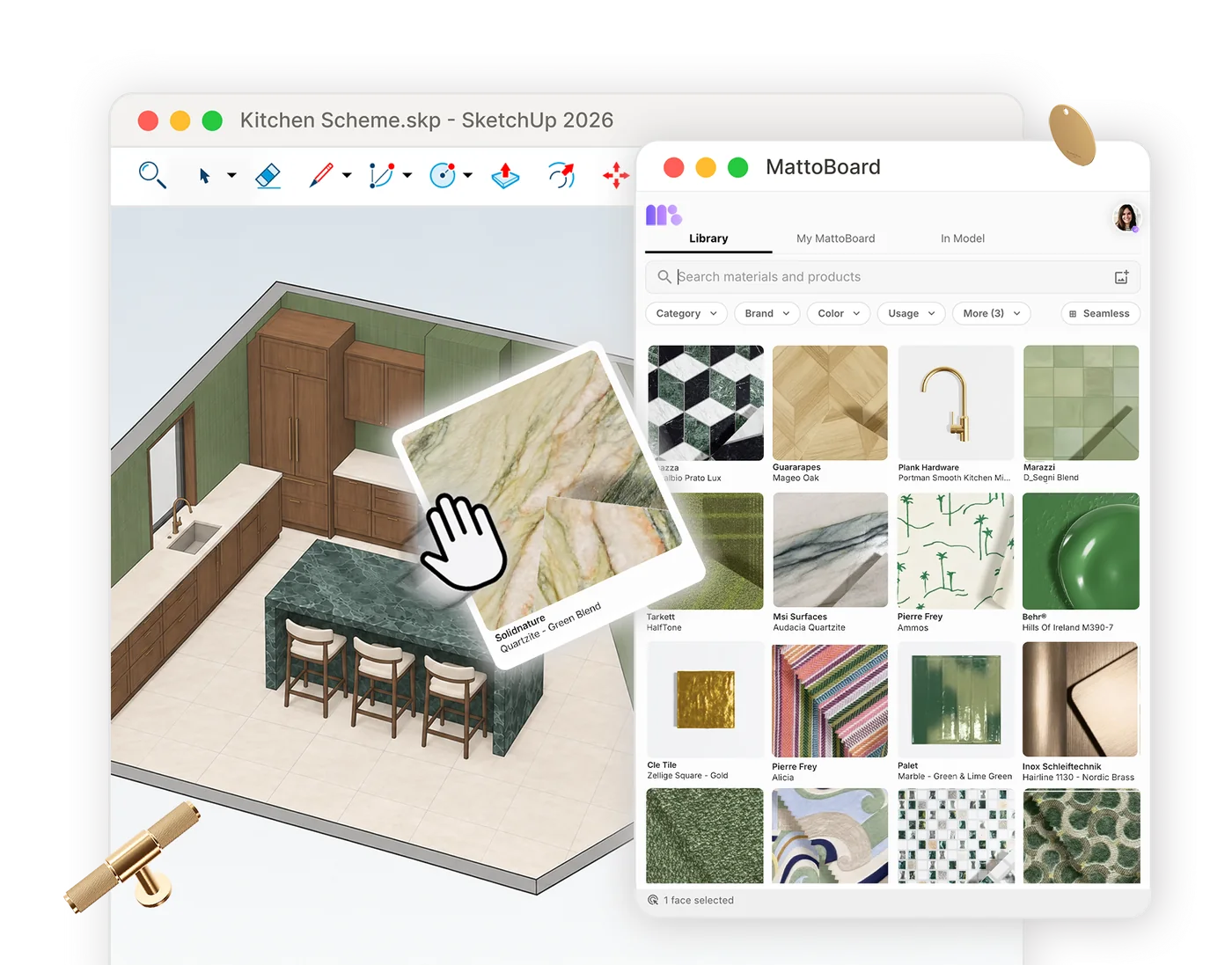
Open My Library inside SketchUp and apply your own materials to your model.

MattoBoard for SketchUp applying a material in a model

Get started

Start building your material library

Save, upload and organise the materials and products you love, then reuse them on every project.