













MattoBoard Library

Discover real branded materials for interior design

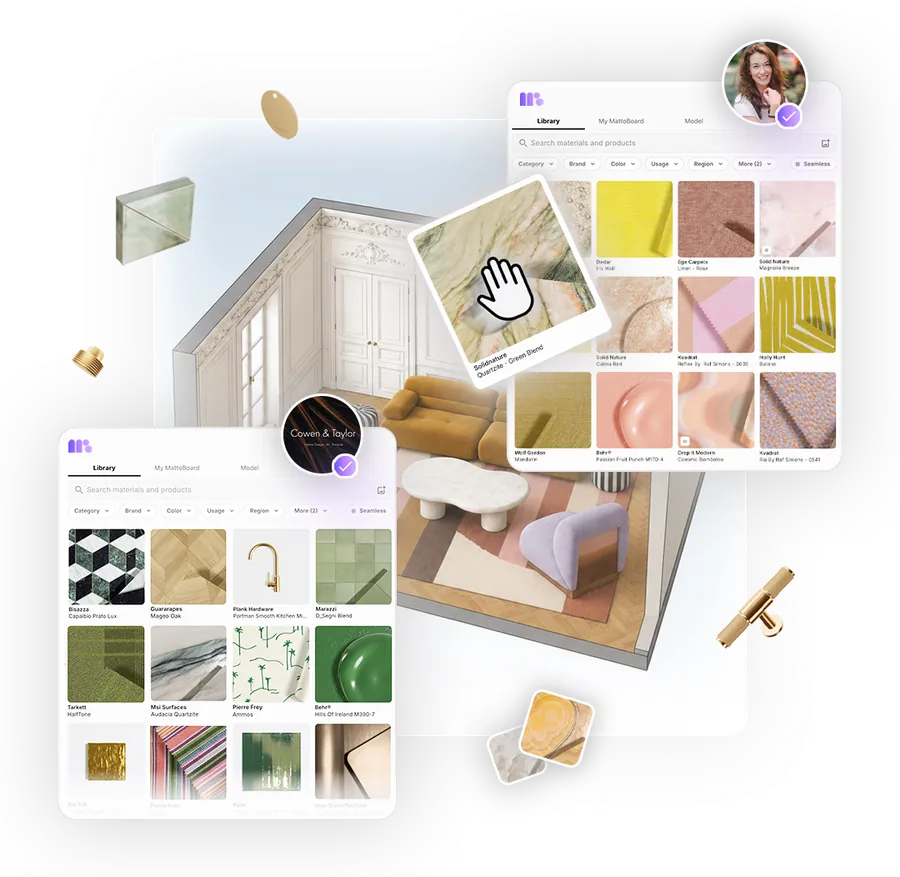
Search 50,000+ real materials, finishes and products from real brands in your own words, by filter or from a reference image, then explore them as Virtual Samples and carry your selections into your projects.

MattoBoard’s material library for interior designers: a natural-language search with filters for category, brand, colour, usage, application, region and price

Your whole material library in one place

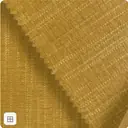
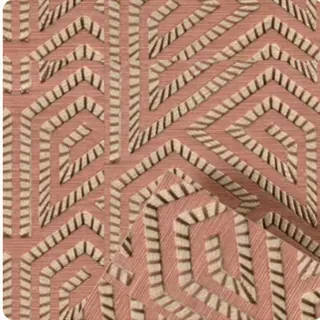
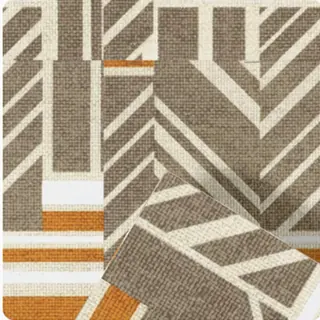
The largest A&D 3D material library of real-world virtual samples brings tiles, stone, wood, fabrics, paints and hardware from hundreds of A&D brands together, so every option you explore is a real product you can specify and source.

“So excited to have a 3D way to view materials, digitally, that looks more real to the eye.”

Kristina MeierarendDesigner at Yaeger Architecture · Commercial Interiors & Architecture · Kansas City, US
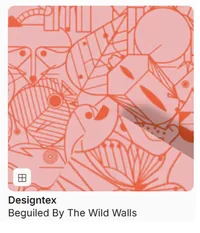
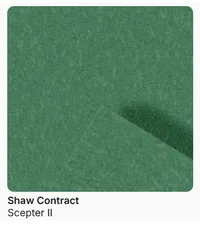
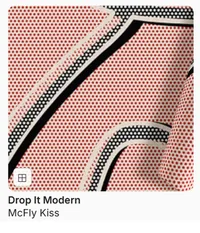
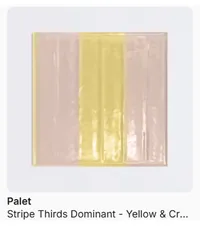
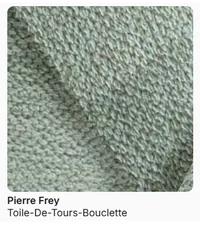
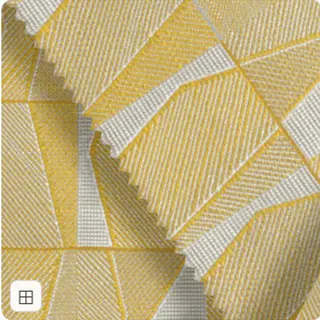
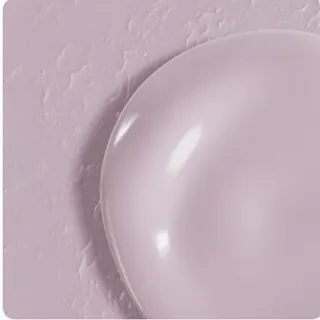
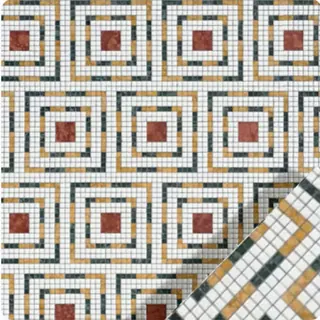
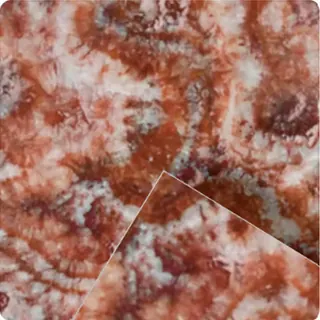
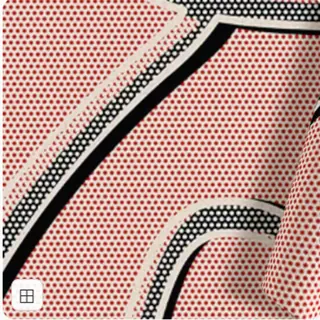
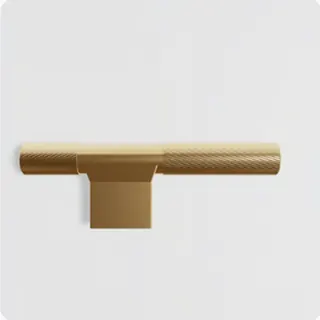
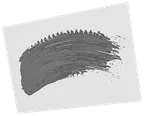
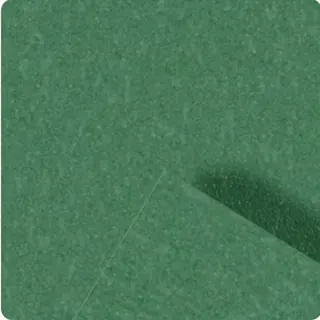
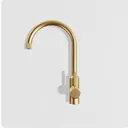
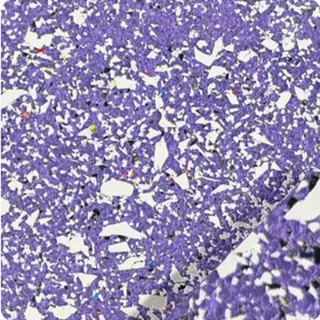
Browsing branded paints, tiles and hardware in MattoBoard’s material library

Search the way designers think

Search broadly for inspiration or precisely for a known material, then narrow the results until you find the right product.

Describe what you need in your own words

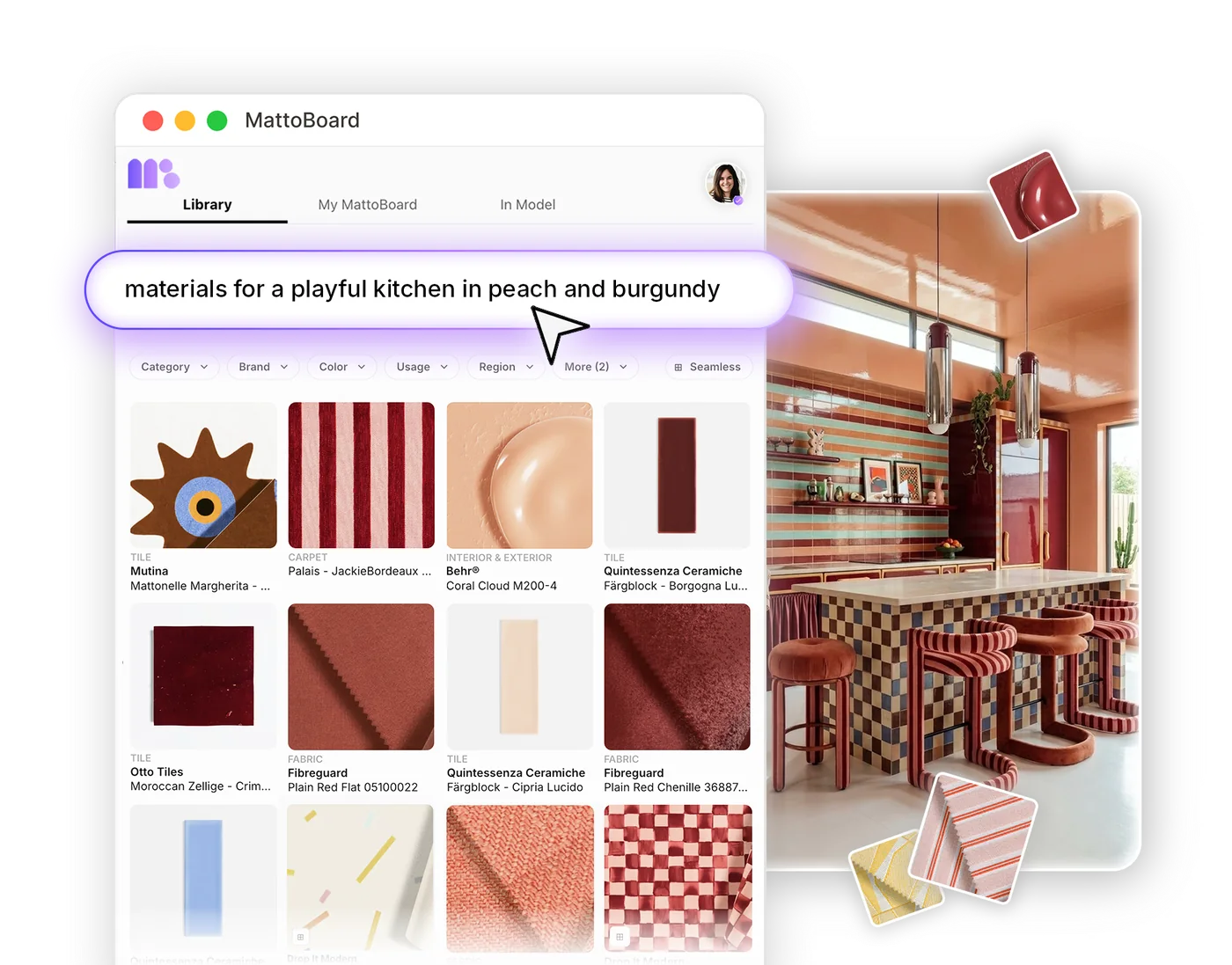
Natural-language material search understands how designers talk. Look for something specific, like “calacatta viola marble slab”, or a whole scheme, like “terracotta-inspired kitchen with matching tiles, wallpaper and handles”.
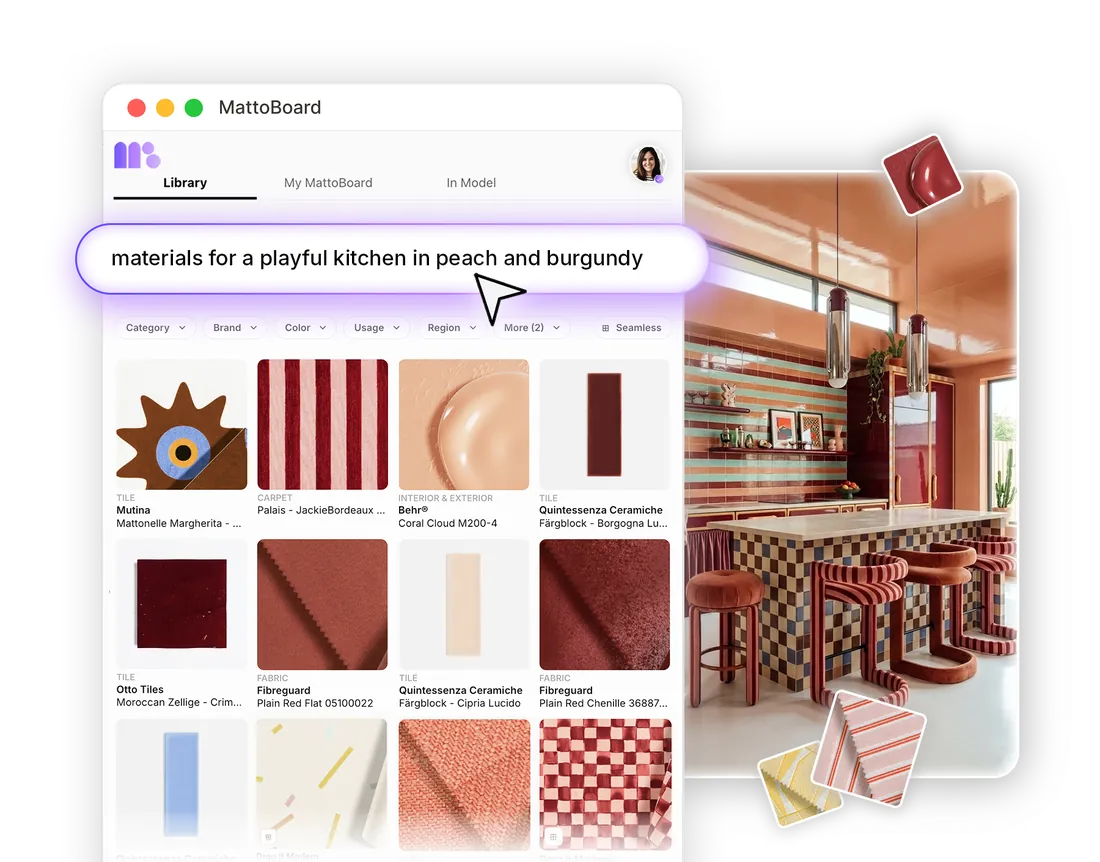
Searching “materials for a playful kitchen in peach and burgundy” in natural language, with matching real products

Narrow results with filters

Refine any search by brand, category, colour, usage, application, region and price. Start broad with “warm neutral laminate”, then filter by Formica to see only the options you can specify from that brand.

Virtual Samples of real products, not generic textures

A generic texture only shows a surface. A MattoBoard Virtual Sample is a 3D digital twin of a real product from a real brand, showing how it handles light, gloss, transparency and texture.

Each one carries its product details and a link to the brand, so the materials you test together are ones you can go on to specify and source.

Find materials from a reference image

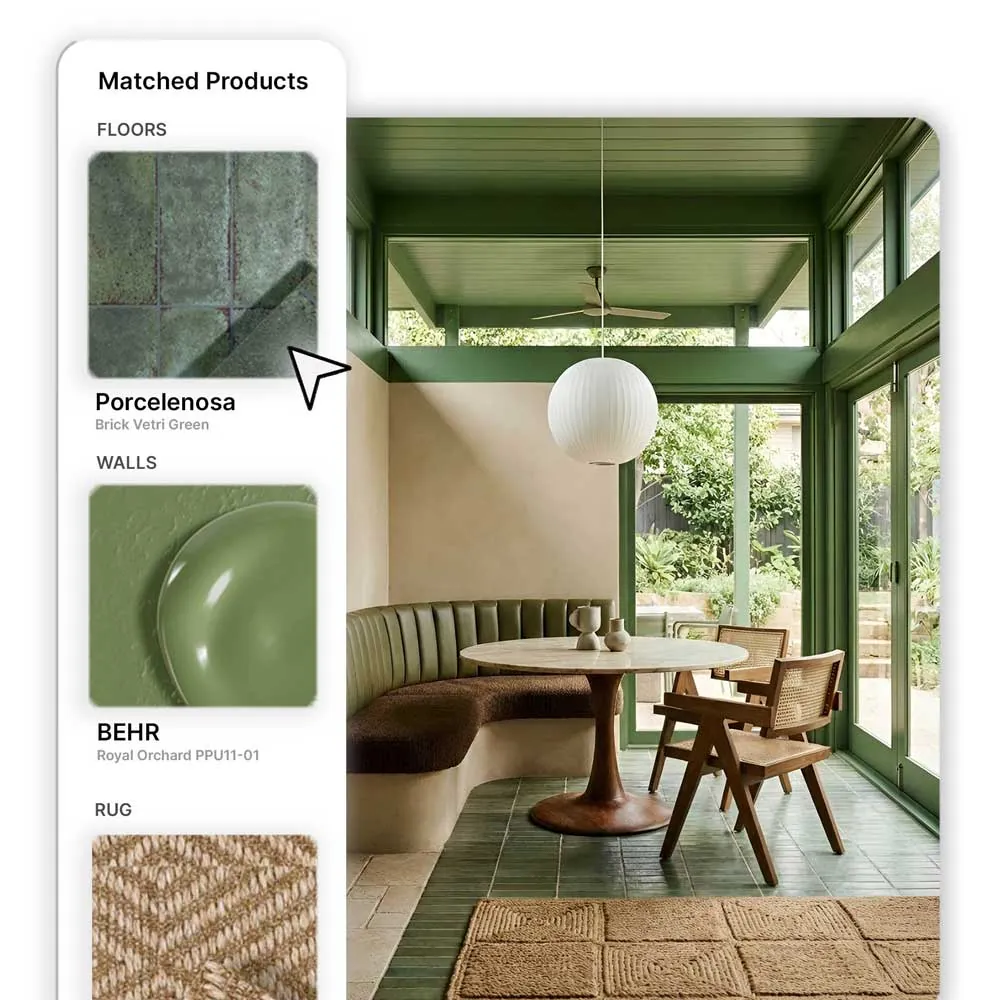
Drop in an inspiration image and reverse image search finds real products and materials with a similar look, from the stone on a worktop to the fabric on a chair.

Explore the closest matches, compare finishes side by side and save the ones that suit your project.

An interior photo with the real products matched to it: Porcelanosa floor tiles, BEHR wall paint and a rug

Explore products through concept imagery

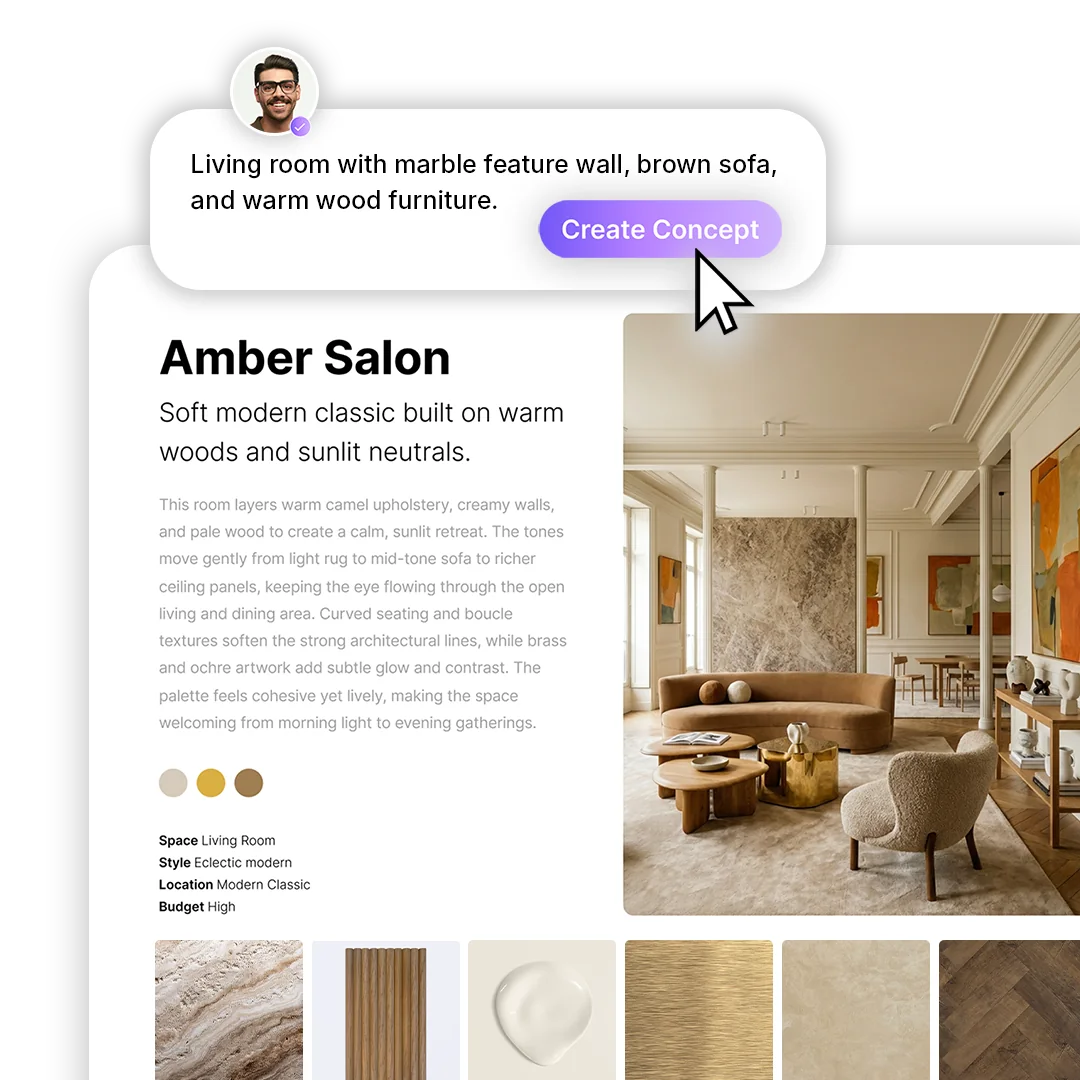
Describe a space and see it as an editorial-style concept built with real products, then browse the materials matched to it and their alternatives. It’s a quick way to discover products and see how they work together while a direction takes shape.

A generated concept, Olive Hearth, with the real materials matched to it

From material discovery to a 3D material board

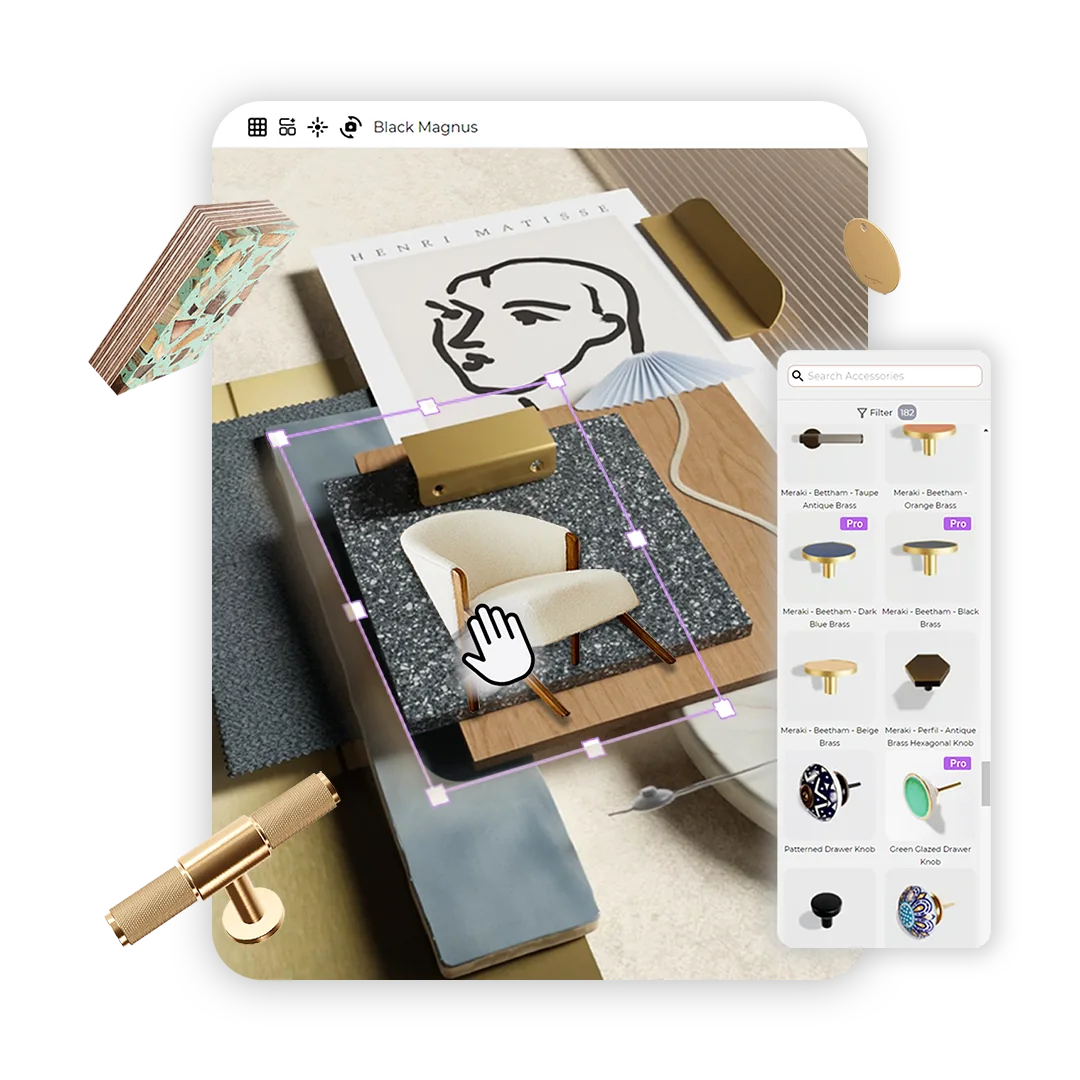
Select products as you search and start a photorealistic 3D material board from them. Arrange their Virtual Samples together to see how finishes, colours and textures work side by side before you commit to a scheme.

The same material library, right inside SketchUp

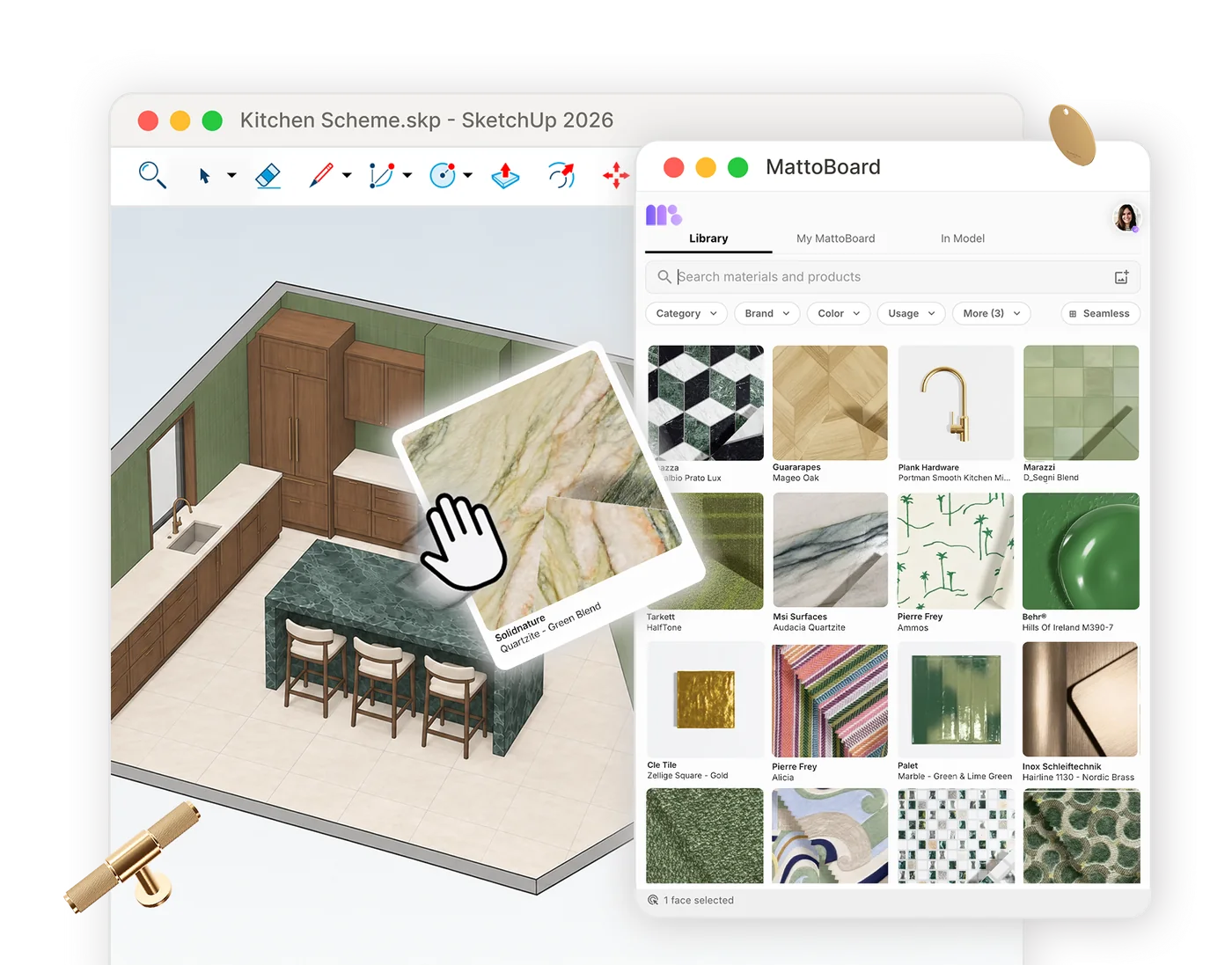
Bring the same 50,000+ materials and products into the MattoBoard extension for SketchUp. Search in your own words or from an image, preview Virtual Samples, and apply real branded materials to your model at real-world scale.

The MattoBoard material library open in SketchUp, applying a real quartzite to a model

From discovery to collections, boards and schedules

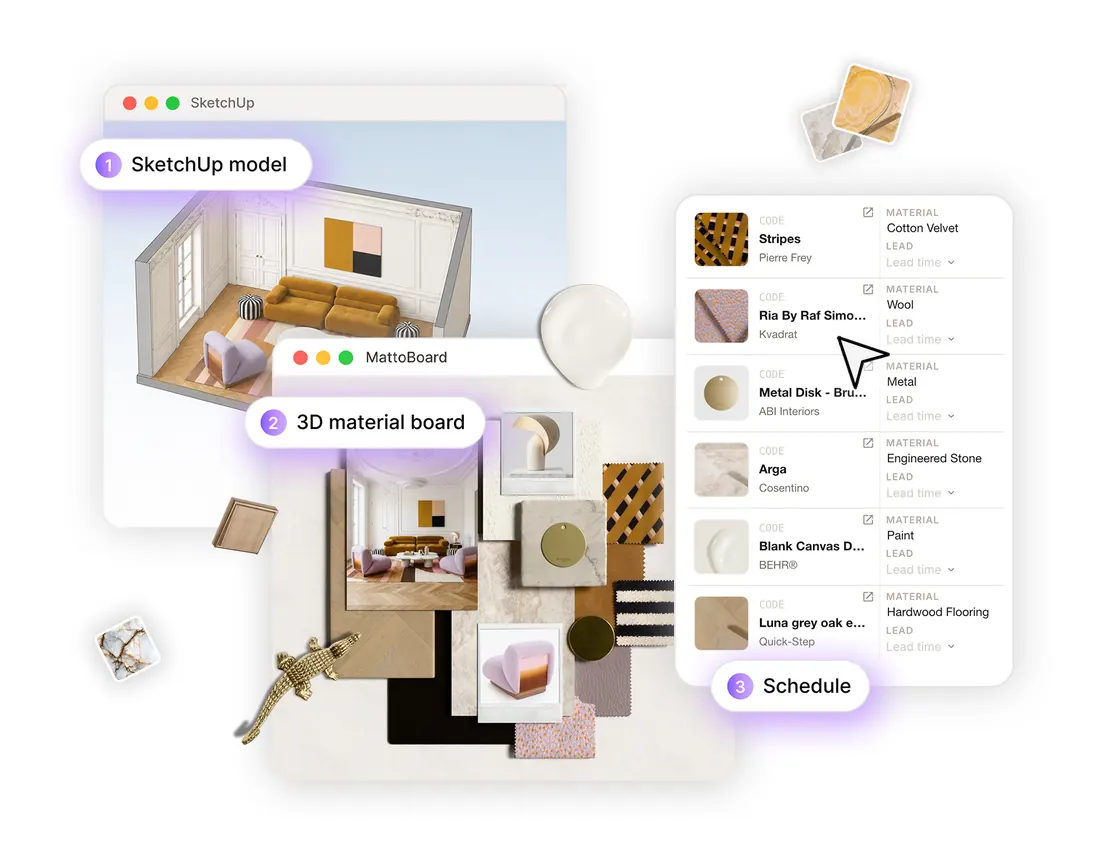
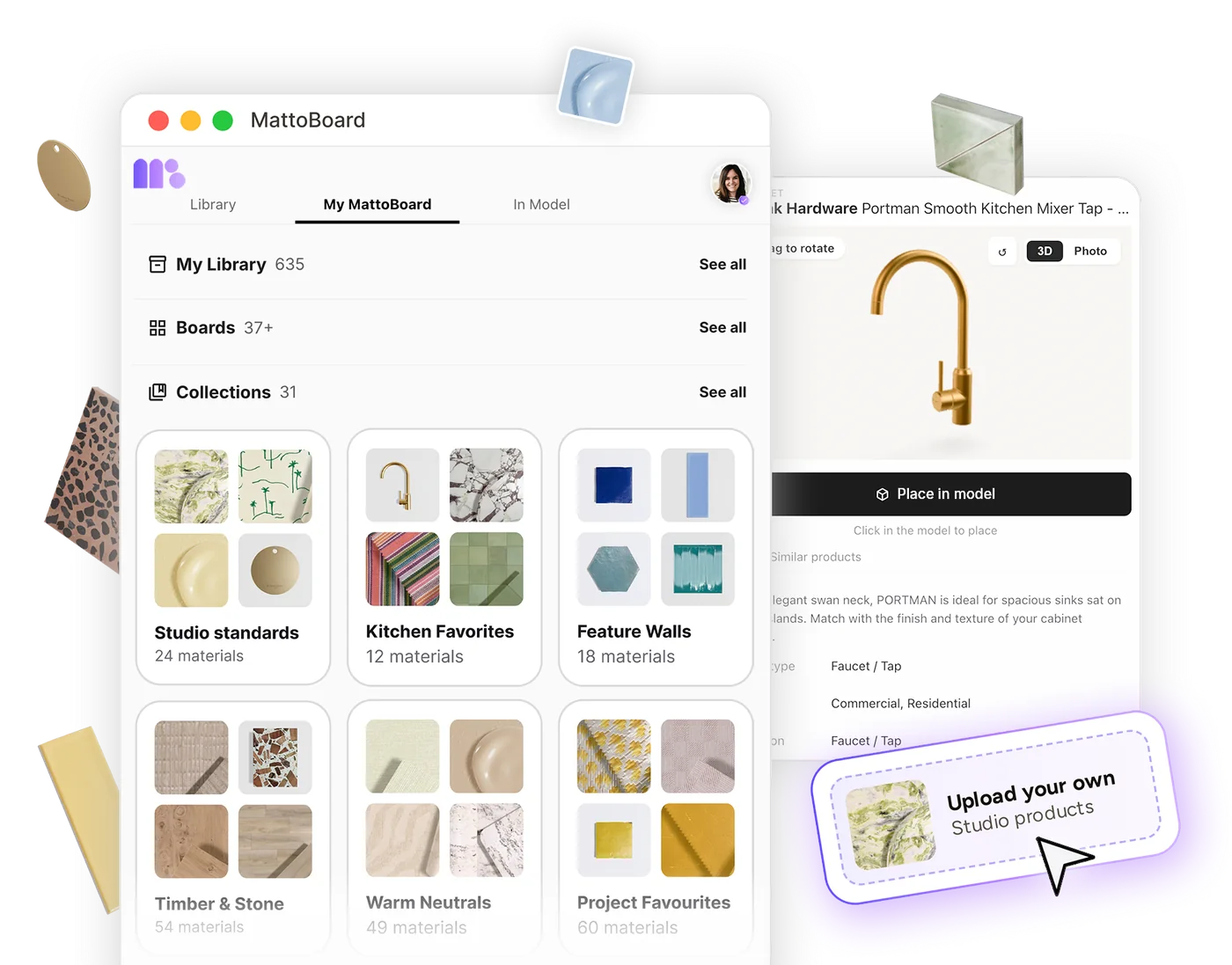
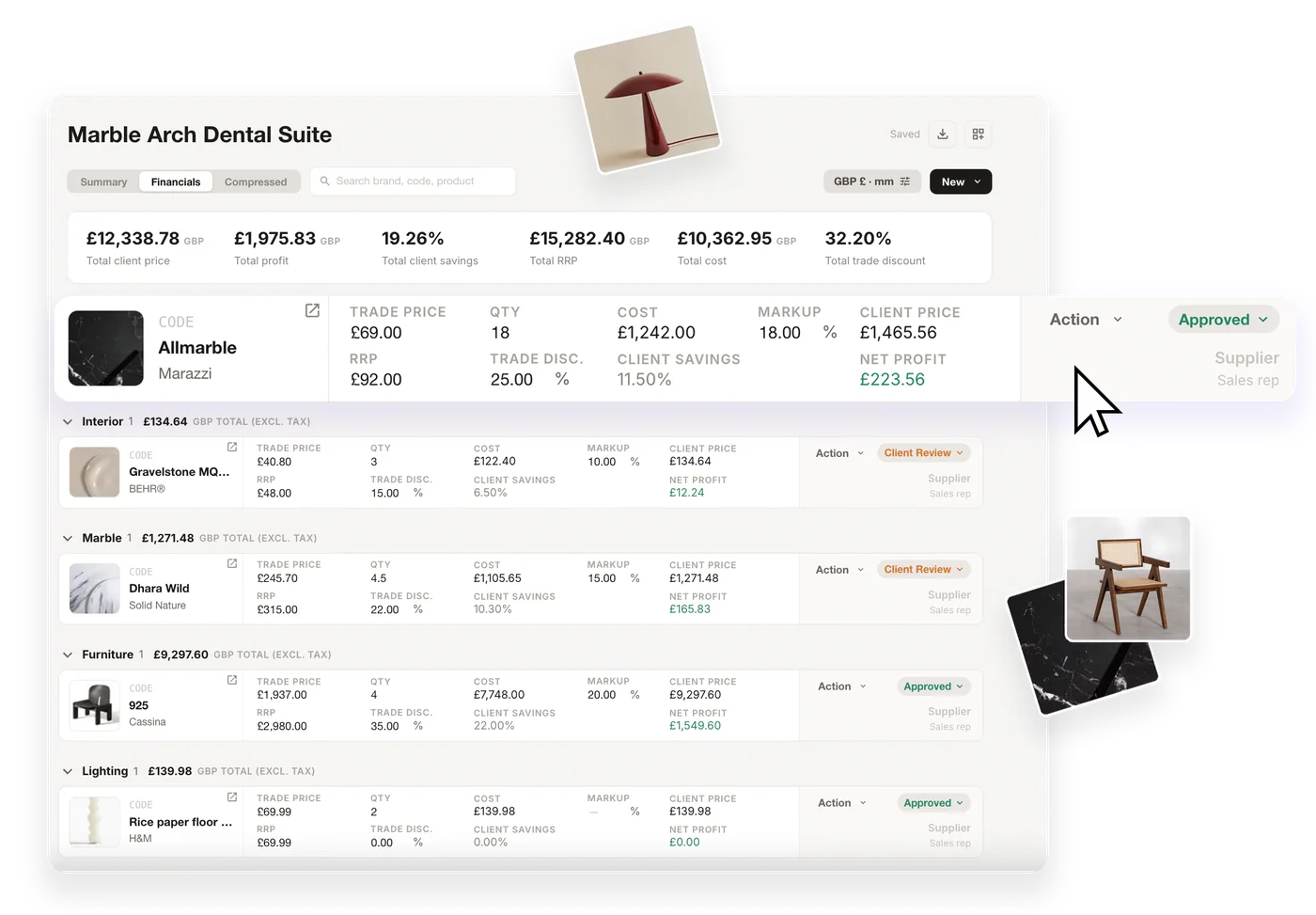
Save finds to collections, test them together on a 3D material board, and add your selections to an FF&E schedule with their technical information and pricing where available, ready for specification and purchasing.

From a SketchUp model to a 3D material board and an FF&E schedule of the selected real products

Where MattoBoard Library fits in the workflow

Search the library in your own words, by filter or from an image.

Searching real materials in MattoBoard

Save your finds to collections, boards and My Library, and share them with your team.

Collections and My Library in MattoBoard

Test your selections together as Virtual Samples on a 3D material board.

Arranging a 3D material board in MattoBoard

Generate concept images built with the real products you’ve found.

Generating an interior concept in MattoBoard

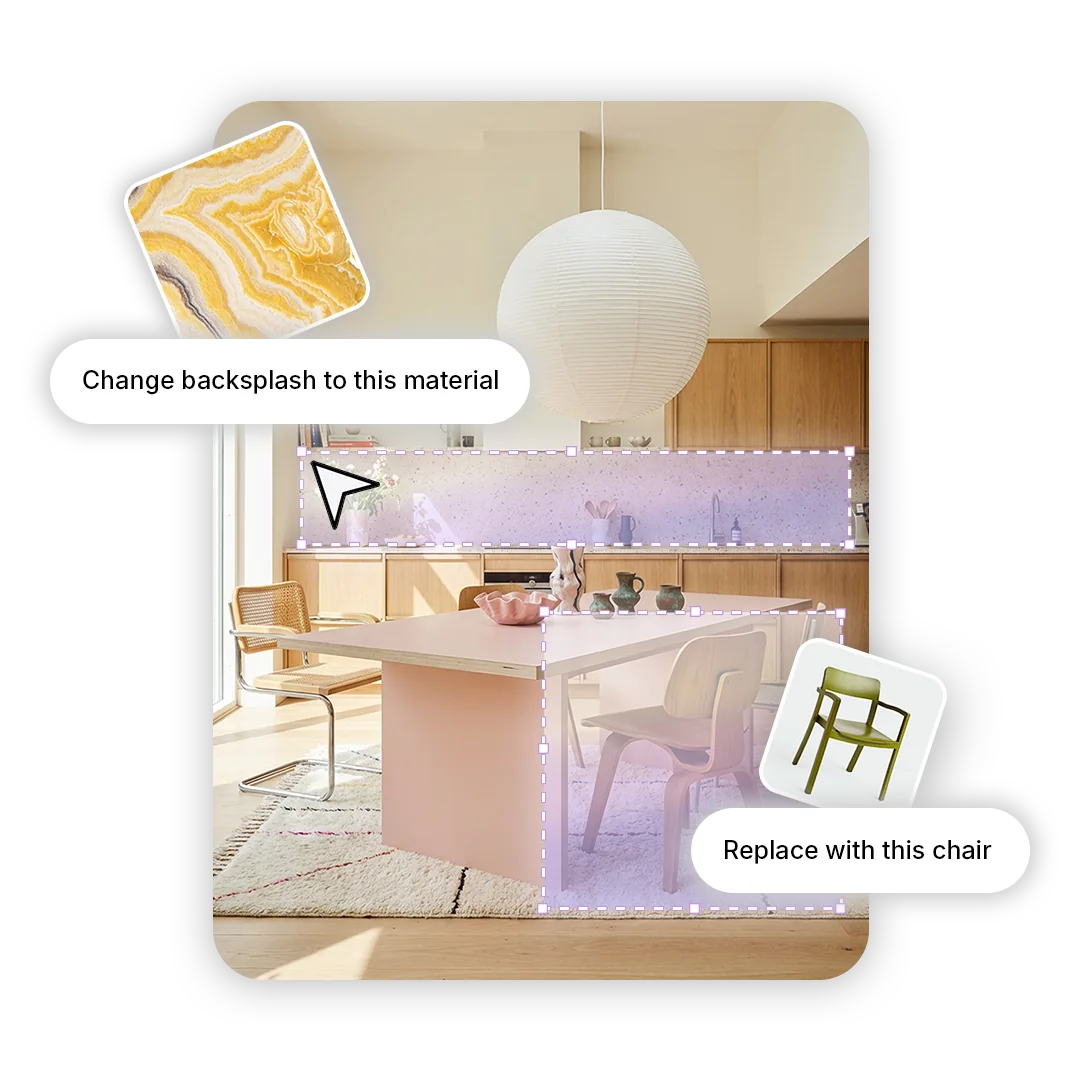
Swap the materials and products you’ve found into any interior image.

Swapping a material in an interior image in MattoBoard

Add selected products to an FF&E schedule, with pricing where available.

An FF&E schedule in MattoBoard

Search the same library inside SketchUp and apply real materials to your model.

MattoBoard for SketchUp applying a material in a model

Get started

Make the library your interior design tool

Search 50,000+ real materials and finishes from real brands in your own words, by filter or from an image.