



















Generate Design Concepts

Generate editorial-style interior concepts with real products

Turn a brief, floor plan or photo into concept images for your interior design project, then explore new directions with 50,000+ real products and materials matched to the look.

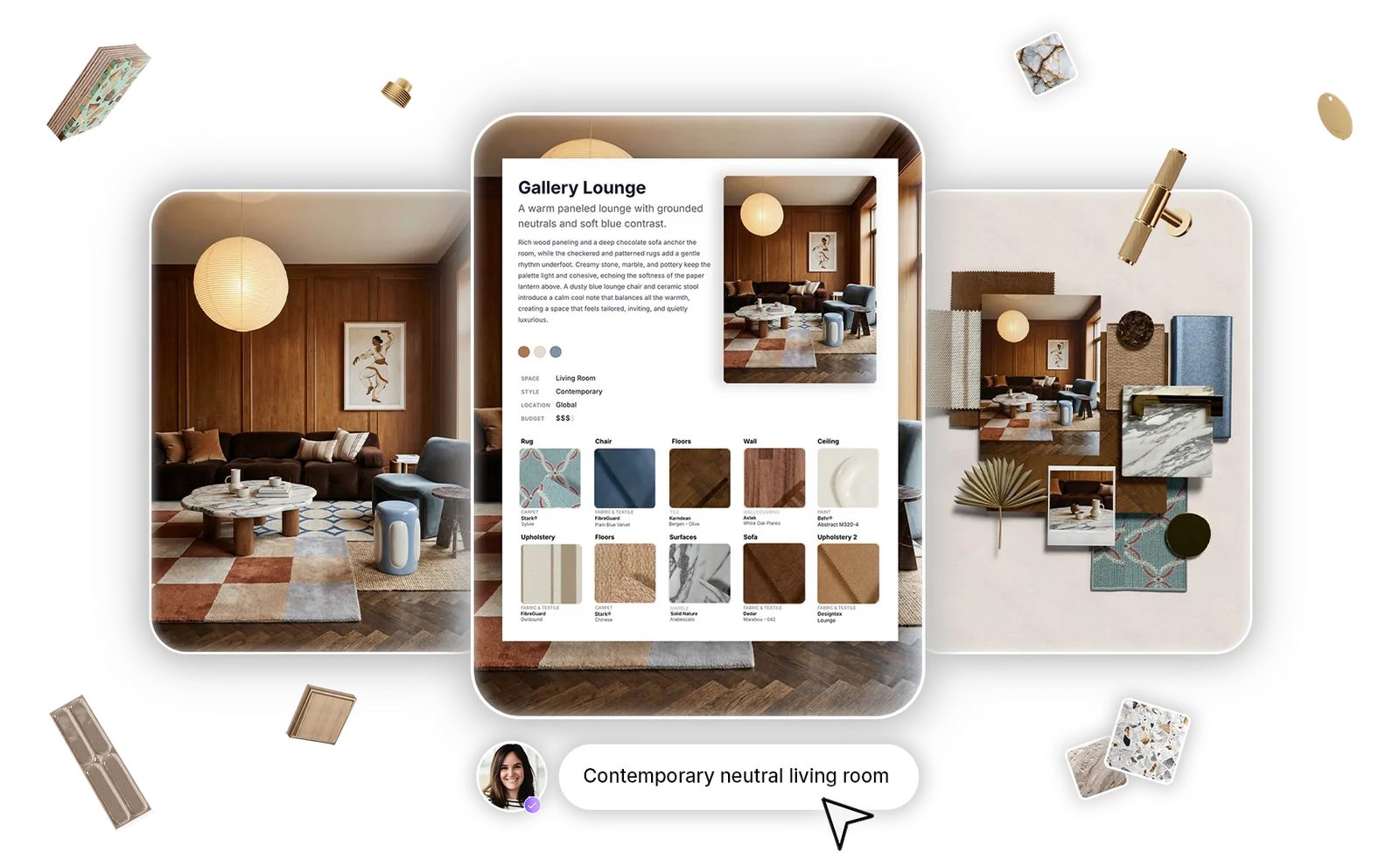
A generated concept, Gallery Lounge: a contemporary neutral living room with its matched real products and a 3D material board

Design concepts with real materials and specifiable products

Every concept image comes with branded materials and products matched to its look, so the direction you show clients is one you can actually specify.

“The only AI tool that leverages real brands and materials”

Manuella MoreiraUltra High-End Residential Interiors, Los Angeles, USA

How concept generation works

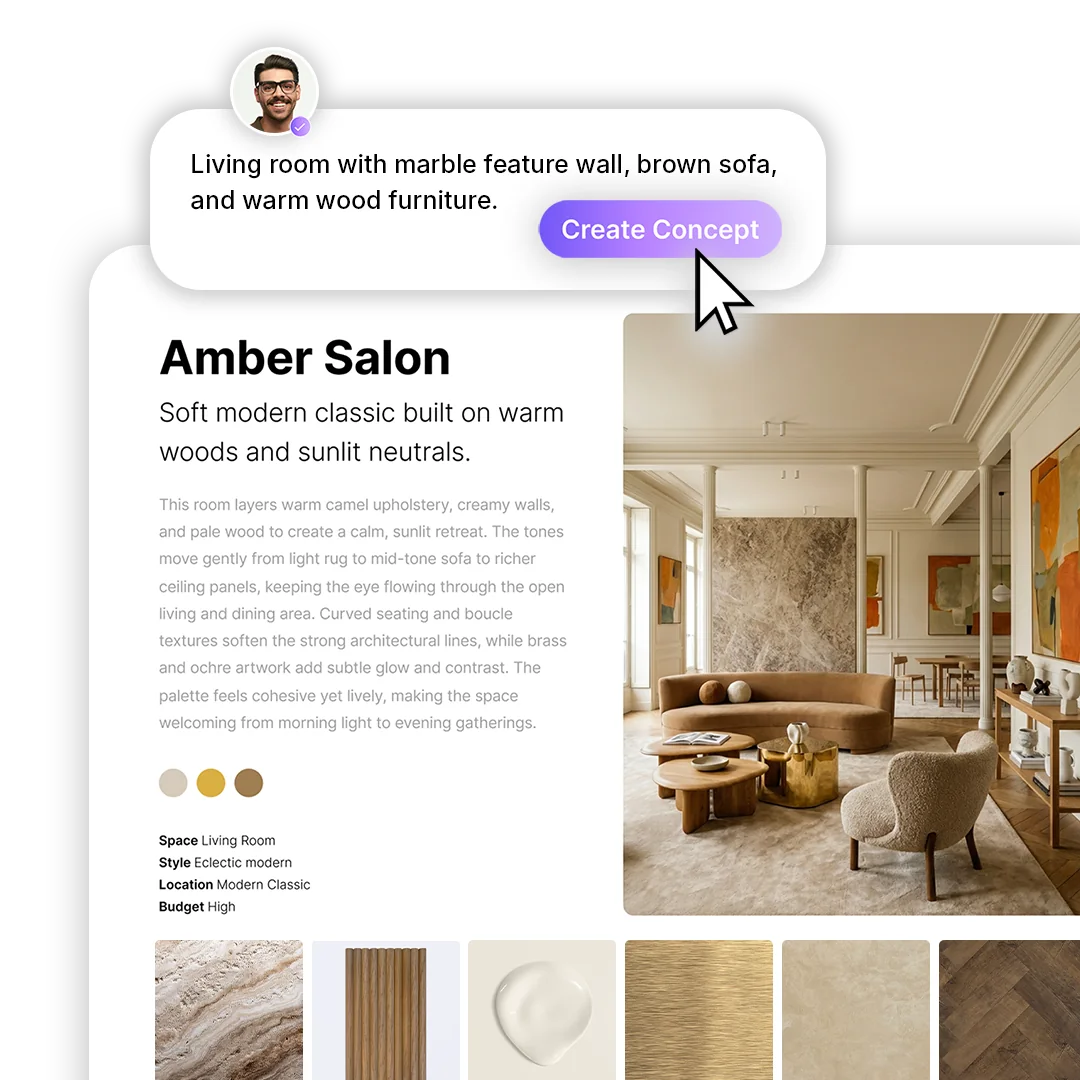
Write your brief and add references

Describe your interior design brief in your own words: the space, the style, the materials to include and anything to leave out.

Add reference images and tag each one as Inspiration, Existing Space, Material Reference or Product / Furniture, so its role in the concept is clear.
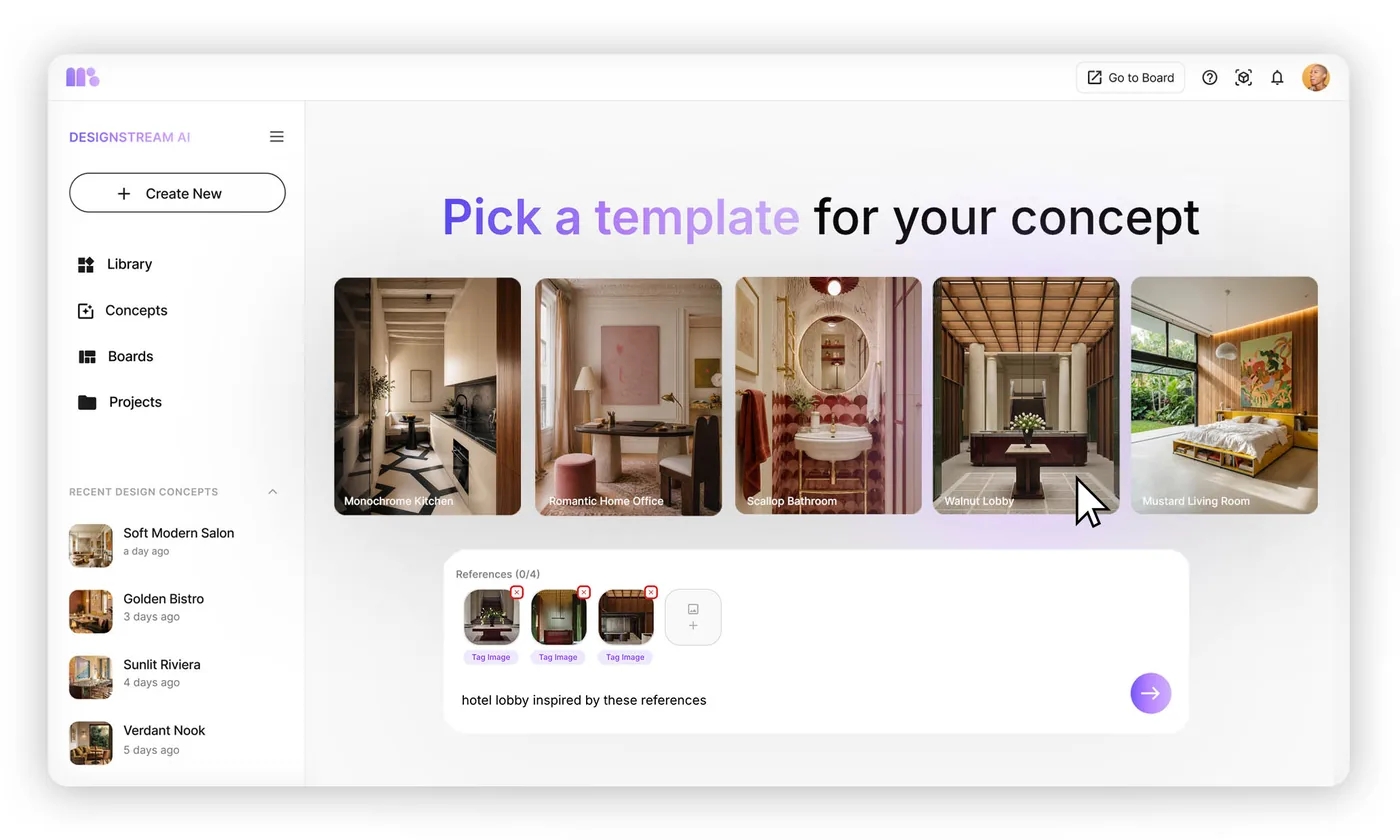
Start faster with concept templates

Choose a curated template for kitchens, living rooms, offices, retail spaces and more. Its prompt is pre-filled, ready to adapt to your project before you generate.

Picking a concept template in DesignStream

Get concepts with real products already matched

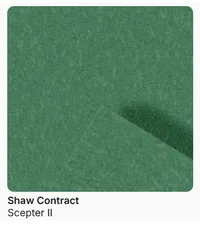
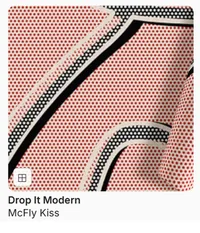
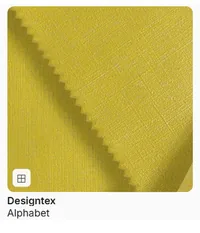
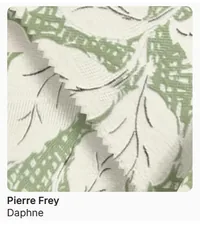
Every concept you generate comes with branded materials and products from MattoBoard’s library, matched to the look of each surface, from flooring and walls to upholstery and lighting.

Review each product’s details, explore alternatives and source from real brands, so you have more to work with than the image alone.

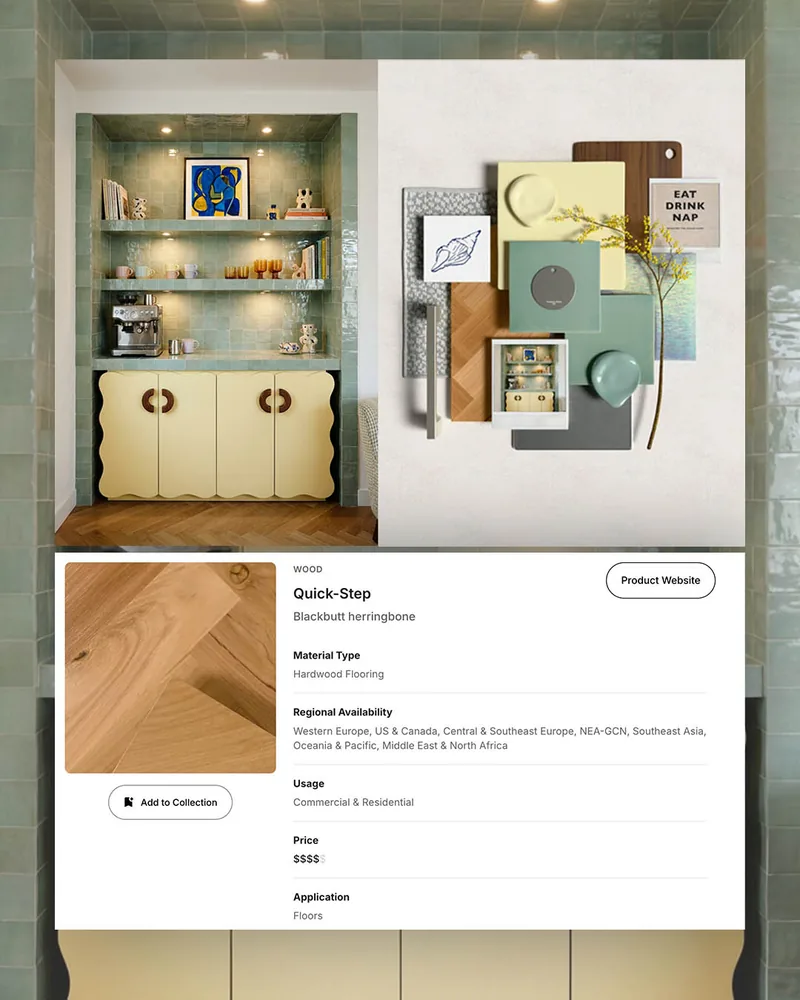
A generated concept, Olive Hearth, with its matched real products

Show material details with editorial close-ups

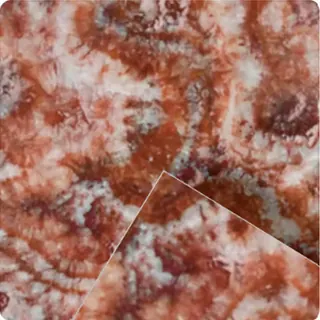
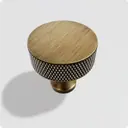
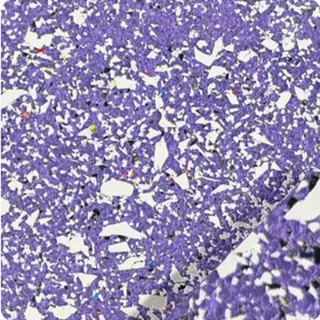
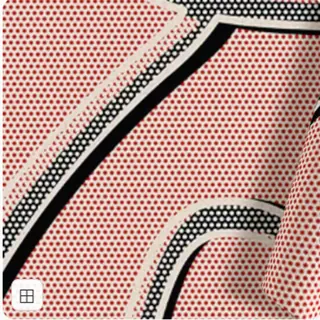
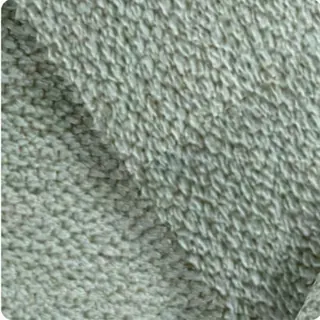
Generate close-up images from your concept to show the textures that win clients over: the grain of a stone, the weave of a fabric, the finish on a handle. Regenerate until each shot is right.

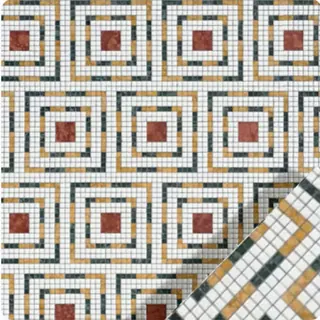
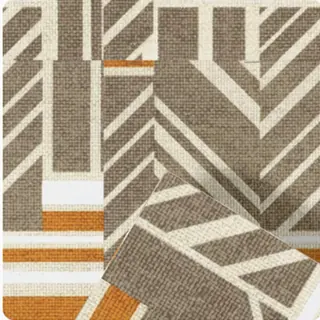
Material close-ups generated from the Rouge Heritage concept

Create videos and experiment endlessly

See your ideas come to life with short, cinematic videos generated from your concept images. Adjust the prompt to explore a different mood, then choose a format for social media or client presentations.

Source from the material sheet inside your concept

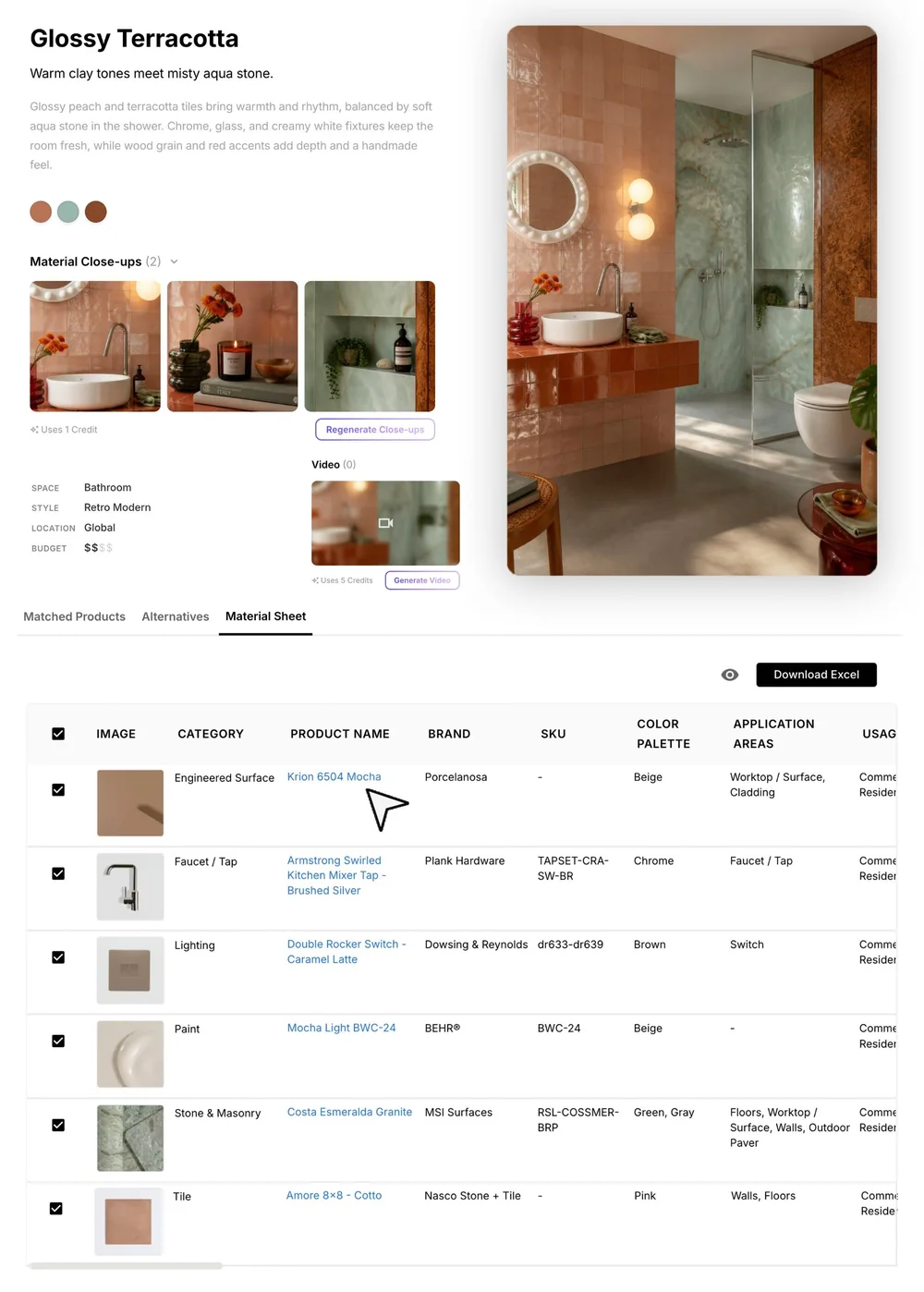
Your full material sheet lives inside the concept, listing every material used and suggested with a direct link to each, so you can review, refine and source without jumping between pages.

Choose which rows appear in exports and client shares, download it as an Excel file, or start a 3D material board with the matched products already on it.

A concept, its 3D material board and a matched product’s details
Glossy Terracotta concept with its material sheet: product names, brands, SKUs and Excel download

Take your concept further

When the direction feels right, carry it straight into the next step, with your matched materials coming along.

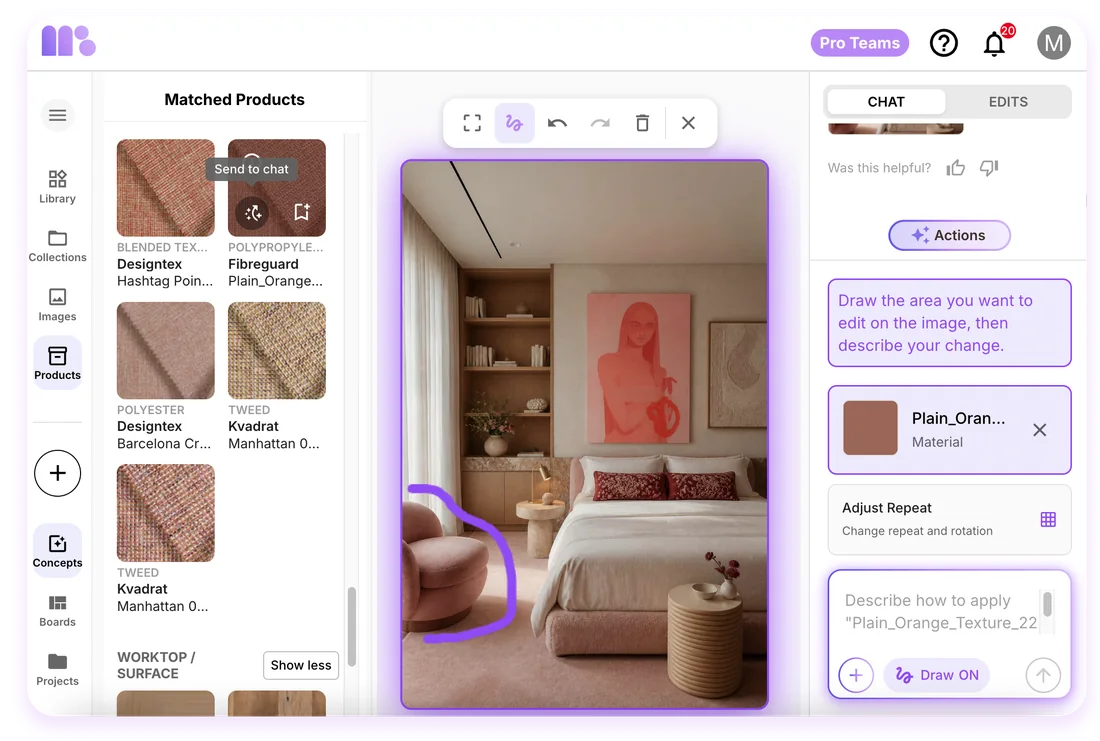
  • Editing a concept image: drawing over an armchair and applying a matched fabric

    Edit your concept images, change the style & products

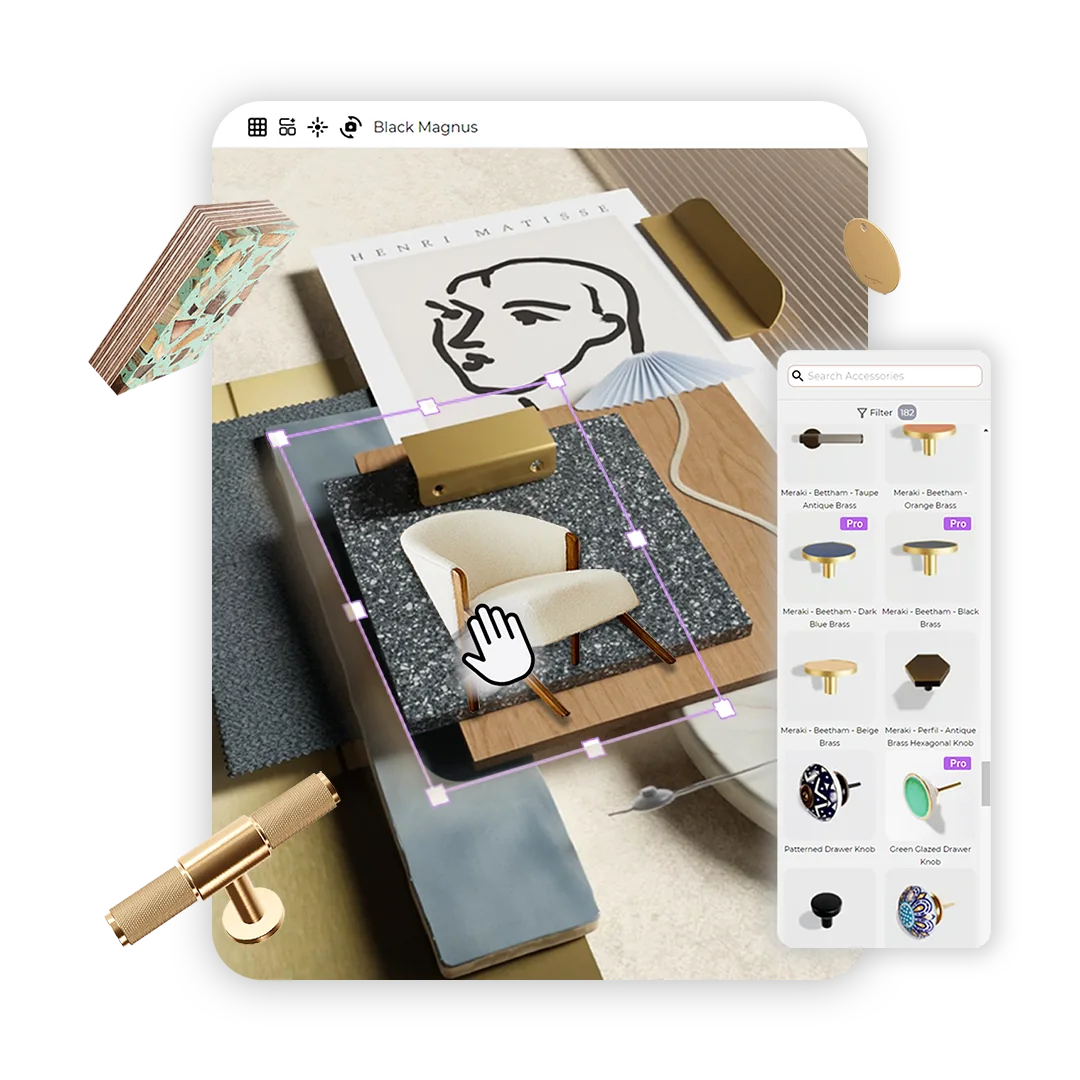
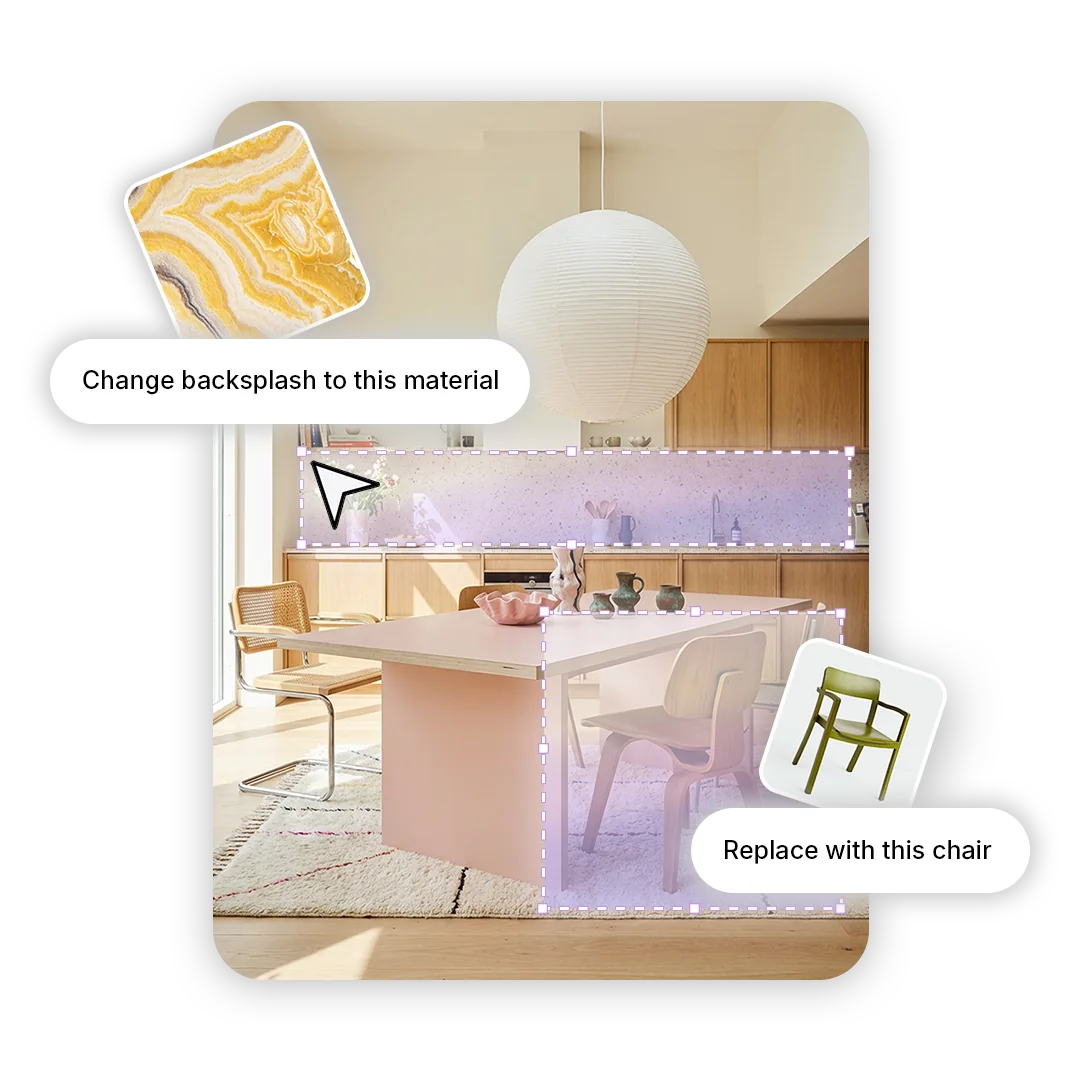
    Swap materials and products in your concept image with the interior assistant chat, or sketch over the area you want to change and describe the edit.

    Explore Edit Images & Swap Materials
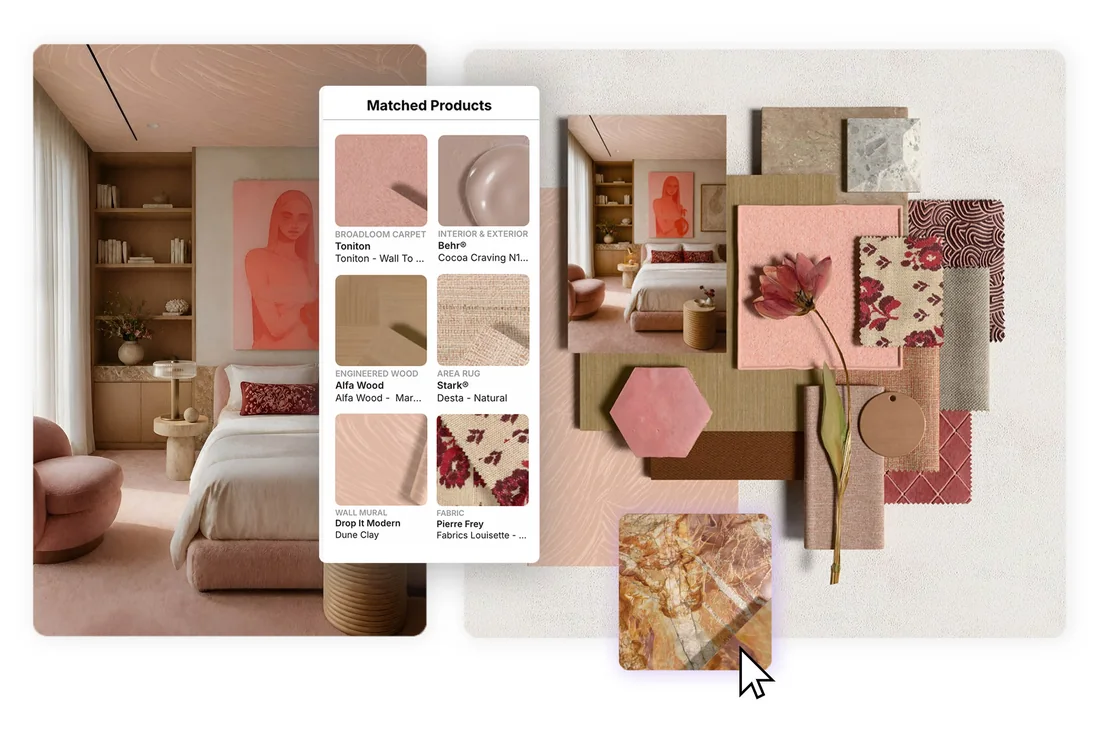
  • A concept image, its matched products and the 3D material board built from them

    Generate a 3D material board from your concept

    Turn your concept’s matched products into a realistic 3D material board with Virtual Samples, plus photorealistic sample boards and material sheets.

    Explore 3D Material Boards

Power to convince more clients

Source and design at the same time: compelling concept images built with real, specifiable products, created by your own team.

Concept presentations: a generated interior, its concept page with matched real products, and the material board made from it
  • Faster turnaround

    Create and refine design concepts yourself instead of waiting days for an external visualiser.

  • Lower visualisation spend

    Bring early concept images in-house rather than paying for every outsourced view.

  • Smaller teams, bigger presence

    Show clients polished, editorial-style design concepts without an in-house visualisation team.

“A viable alternative to spending thousands on professional CGI images and enough to help most clients understand your vision.”

Studio BarnAndy KornOwner · Studio BarnResidential Architecture & Interiors · Cheshire, UK

Where design concepts fit in the workflow

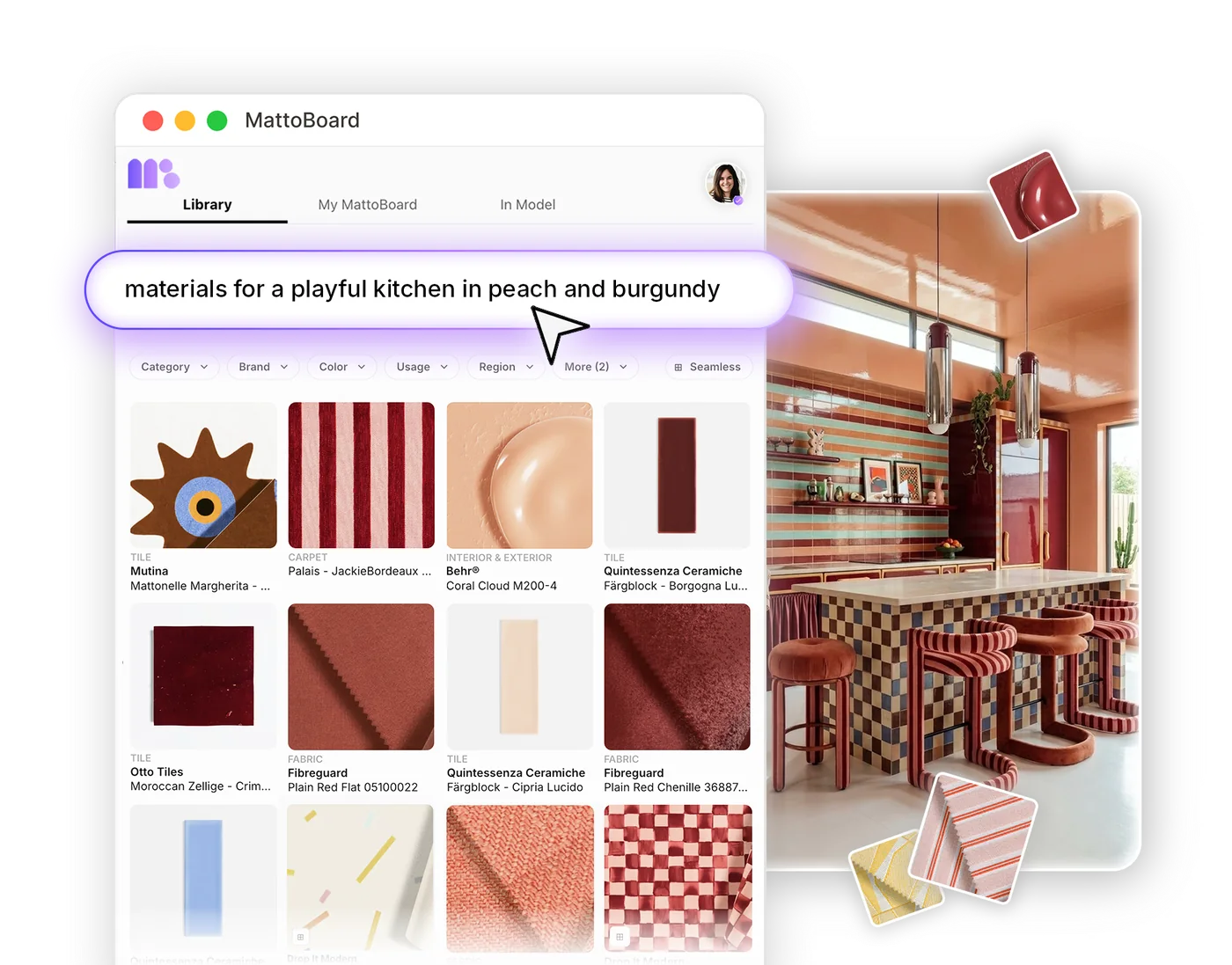
Search 50,000+ real materials in your own words or from an image, and pull them into a concept.

Searching real materials in MattoBoard

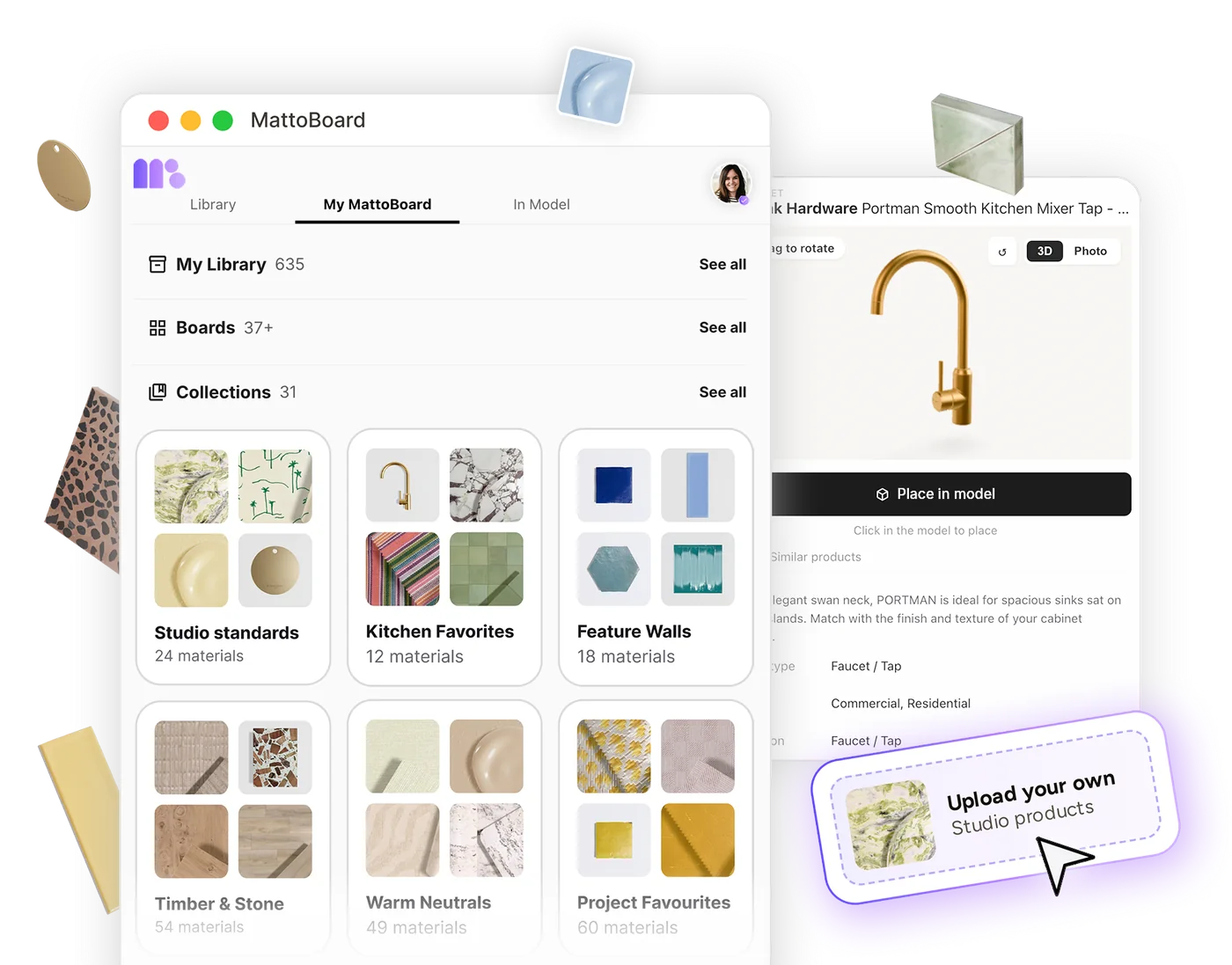
Save concepts and their matched products to your collections and My Library.

Collections and My Library in MattoBoard

Start a 3D material board from a concept, with the matched products carried across.

Arranging a 3D material board in MattoBoard

Generate editorial-style concepts, close-ups and short videos to set the direction with clients.

Generating an interior concept in MattoBoard

Swap materials and products in any image by drag-and-drop or in chat, or make targeted changes with the pen tool, all with real, specifiable products.

Swapping a material in an interior image in MattoBoard

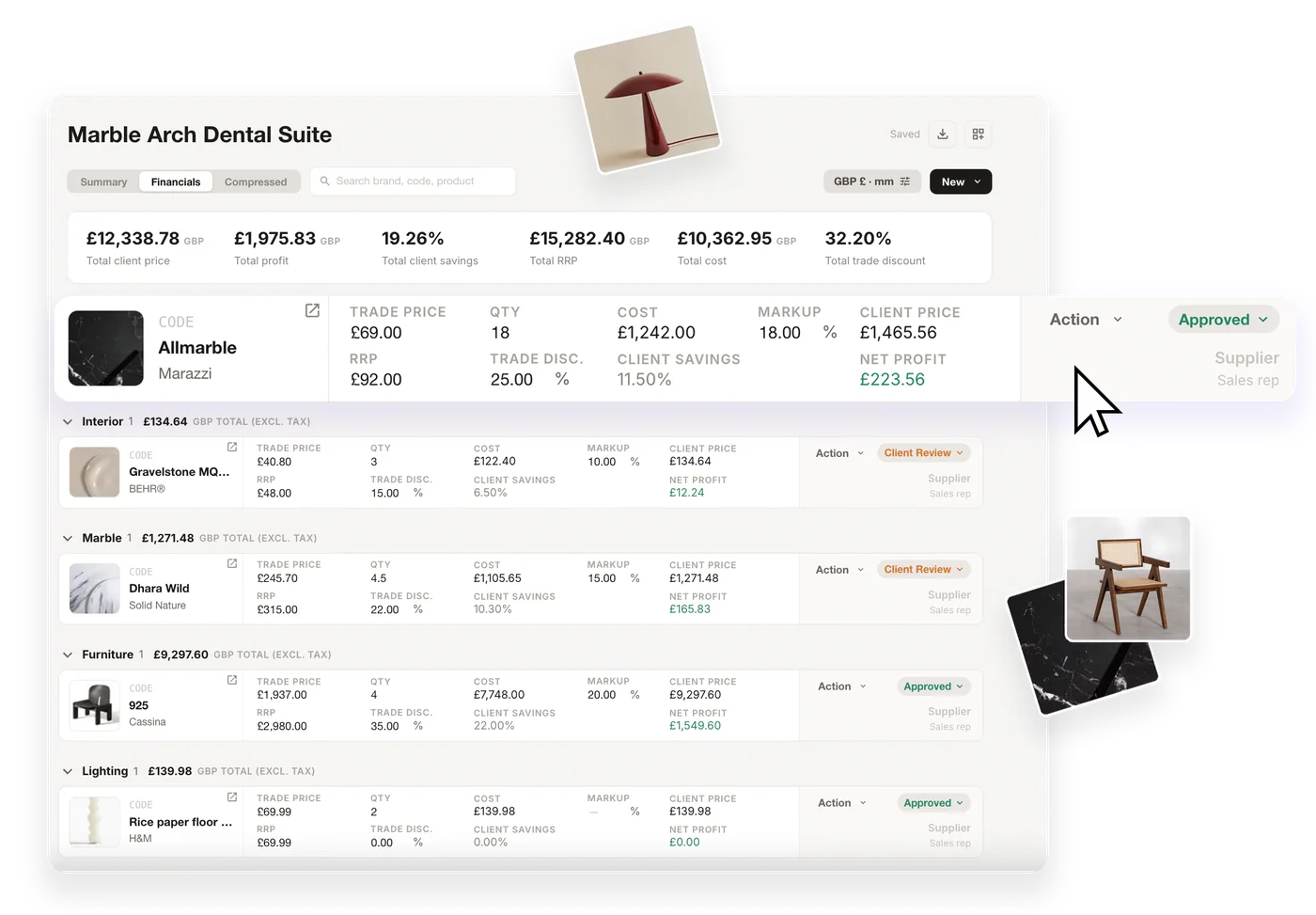
Download the concept’s material sheet, then add the products you choose to an FF&E schedule.

An FF&E schedule in MattoBoard

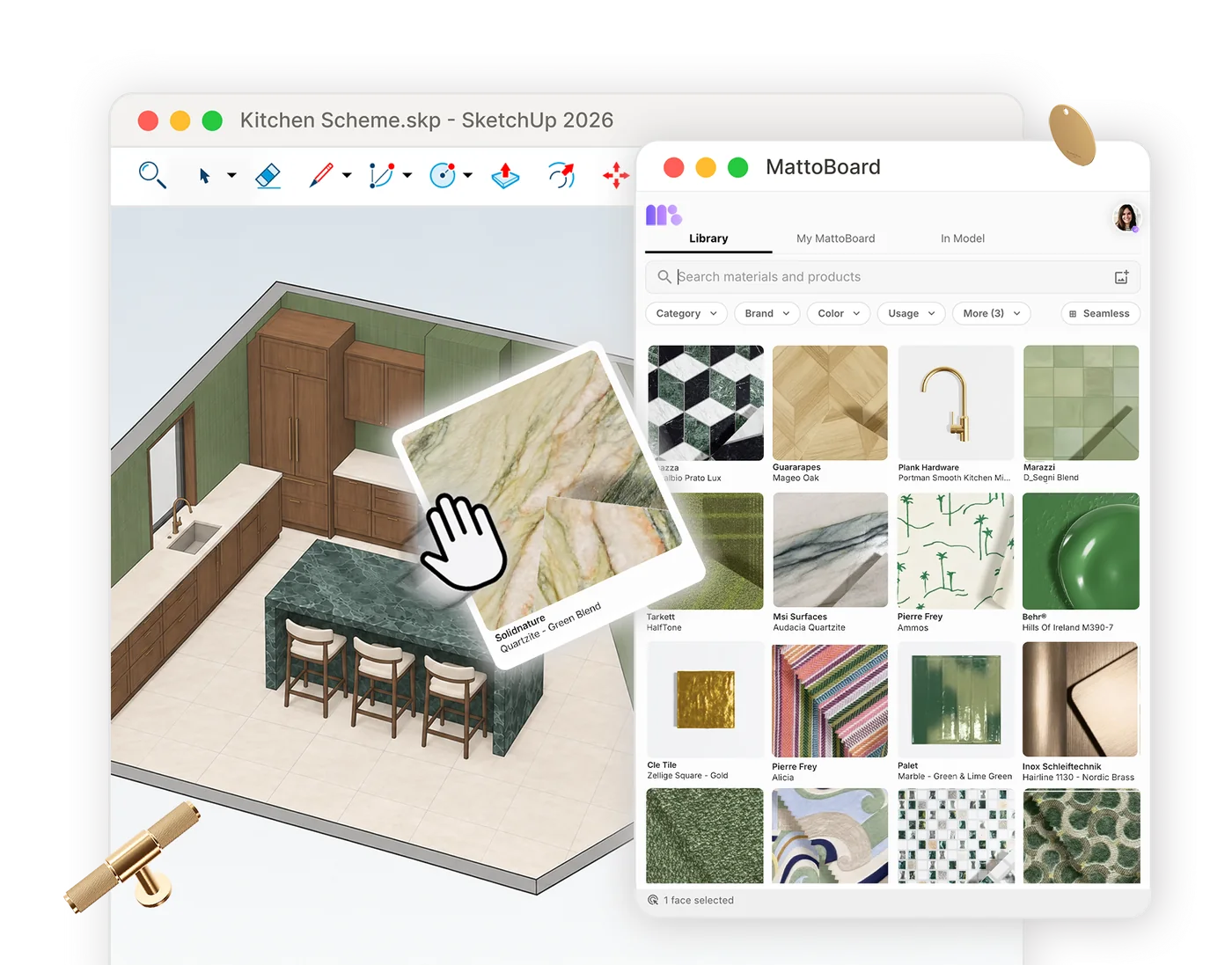
In MattoBoard for SketchUp, apply real materials to your model and send them to boards and schedules.

MattoBoard for SketchUp applying a material in a model

Get started

Generate your first concept with real products

Turn your brief, reference images or a template into editorial-style interior concepts, with matched real products and materials to help bring your vision to life.