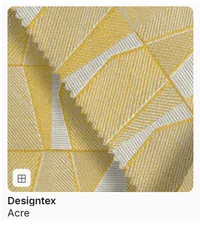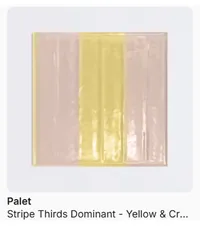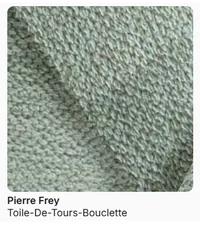

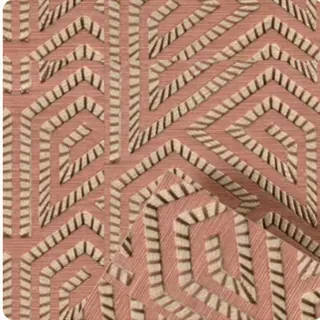























MattoBoard in SketchUp

Real materials and products, right in SketchUp

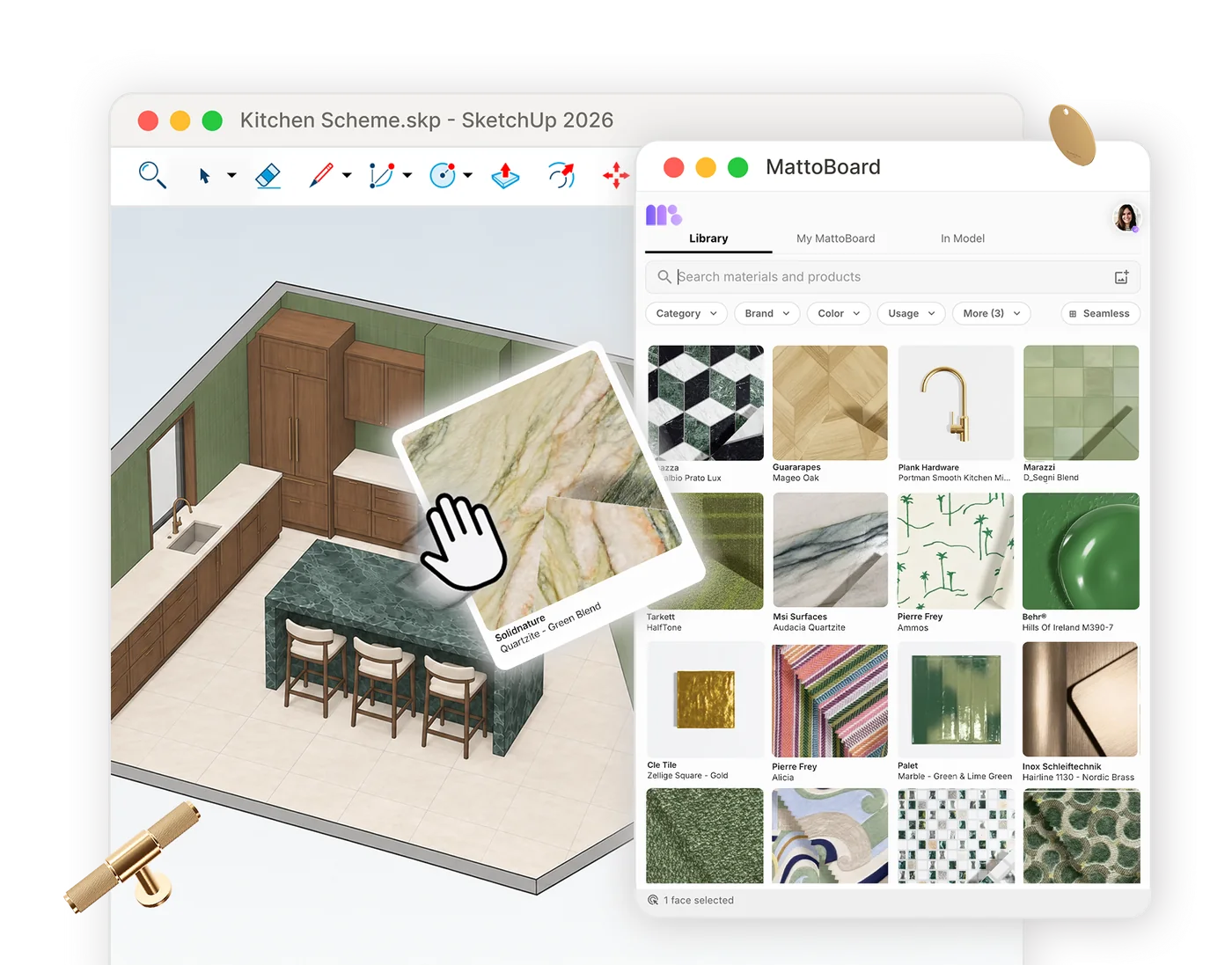
With MattoBoard PRO, search 50,000+ real, sourceable materials and products in your own words, apply them to your model at real-world scale and keep every selection connected to boards, schedules and renders.

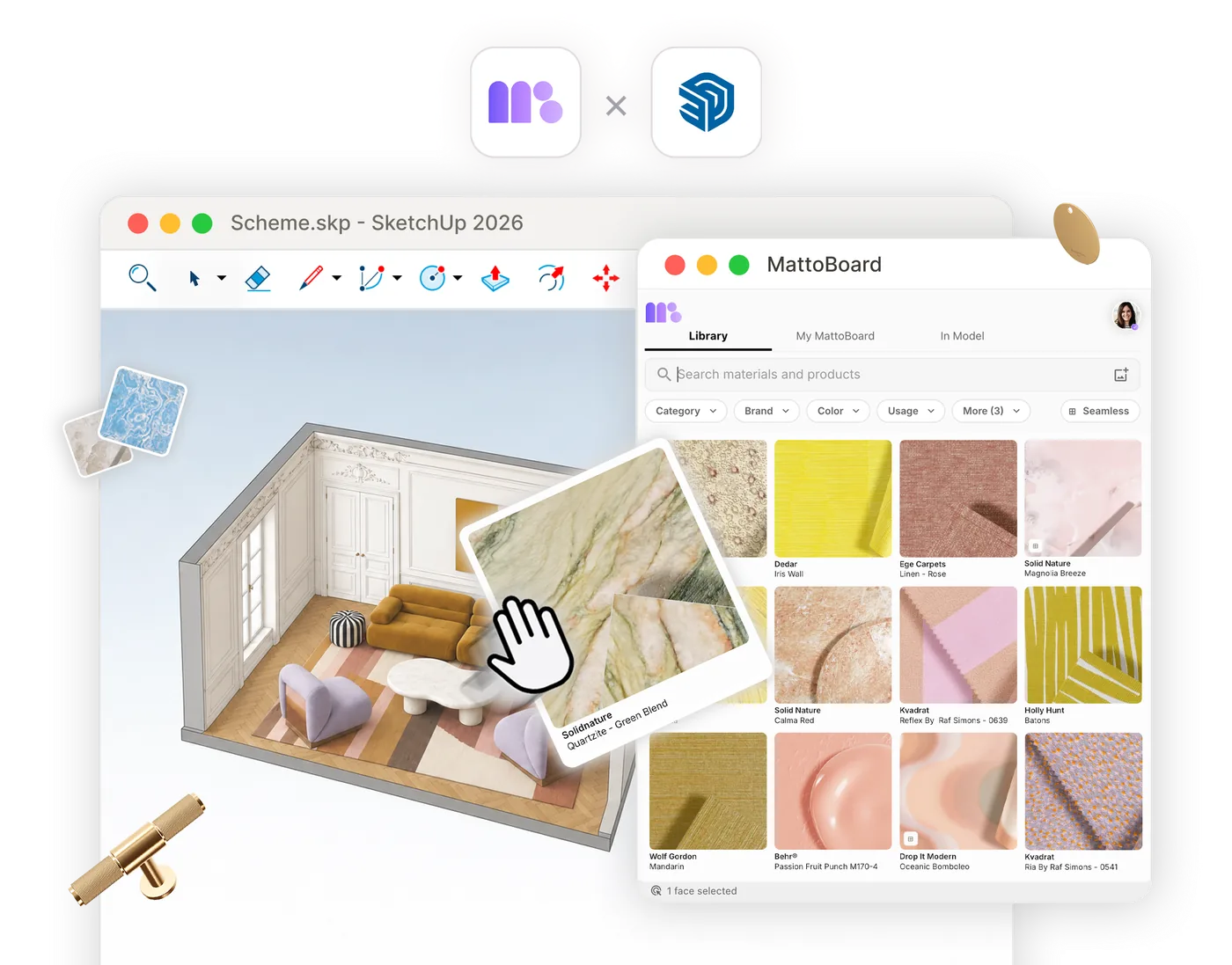
MattoBoard and SketchUp: the MattoBoard extension open beside a SketchUp model, applying a real quartzite to a selected face

Search, test and apply real materials without leaving SketchUp

Stop switching between your model, brand websites and texture downloads. Search real materials in your own words and apply them in SketchUp, knowing each one is a real product you can specify.

“I did the entire project with Sketchup and Mattoboard only. Everyone in the office is very impressed with the results. I can quickly test what works, what doesn’t work. This is actual material that I’m going to use because I know it exists.”

KasiaSenior Interior Designer at Echospace, London, United Kingdom

Design with real materials inside your SketchUp model

Find, preview and apply real products without leaving the model, then carry every decision into MattoBoard.

Apply real PBR materials at real-world scale

Preview any material as a true-to-life 3D virtual sample, then import it in one click with PBR maps at real-world scale and apply it straight to the faces you’ve selected.

3D products, such as a door handle or a mixer tap, arrive as components ready to place, so what you see in the model is something you can source.
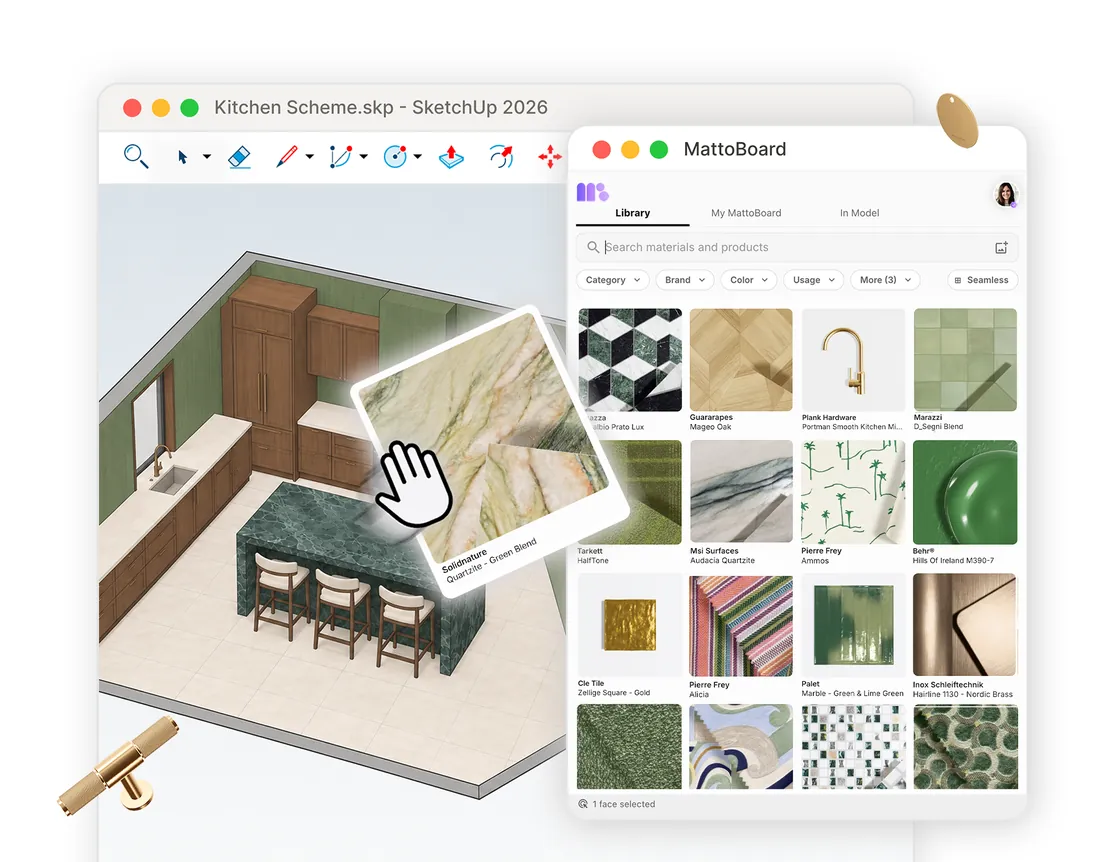
Dragging a real quartzite from the MattoBoard library onto a selected face of a SketchUp kitchen model

Search materials the way you think

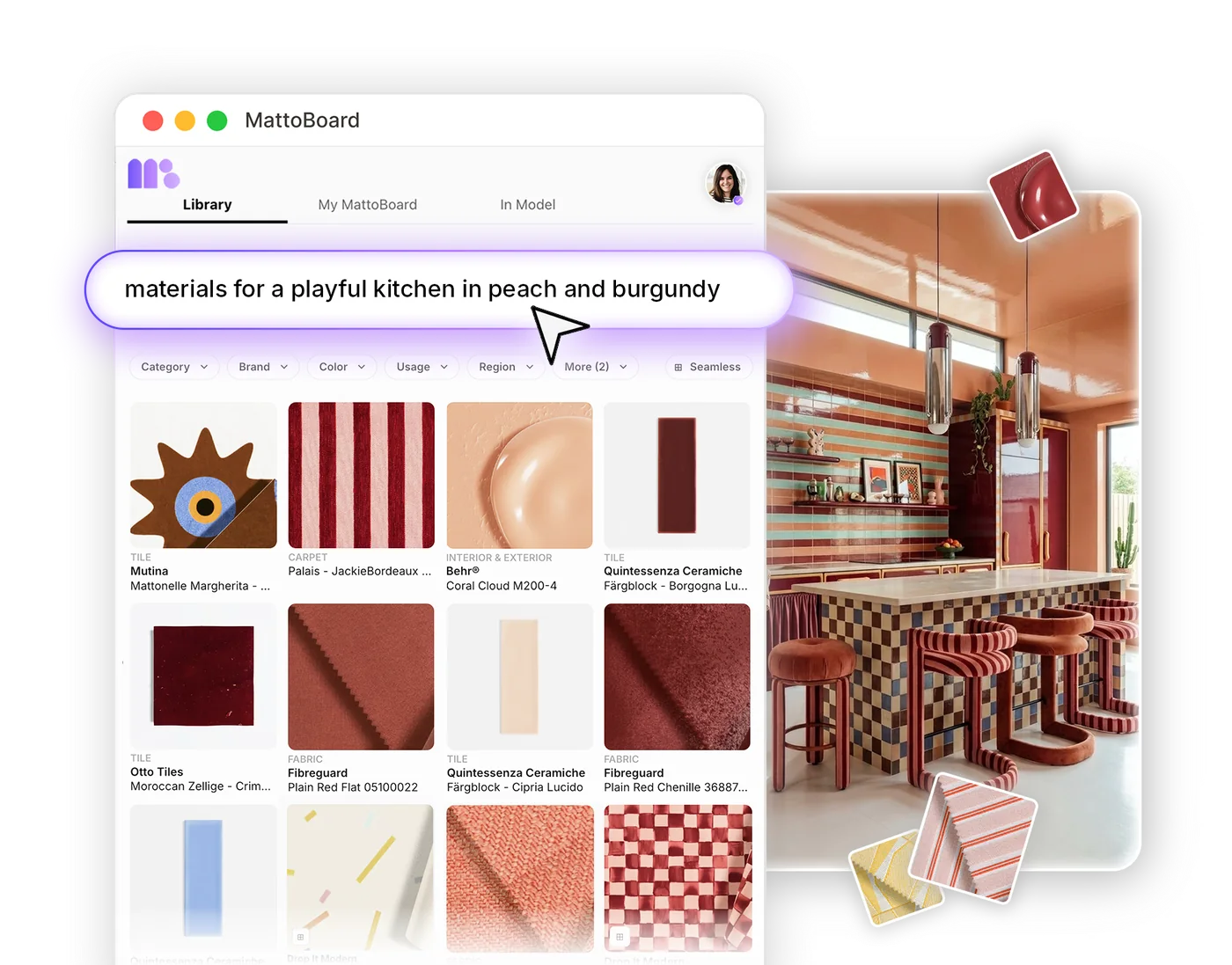
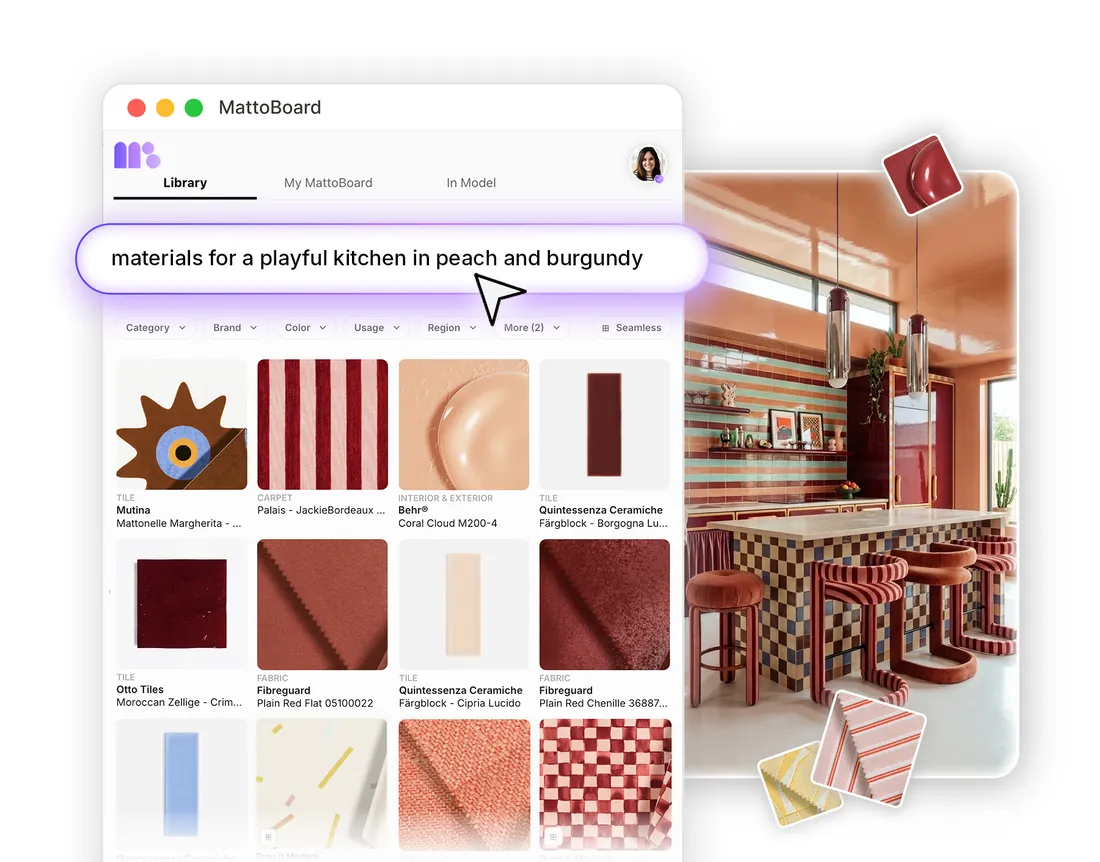
Describe what you need in your own words, such as “natural brass, stone, wood and rattan for a bathroom”, or upload an inspiring interior image to get a matching palette of materials and products.

Refine by category, brand, colour, usage, application, region and price, or use the Seamless filter for textures that tile cleanly across large surfaces.

Searching “materials for a playful kitchen in peach and burgundy” in the MattoBoard SketchUp extension

Your MattoBoard library, with full product specs

Every product comes with specification details, a link to the manufacturer’s website and a way to contact the supplier, with similar products one click away.

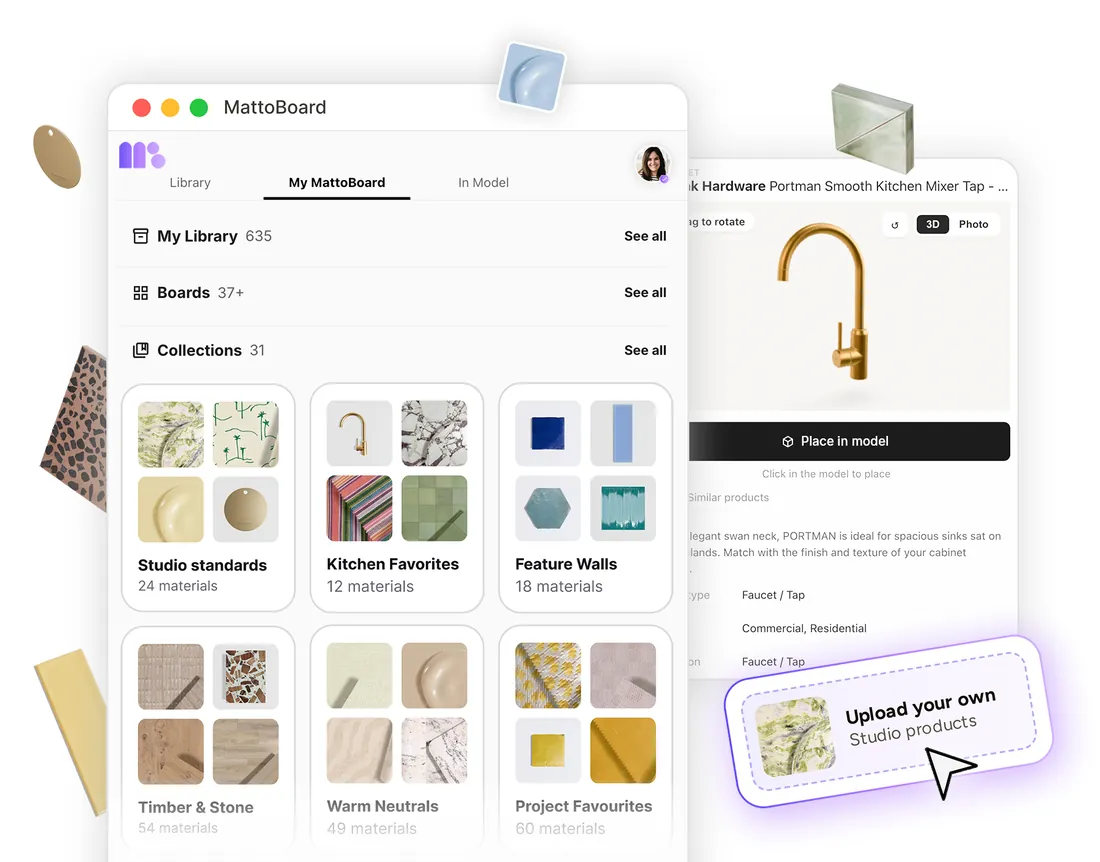
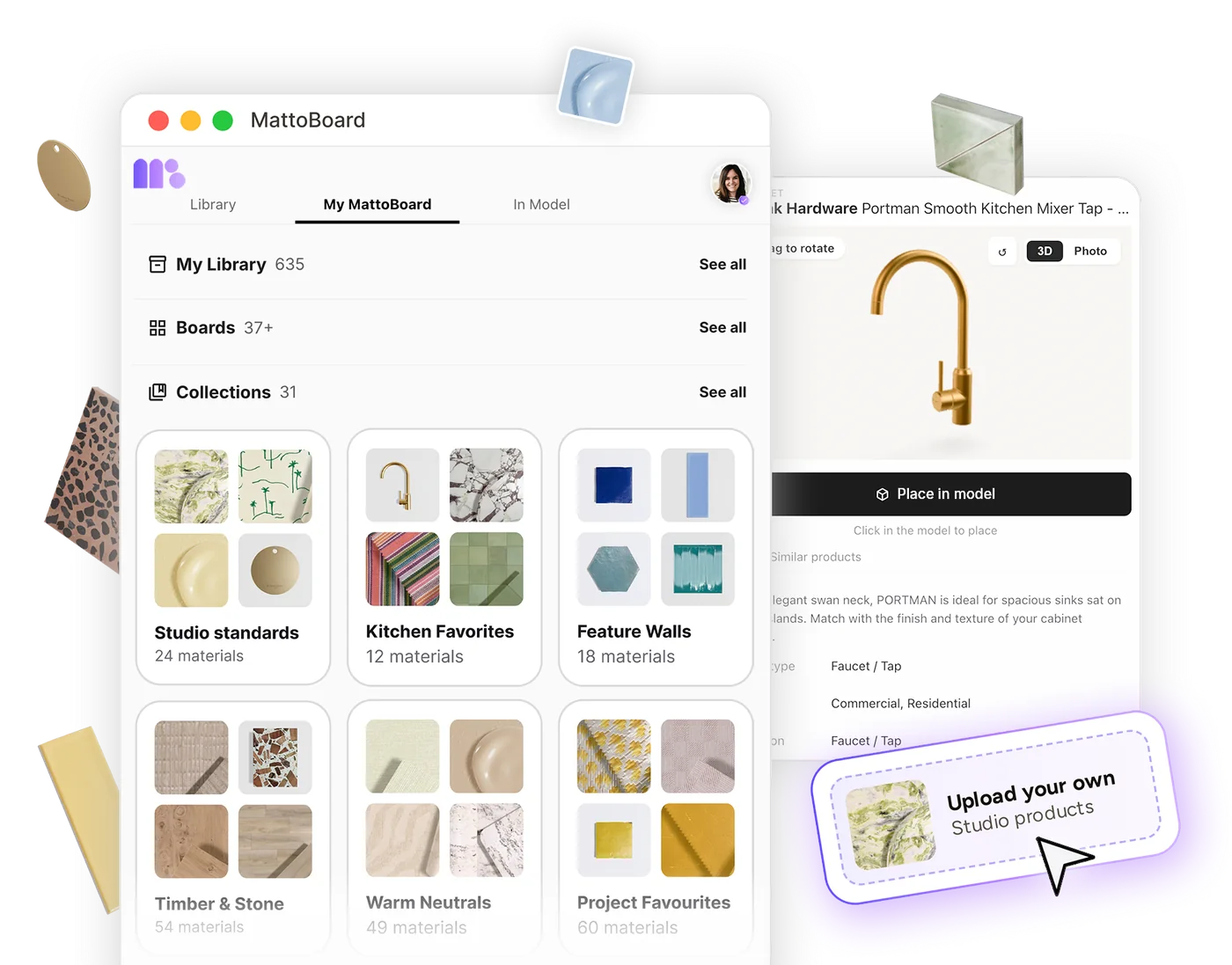
Your boards, collections, FF&E schedules and My Library sit alongside the model, including the materials you’ve uploaded, the paints you’ve mixed and the products you’ve clipped from the web. Save a new find to any of them without leaving SketchUp.

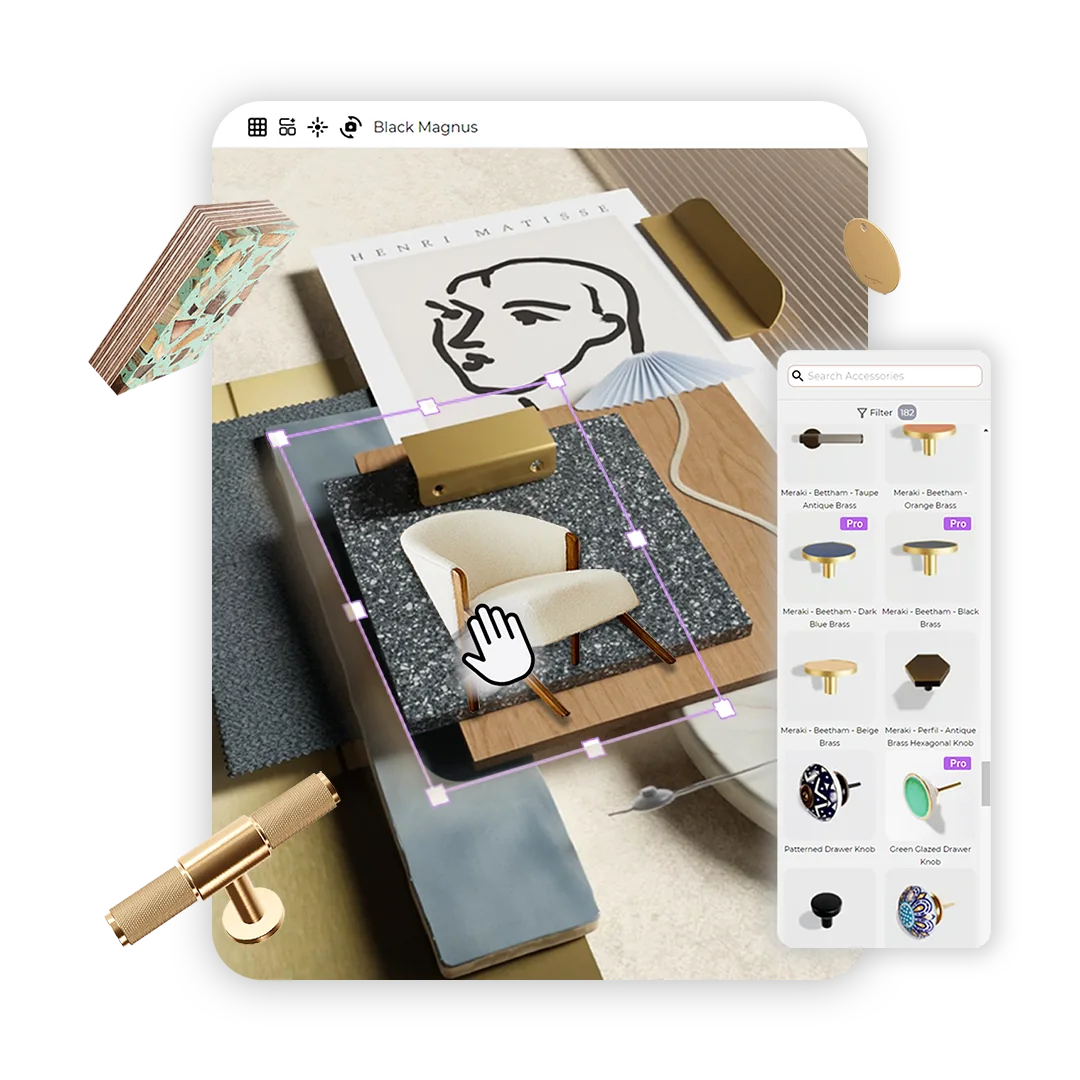
My MattoBoard in SketchUp: My Library, boards and collections, with a mixer tap ready to place in the model

From model to material board and FF&E schedule

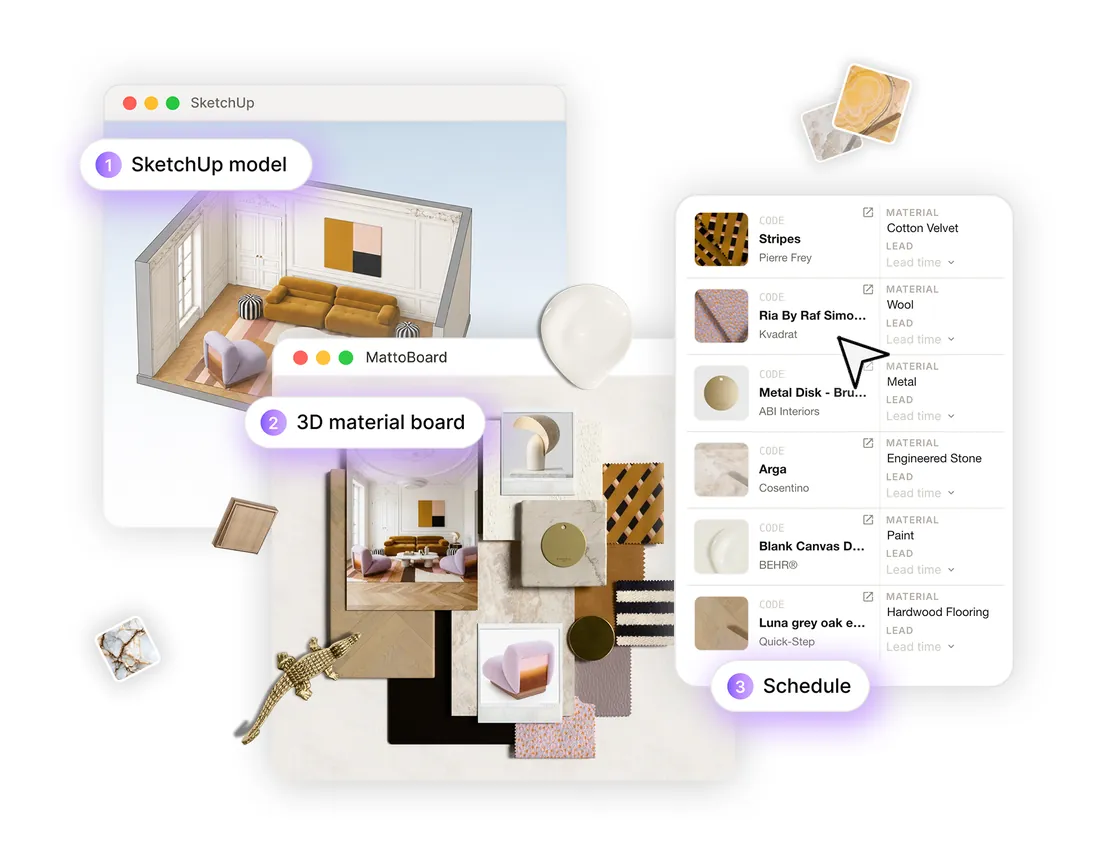
The In Model tab lists every MattoBoard product used in your model. Add them to a collection, send them to a project schedule, or generate a full 3D material board from your model’s selections.

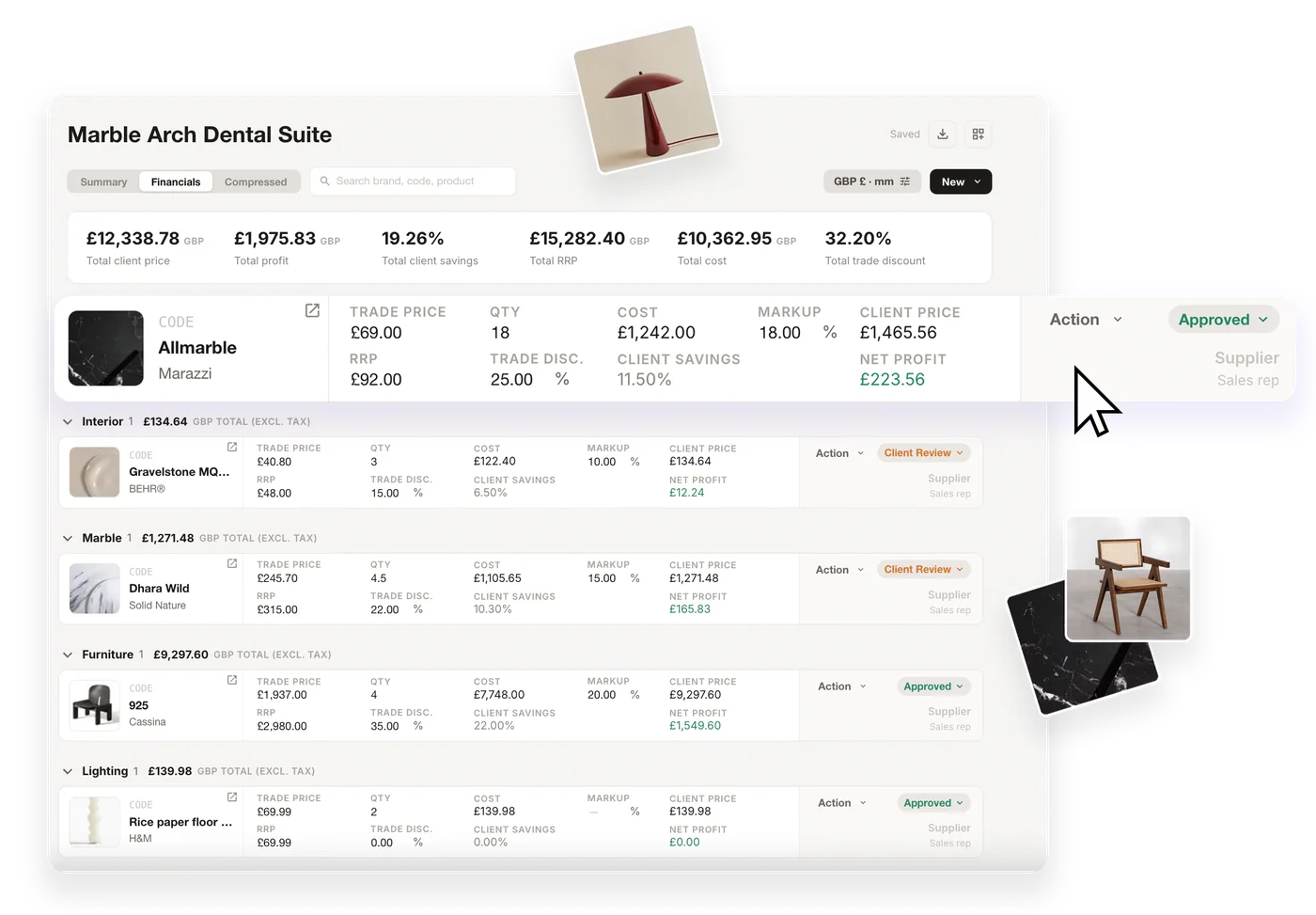
The model, board and schedule stay connected, so the decisions you make in 3D become client-ready work without being repeated.

A SketchUp model, the 3D material board generated from it and the matching FF&E schedule

SketchUp rendering with real materials

Render your SketchUp view or a saved scene without leaving the model, set the mood and lighting, and keep every real material and product linked to the render, ready to share or keep refining on mattoboard.com.

A SketchUp kitchen model with real materials applied from the MattoBoard library and its material board

Where MattoBoard in SketchUp fits in the workflow

Search 50,000+ real materials in your own words or from an image, right inside SketchUp.

Searching real materials in MattoBoard

Save finds to boards, collections and My Library without leaving the model.

Collections and My Library in MattoBoard

Generate a 3D material board from the materials and products in your model.

Arranging a 3D material board in MattoBoard

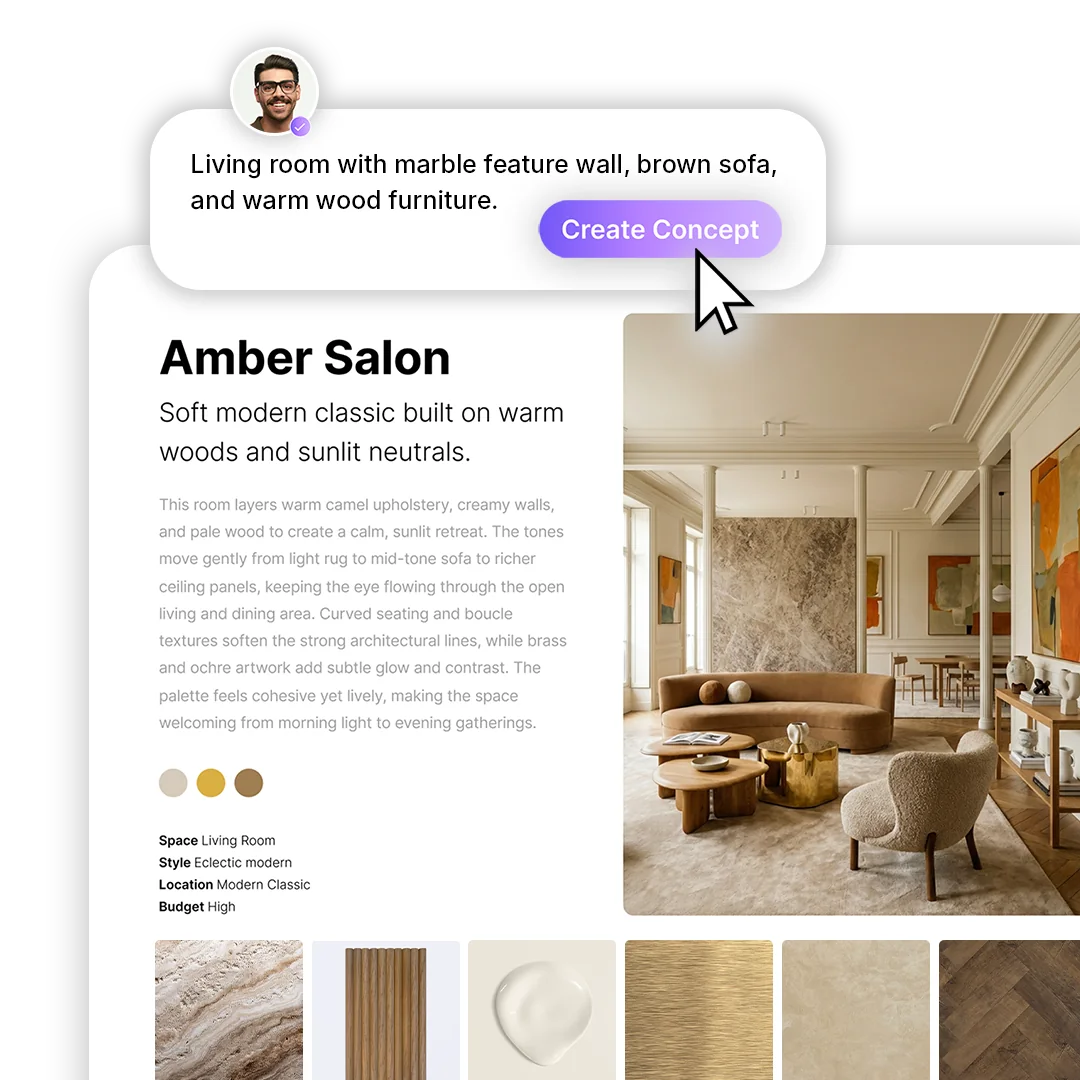
Use a view of your model as the layout for photoreal concepts, close-ups and short videos.

Generating an interior concept in MattoBoard

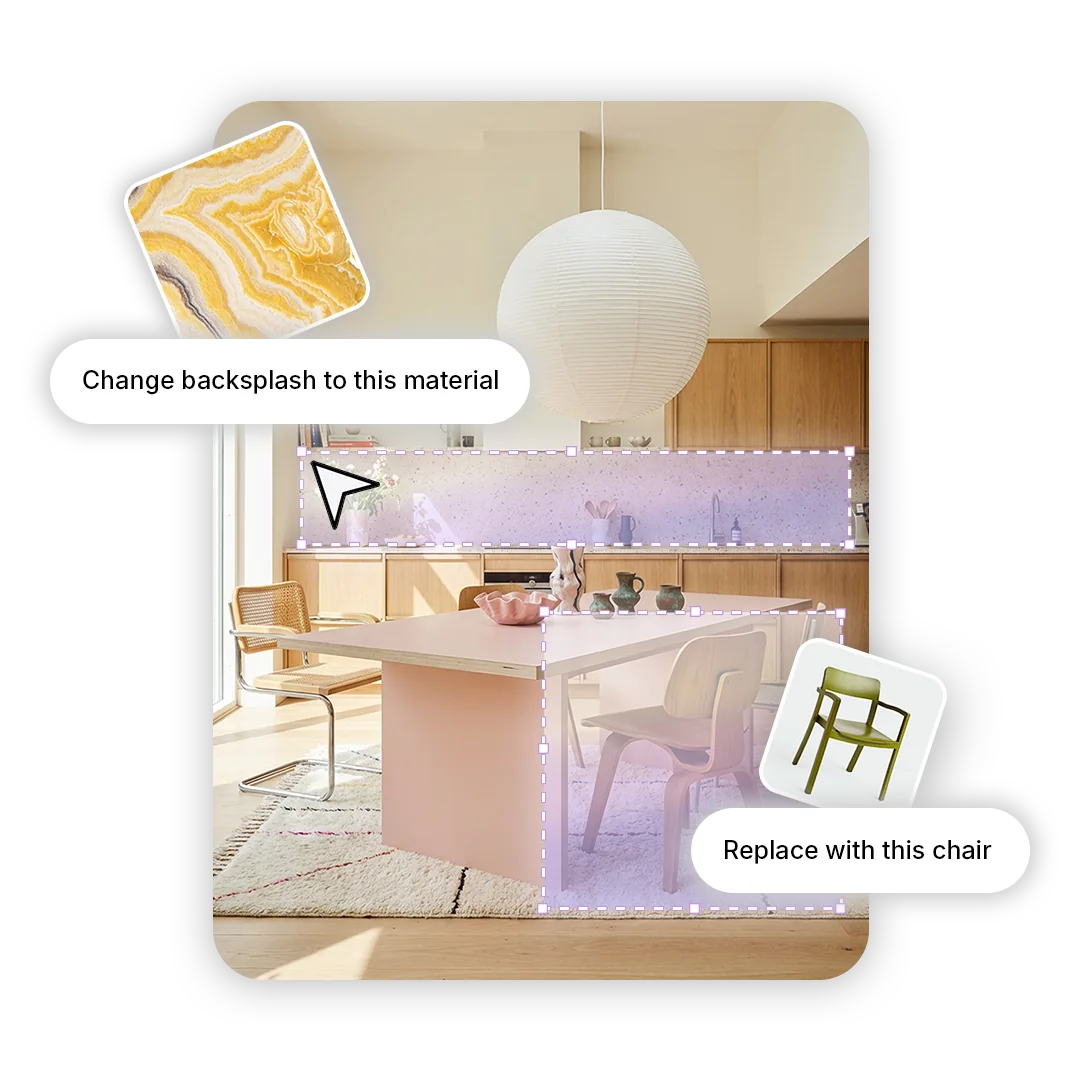
Swap materials and products in images of your model, all with real, specifiable products.

Swapping a material in an interior image in MattoBoard

Send the products in your model to an FF&E schedule.

An FF&E schedule in MattoBoard

Apply real materials to your model, render it and keep every selection connected to MattoBoard.

MattoBoard for SketchUp applying a material in a model

Get started

With MattoBoard PRO, bring real materials into your SketchUp model

Install the extension, search in your own words and design with products you can source.