













For universities
MattoBoard for interior design students
Give your interior design students real materials and products, 3D moodboards and concept tools, in a shared team workspace for your course.
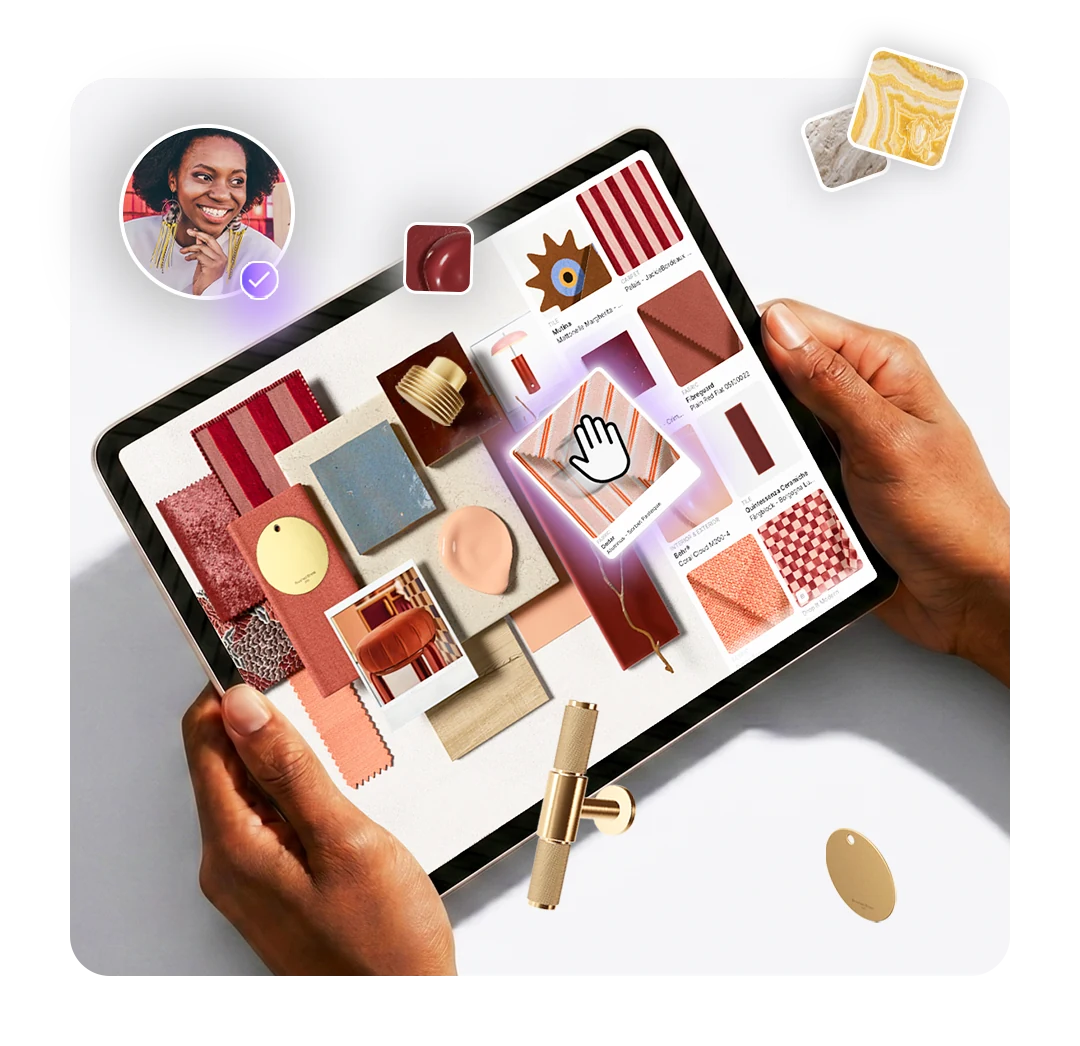
Teach material curation online
Unlock your students’ potential without the limits of physical sampling.
Teach material curation more efficiently
Help students explore, compare and curate materials in one place, making lessons easier to prepare and giving them more time to experiment.
Real products and virtual samples
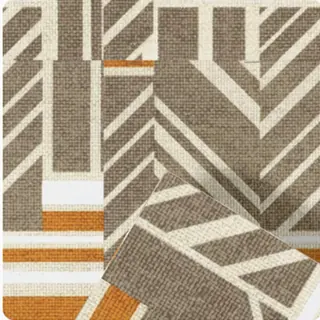
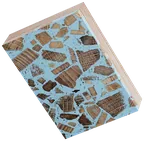
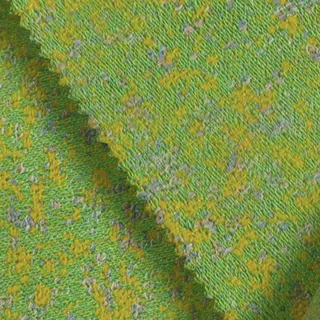
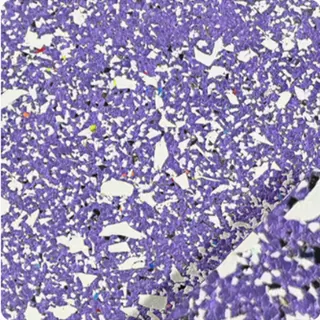
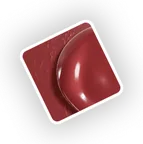
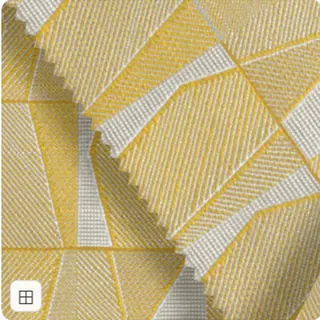
Students explore 50,000+ real materials and products from hundreds of A&D brands as 3D virtual samples.
Stronger student portfolios
Students build 3D material boards, design concepts and schedules with real, specifiable products.
No limits of physical samples
Teach and design without stocking, posting or sharing physical samples, wherever students are.
Start using design tools students will need in the real world
Students work with the same material library and tools designers use in practice.
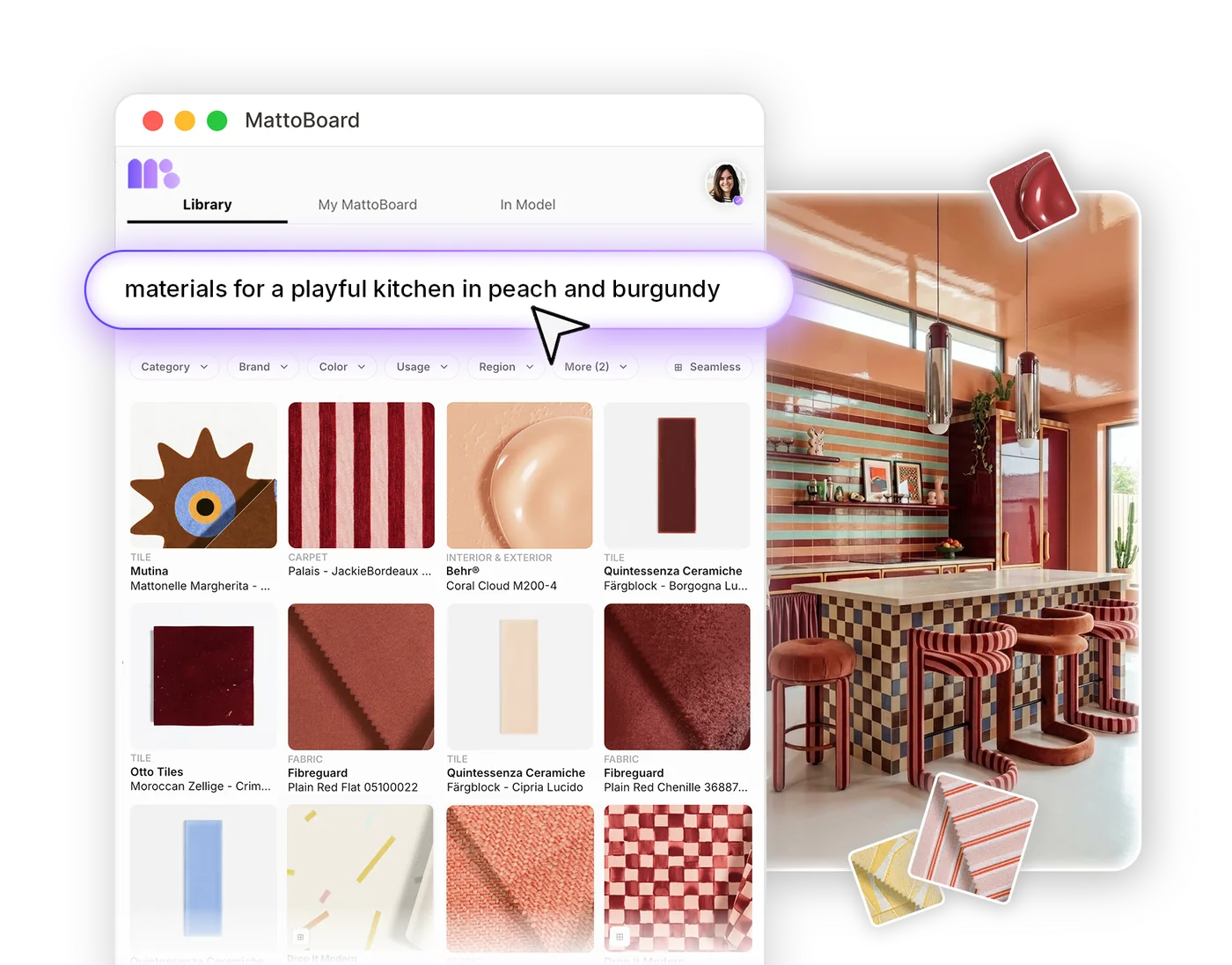
Search a library of real materials
Search 50,000+ real materials and products from hundreds of A&D brands.
Learn more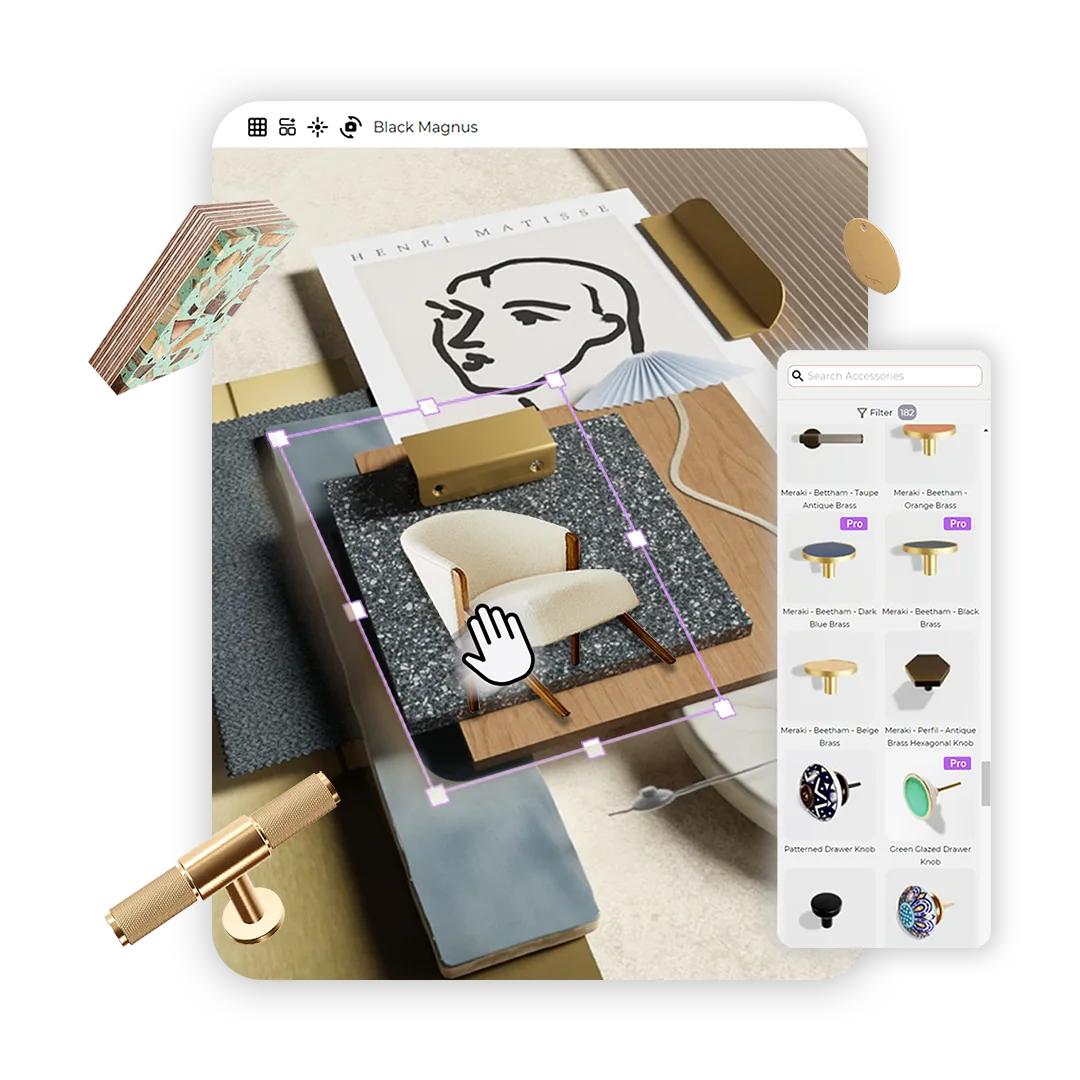
Create 3D moodboards and material boards
Build 3D moodboards with virtual samples that show light, gloss and texture.
Learn more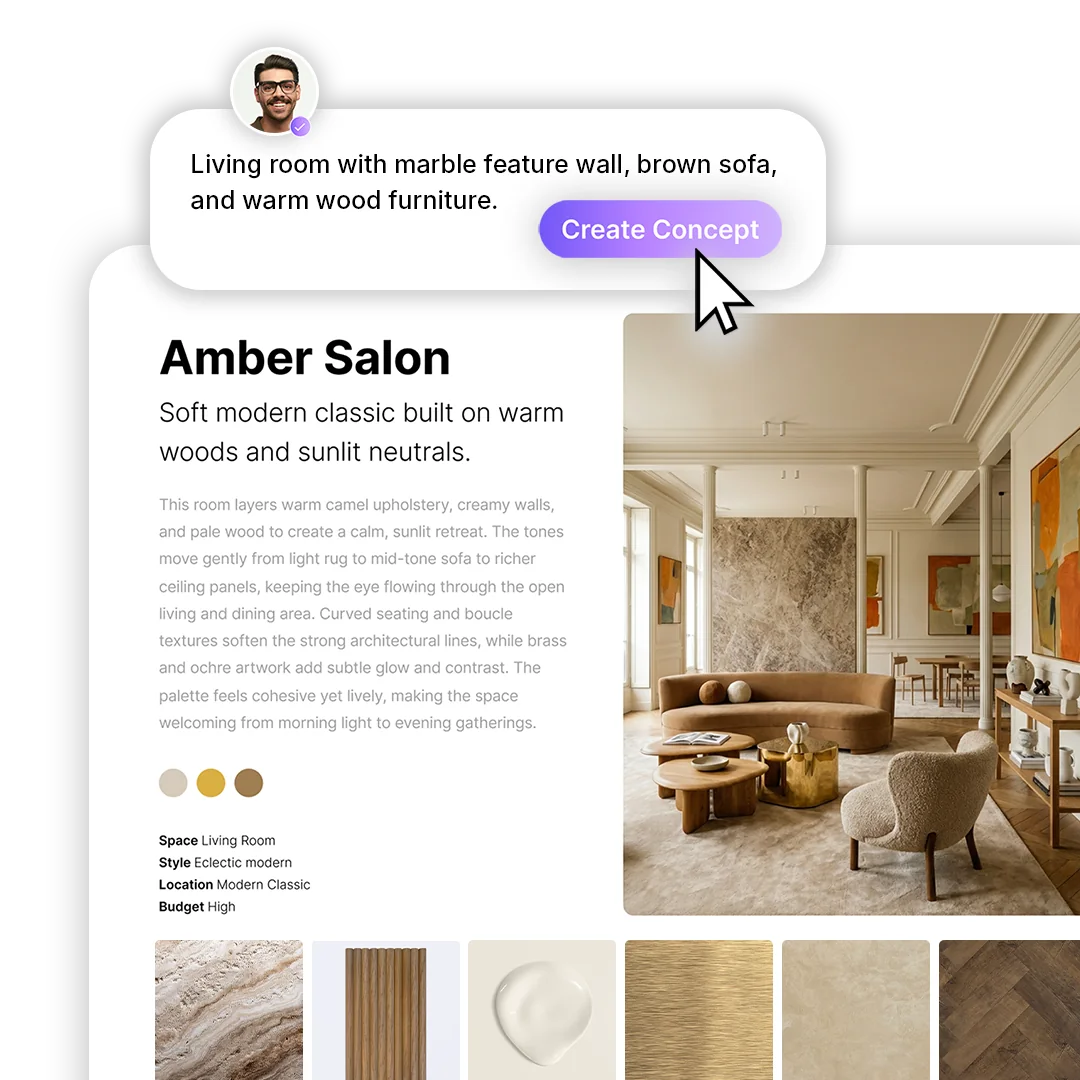
Develop design concepts
Turn a brief, an inspiration image or a plan into editorial-style concepts with real products.
Learn more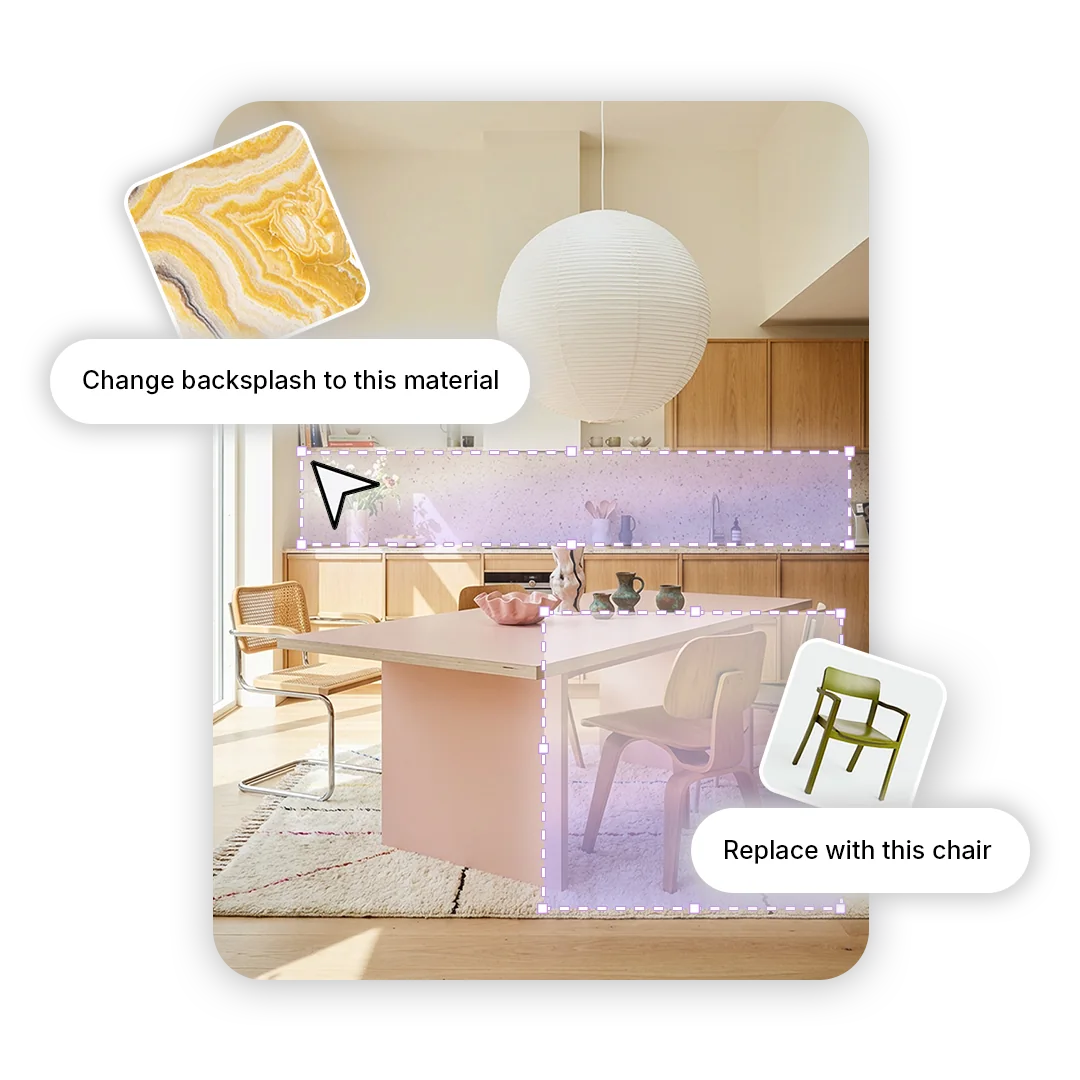
Edit interior images
Swap materials and products in an image to test design ideas quickly.
Learn more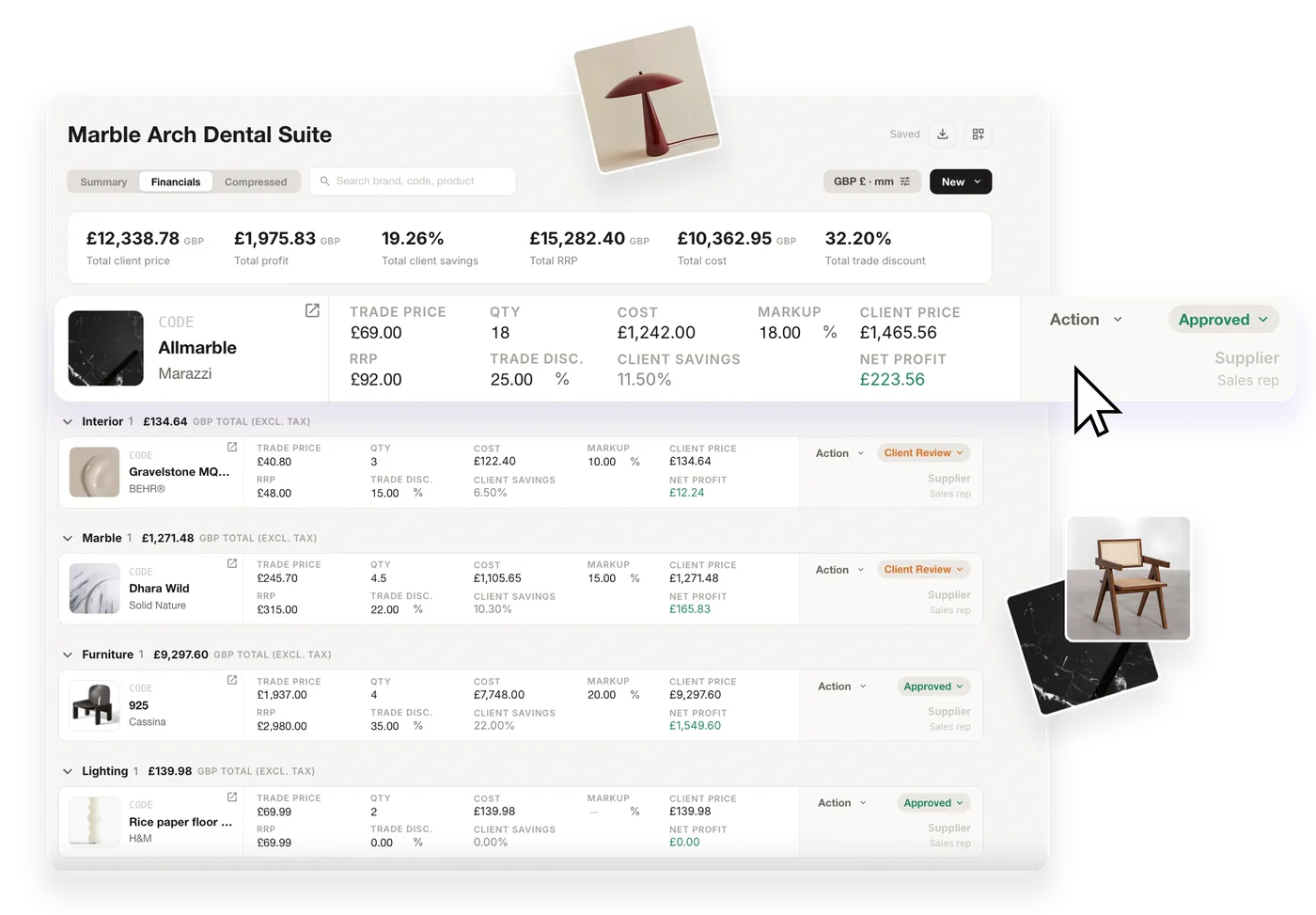
Organise student projects
Keep boards, concepts, collections and schedules together in each project.
Learn more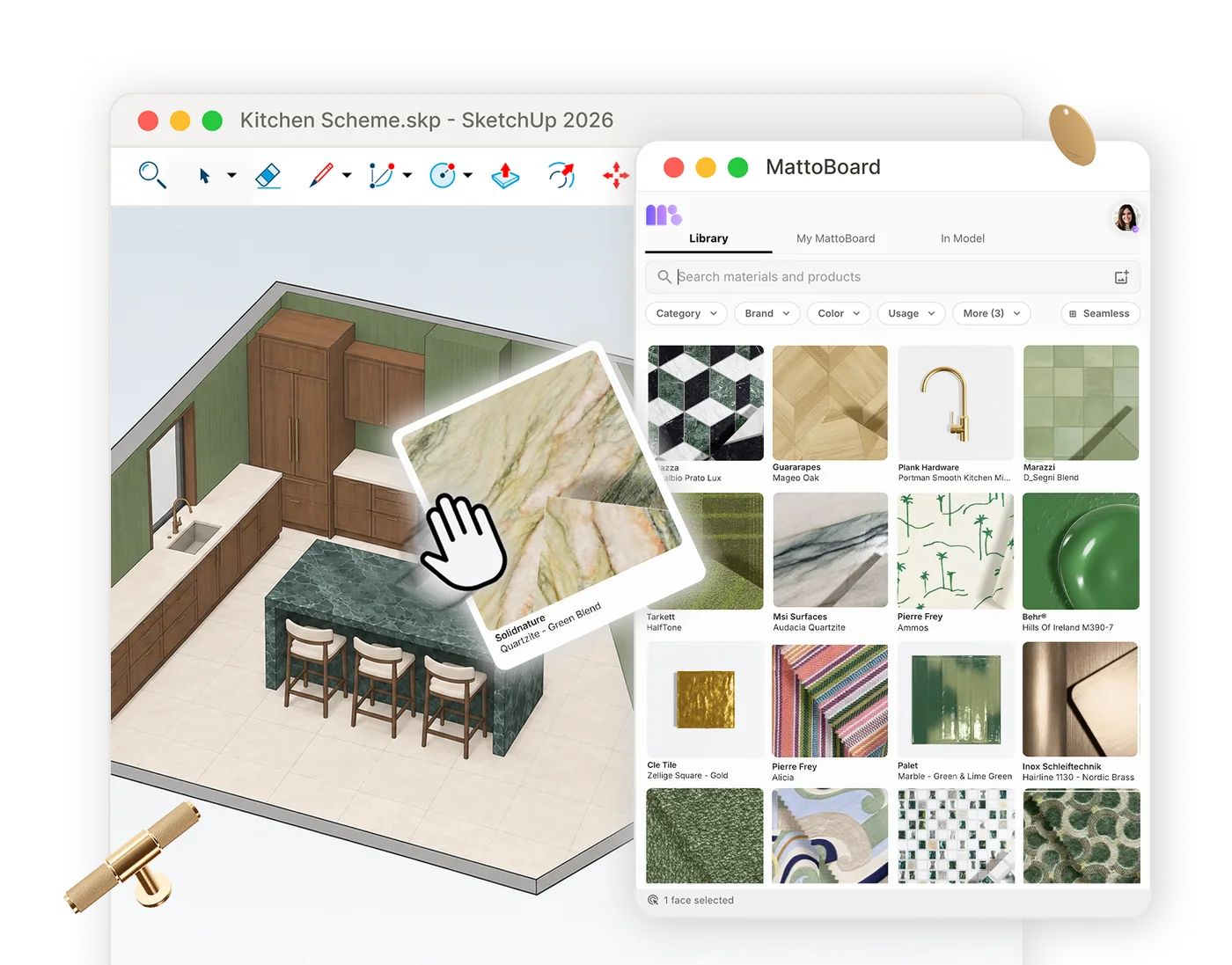
Apply real materials in SketchUp
Apply real materials and products to SketchUp models with the MattoBoard extension.
Learn more
A shared workspace for your student cohort
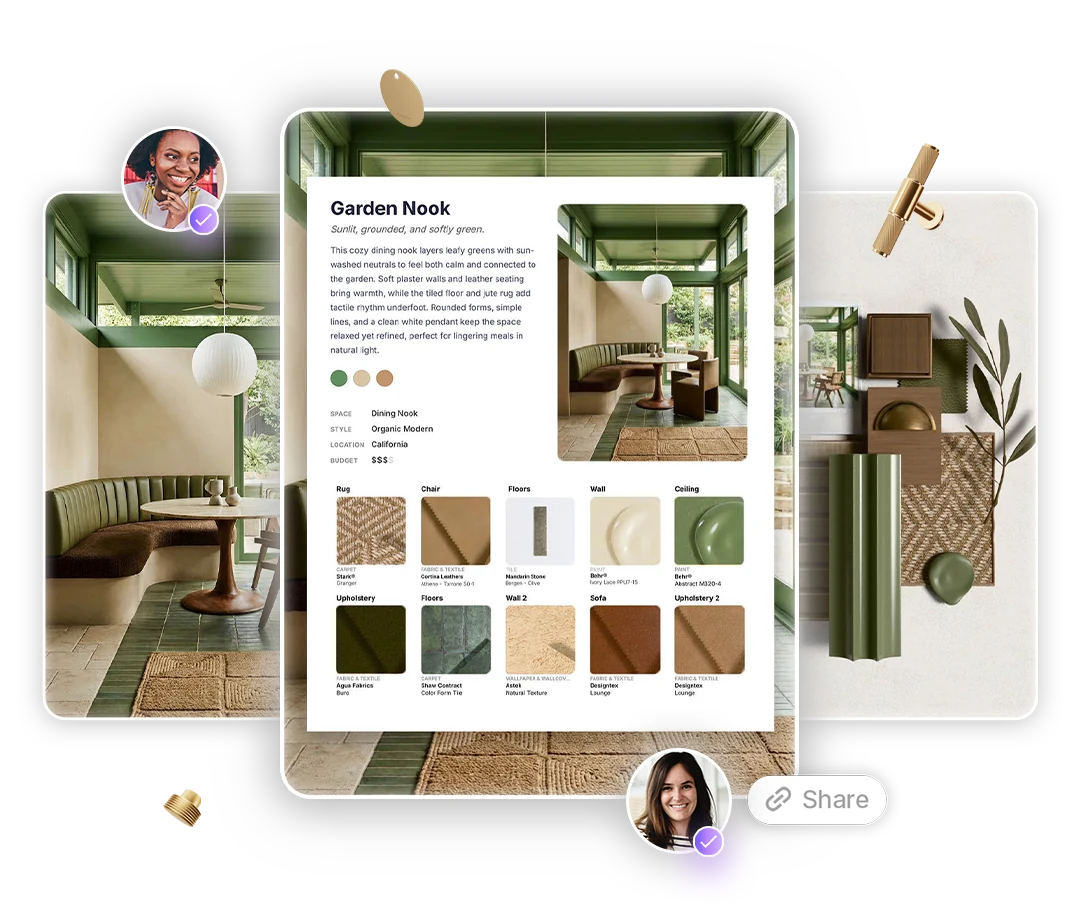
We can arrange MattoBoard Pro Teams access for your course. Students join a team workspace with MattoBoard’s design tools and a shared Studio Library.
- A shared Studio Library of materials and products for every student on the course.
- Students share supported work with view or edit permissions.
- Student work stays private until they choose to share it.
MattoBoard access for your students
Inquire about access for your students
Frequently asked questions
Who is MattoBoard for universities for?
Interior design courses at universities. Programme leads, professors and educators can arrange MattoBoard access for a student cohort.
How do students get access?
We arrange MattoBoard Pro Teams access for your cohort. Tell us about your course and student numbers, and we coordinate student invitations and access with you.
Is student work private?
Yes. Work in the team workspace stays private until a student chooses to share it, with view or edit permissions.
How are access periods and pricing arranged?
Access periods, seat numbers and pricing are arranged with our team for each university. Send us an enquiry and we’ll discuss a suitable arrangement.
Can students use MattoBoard in SketchUp?
Yes. MattoBoard for SketchUp is available on the SketchUp Extension Warehouse, so students can apply real materials and products to their SketchUp models.